PRS-505.GB.3-277-508-11(1)
Press / to select how to open the book, then
press Enter.
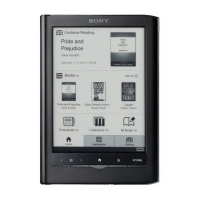
The Book page screen appears.
While an audio file is played, the volume indicator
appears at the bottom of the screen.
Hint
• To stop playback, press MENU 3 times to return to the Home
menu, select “Now Playing” using / and Enter, then press Enter
on the Playback screen.
58




 To Next Page