PRS-505.GB.3-277-508-11(1)
Setting the Sleep Mode (Resume
Function)
You can set the Reader to automatically enter sleep mode.
In sleep mode, the Reader automatically turns off if no
operation is performed for 60 minutes (resume function).
In the Home menu, press / to select “Settings,”
then press Enter.
The Setting menu appears.
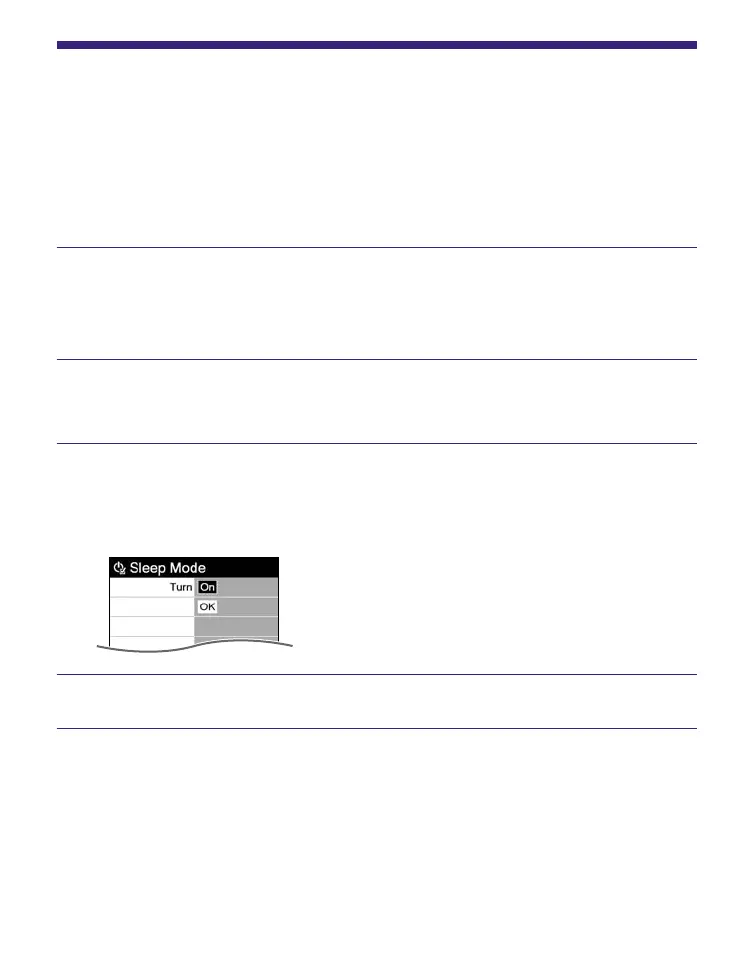
Press / to select “Sleep Mode,” then press Enter.
The Sleep Mode setting screen appears.
Press Enter repeatedly to select “Off,” or “On.”
Off: The Reader does not go into sleep mode.
On: The Reader automatically enter sleep mode.
Press / to select “OK,” then press Enter.
Continued
65















 To Next Page