PRS-505.GB.3-277-508-11(1)
Creating a bookmark on a page
You can create a bookmark on a page you may wish to
return to.
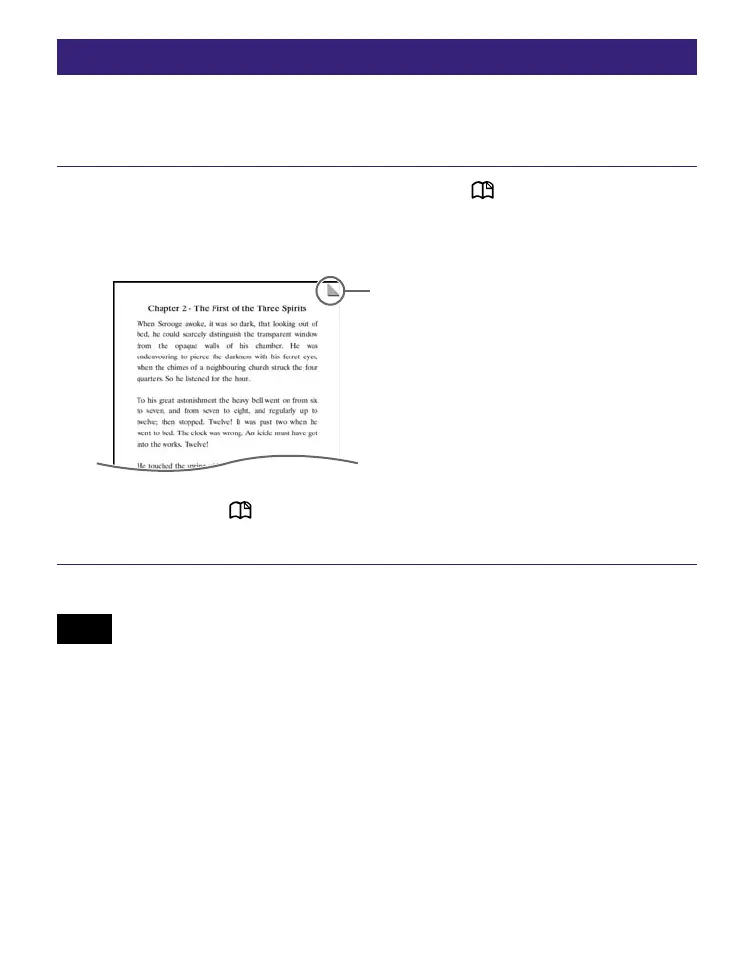
On the Book page screen, press (MARK) on the
desired page.
The mark appears in the top right corner of the page.
Bookmark
If you press (MARK) again, the bookmark will be
removed.
Note
• When creating a bookmark, the Reader records the current page
and the current page scale. Therefore, even on the same page, if
the scale is switched and another bookmark created, the
bookmarks will be stored at their respective scales.
Continued
50















 To Next Page