PRS-505.GB.3-277-508-11(1)
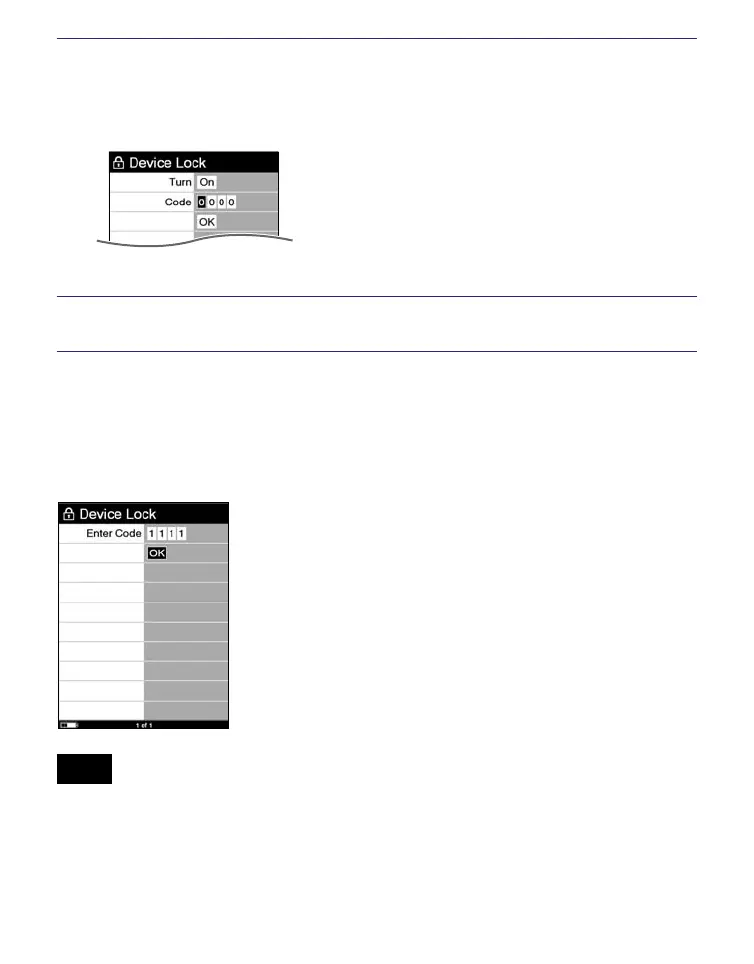
Press // to select “Code,” then press the
number buttons to input the password.
The 4-digit password is set.
Press /// to select “OK,” then press Enter.
Once the password is set, next time you turn on the Reader,
the screen asking for the password appears.
Press the number buttons to input the password, press to
select “OK,” then press Enter.
Note
• Be careful not to forget the password.
If you lost your password, please call Sony Support Center.
68















 To Next Page