35
Seven Basic Operations — Getting to Know Your DVD Recorder
6. Labelling and Protecting
a Disc
You can execute options effective for the entire
disc using the Disc Information display.
1 Insert a disc.
See “Inserting a Disc” on page 26.
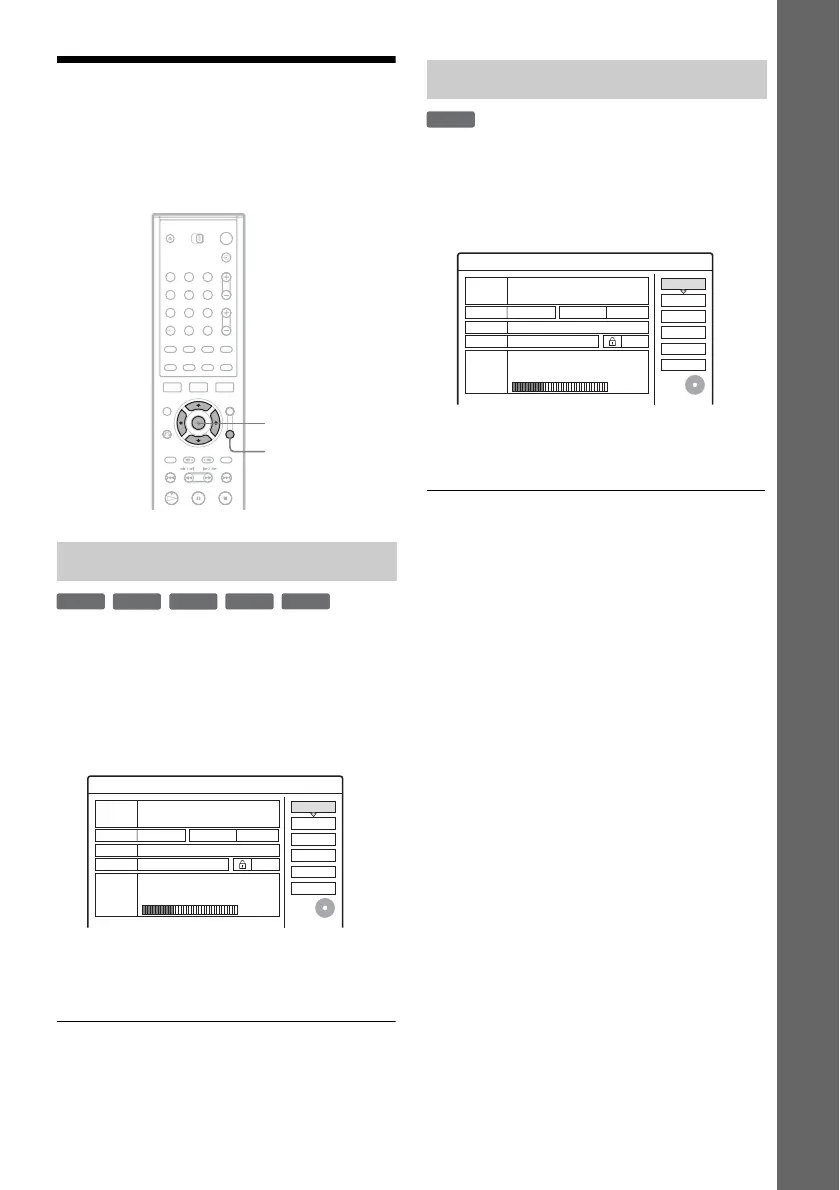
2 Press TOOLS to select “Disc Info,” and
press ENTER.
Example: When the inserted disc is a DVD-
RW (VR mode).
3 Select “Disc Name,” and press ENTER.
Enter the disc name in the “Input Disc Name”
display (page 33).
b Note
You can enter up to 64 characters for a DVD’s disc name.
The disc name may not appear when the disc is played on
other DVD equipment.
1 Insert a disc.
See “Inserting a Disc” on page 26.
2 Press TOOLS to select “Disc Info,” and
press ENTER.
3 Select “Protect Disc,” and press ENTER.
4 Select “Protect,” and press ENTER.
To cancel the protection
Select “Don’t Protect” in step 4.
z Hint
You can set protection for individual titles (page 68).
Labelling a disc
123
456
789
0
TOOLS
</M/m/,,
ENTER
+
RW
-
RWVR
-
RW
Video
-
R
+
R
Off
Format
Disc Name
Disc Information
DiscName
Media DVD-RW Format VR
Title no. / Playlist 2
2. 3 / 4. 7
Close
Erase All
Finalise
HQ : 0H30M HSP : 0H45M SP : 1H00M
LSP : 1H15M LP : 1H30M EP : 2H00M
SLP : 3H00M SEP : 4H00M
Remainder
Date
13.10.2005 ~ 28.10.2005
Original 3
GB
Protect Disc
Protecting a disc
-
RWVR
Off
Format
Disc Name
Disc Information
DiscName
Media DVD-RW Format VR
Title no. / Playlist 2
2. 3 / 4. 7
Close
Erase All
Finalise
HQ : 0H30M HSP : 0H45M SP : 1H00M
LSP : 1H15M LP : 1H30M EP : 2H00M
SLP : 3H00M SEP : 4H00M
Remainder
Date
13.10.2005 ~ 28.10.2005
Original 3
GB
Protect Disc



 To Next Page