62
Searching for a Title/
Chapter/Track, etc.
Each chapter is displayed as a thumbnail. You can
search for the desired scene visually.
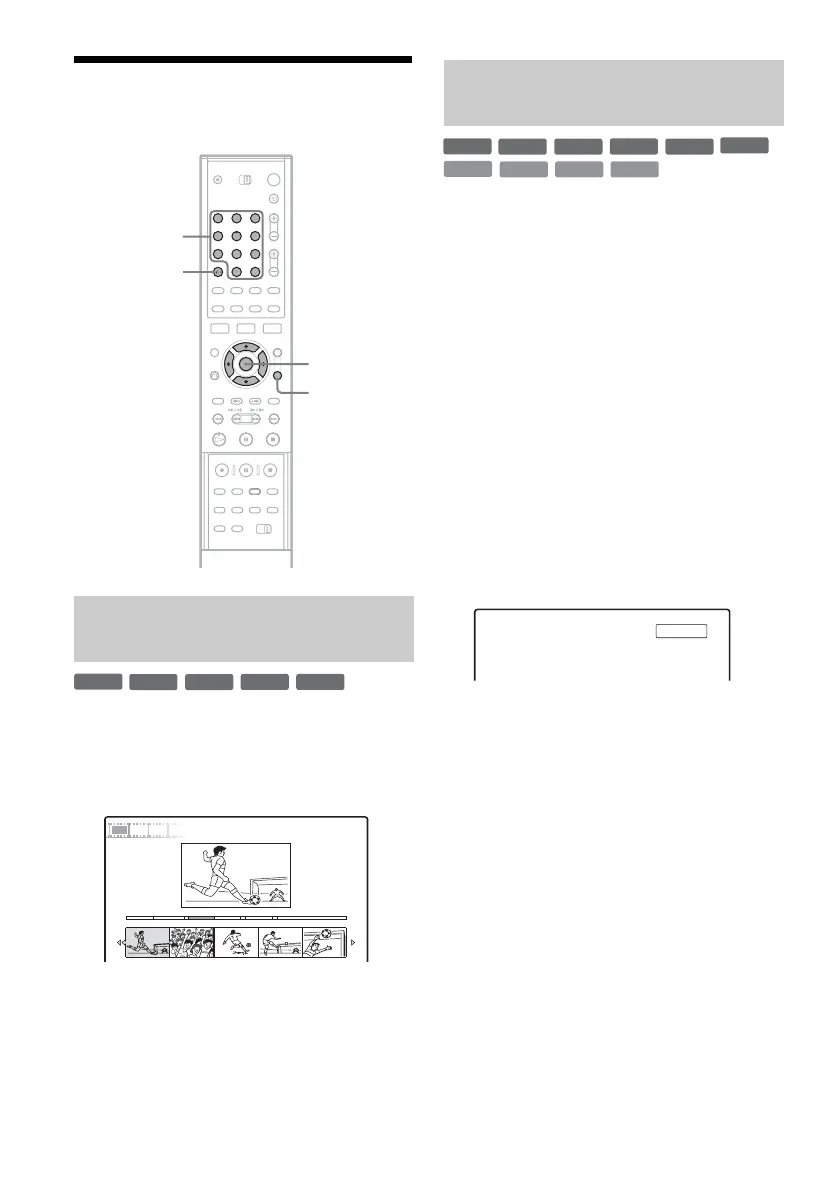
1 Press TOOLS during playback to select
“Visual Search,” and press ENTER.
2 Select a scene using </,, and press
ENTER.
Playback of the selected scene is started.
You can search a disc by title, chapter, scene or
track. As titles and tracks are assigned individual
numbers, select the title or track by entering its
number. You can also search for a scene using the
time code.
1 Press TOOLS during playback to select a
search method, and press ENTER.
“Title Search” (for DVDs)
“Chapter Search” (for DVDs)
“Track Search” (for CDs/DATA CDs)
“Search” (for VIDEO CDs)
“Album Search” (for DATA DVDs/DATA
CDs)
“Time Search” (for DVDs): Searches for a
starting point by entering the time code.
“File Search” (for DATA DVDs/DATA CDs)
The display for entering the number appears.
Example: Title Search
The number in parentheses indicates the total
number of titles, tracks, etc.
2 Press the number buttons to select the
number of the title, chapter, track, time
code, etc., you want.
For example: Time Search
To find a scene at 2 hours, 10 minutes, and 20
seconds, enter “21020.”
If you make a mistake, press CLEAR to
cancel the number, then select another
number.
3 Press SET.
The recorder starts playback from the selected
number.
Searching by Thumbnail (Visual
Search)
123
456
789
0
TOOLS
Number
buttons, SET
CLEAR
</M/m/,,
ENTER
+
R
-
RWVR
-
RW
Video
+
RW
-
R
9 World Sports
VISUAL SEARCH
4(30)
0:12:45
Chapter
Searching by title number or time
code
+
R
DVD
VCD
CD
DATA CD
-
RWVR
-
RW
Video
+
RW
-
R
DATA DVD
: -- (21)Title



 To Next Page