73
Erasing and Editing
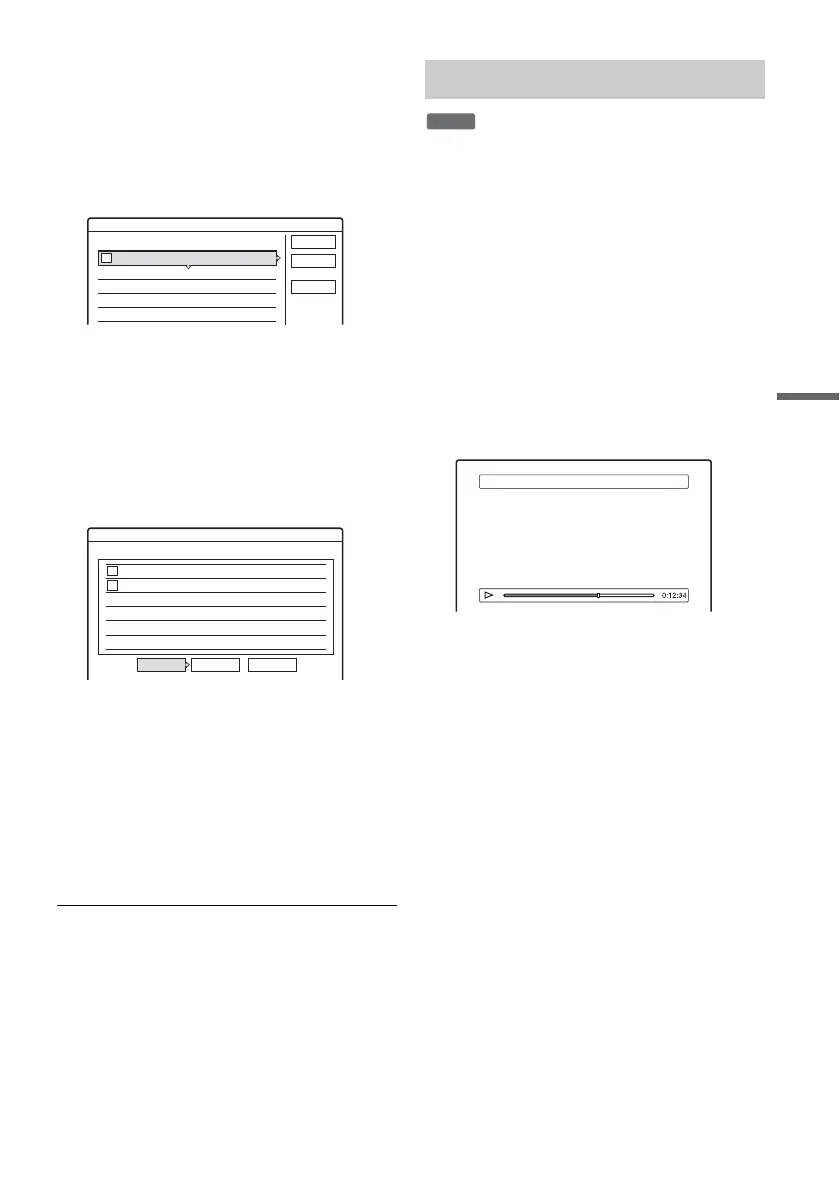
2 Press TOOLS to select “Combine,” and
press ENTER.
The display for selecting titles appears.
3 Select a title, and press ENTER.
A number indicating the order in which you
selected the title appears.
To cancel the selection, press ENTER again.
4 Repeat step 3 to select all of the titles you
want to combine.
To cancel all of the selections, select “Reset
All.”
5 Select “OK,” and press ENTER.
The list of titles to be combined appears.
To change the selection, select “Change” and
go to step 3.
6 Select “OK,” and press ENTER.
The display for selecting a title name from
among the selected titles appears.
To enter a new name, select “Enter Text,” and
follow the explanations on page 33.
To change the selection, select “Change” and
go to step 3.
7 Select a name, and press ENTER.
The titles are combined.
b Note
When the number of chapters in the title to be combined
exceeds the limit, the chapters at the end are combined
into a single chapter.
You can divide a Playlist title.
1 Press TITLE LIST.
Press TOOLS and select “Playlist” from the
TOOLS menu to switch the Title Lists, if
necessary.
2 Select a title, and press ENTER.
The sub-menu appears.
3 Select “Divide,” and press ENTER.
The display for setting the dividing point
appears. The title starts to play in the
background.
• To return to the beginning of the title, press
X and then press ..
4 Select the dividing point by pressing m/
M, and press ENTER.
The display asks for confirmation.
• To change the dividing point, select
“Change.”
5 Select “OK,” and press ENTER.
The display for entering the title name
appears.
• To use the same title name as before, select
“No.”
6 Select “Yes,” and press ENTER to enter a
new name.
Follow the explanations on page 33. After you
enter a new name, the title is divided in two.
4 Yacht 25. 9
3 Cruising 25. 9
2 Journey 17. 9
1 Vacation 15. 9
Combine
Select the titles to combine.
Cancel
Reset All
OK
1
4 Yacht 25. 9
3 Cruising 25. 9
Combine
Combine the titles in the following order.
OK Change Cancel
2
1
Dividing a Playlist title (Divide)
-
RWVR
Divide 1 Vacation



 To Next Page