87
Settings and Adjustments
Easy Setup
(Resetting the Recorder)
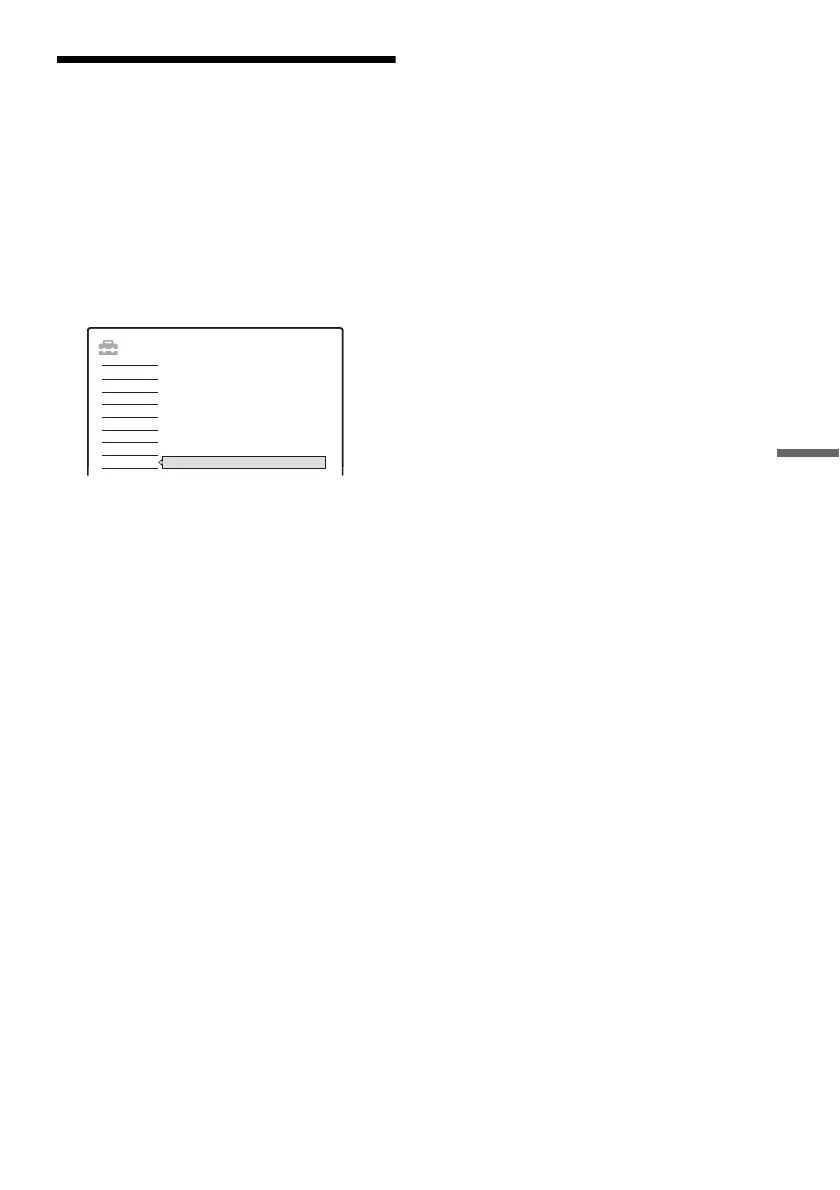
Select this to run the “Easy Setup” programme.
1 Press SYSTEM MENU while the recorder is
in stop mode.
2 Select “SETUP,” and press ENTER.
3 Select “Easy Setup,” and press ENTER.
4 Press ENTER.
5 Select “Start.”
6 Follow the instructions for “Easy Setup”
(page 22) from step 2.
SETUP
Easy Setup
Settings
DTV Settings
Video
Audio
Features
Password
Options
Easy Setup



 To Next Page