12
KDL-40XBR7
KDL-40XBR7
LED Indicators
Diagnostic Item
Description
Number of times
STANDBY lamp
flashes
Possible Location
Main Power 2 times G6 Board (Power Supply)
DC Alert 3 times
FBU Board
G6 Board (Power Supply)
Panel Alert 5 times LCD Panel
Backlight 6 times
D4 Board (Inverter)
G6 Board (Power Supply)
Panel Temp 7 times FBU Board
Audio Prot 8 times AU Board
Fan Error 9 times Replace Fan
DTT Error 10 times FBU Board
Backlight Balance 13 times LCD Panel
Viewing the Self Check Diagnostic List
1. TV must be in standby mode. (Power off).
2. Press the following buttons on the Remote Commander within a second of each other:
DISPLAY
Channel
5
Volume
-
TV POWER
.
The Self Check list displays. This differs from accessing Service Adjustments.
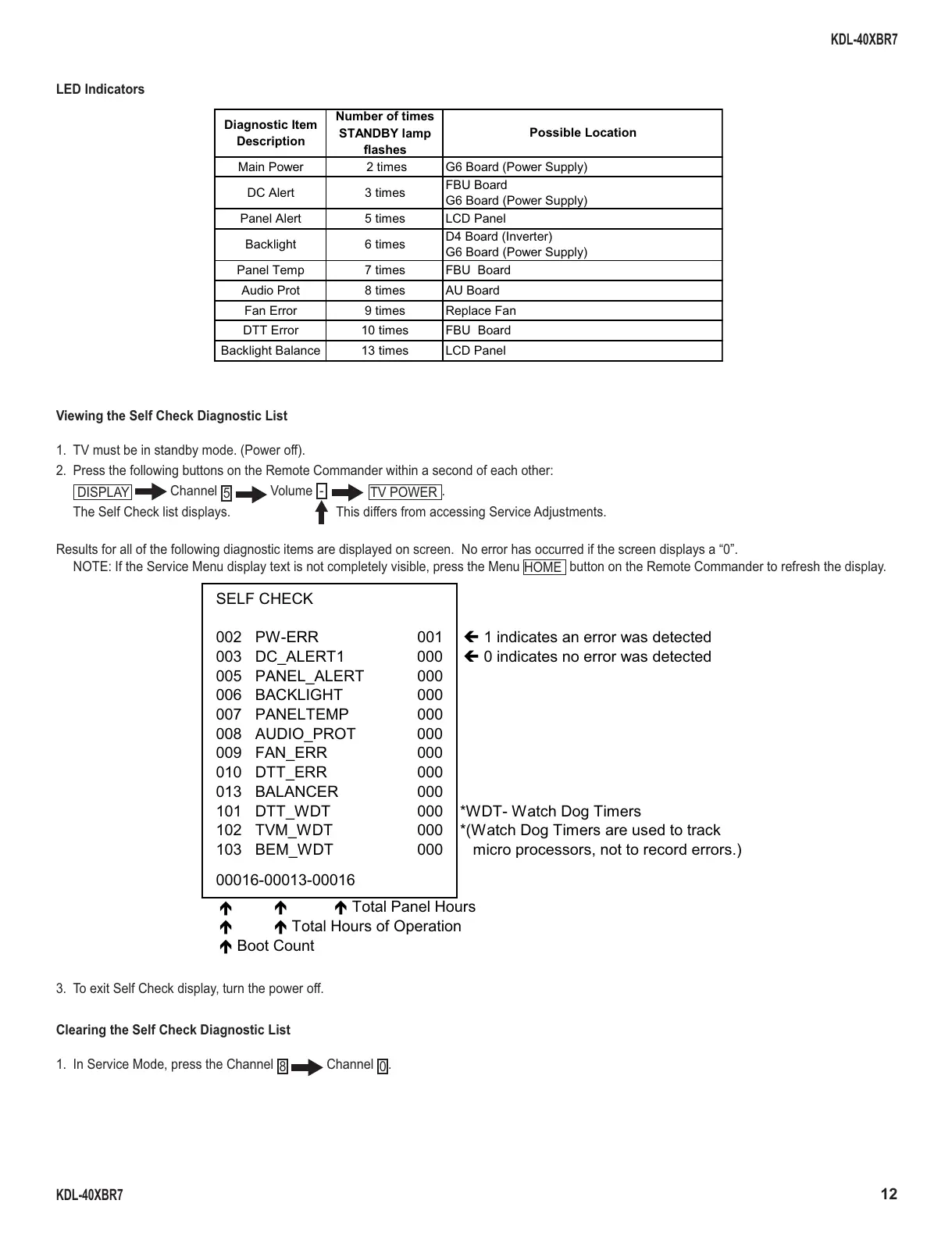
Results for all of the following diagnostic items are displayed on screen. No error has occurred if the screen displays a “0”.
NOTE: If the Service Menu display text is not completely visible, press the Menu
HOME
button on the Remote Commander to refresh the display.
SELF CHECK
002 PW-ERR 001
Í 1 indicates an error was detected
003 DC_ALERT1 000
Í 0 indicates no error was detected
005 PANEL_ALERT 000
006 BACKLIGHT 000
007 PANELTEMP 000
008 AUDIO_PROT 000
009 FAN_ERR 000
010 DTT_ERR 000
013 BALANCER 000
101 DTT_WDT 000 *WDT- Watch Dog Timers
102 TVM_WDT 000 *(Watch Dog Timers are used to track
103 BEM_WDT 000 micro processors, not to record errors.)
00016-00013-00016
Ï
ÏÏ Total Panel Hours
Ï
Ï Total Hours of Operation
Ï Boot Count
3. To exit Self Check display, turn the power off.
Clearing the Self Check Diagnostic List
1. In Service Mode, press the Channel
8
Channel
0
.





 To Next Page