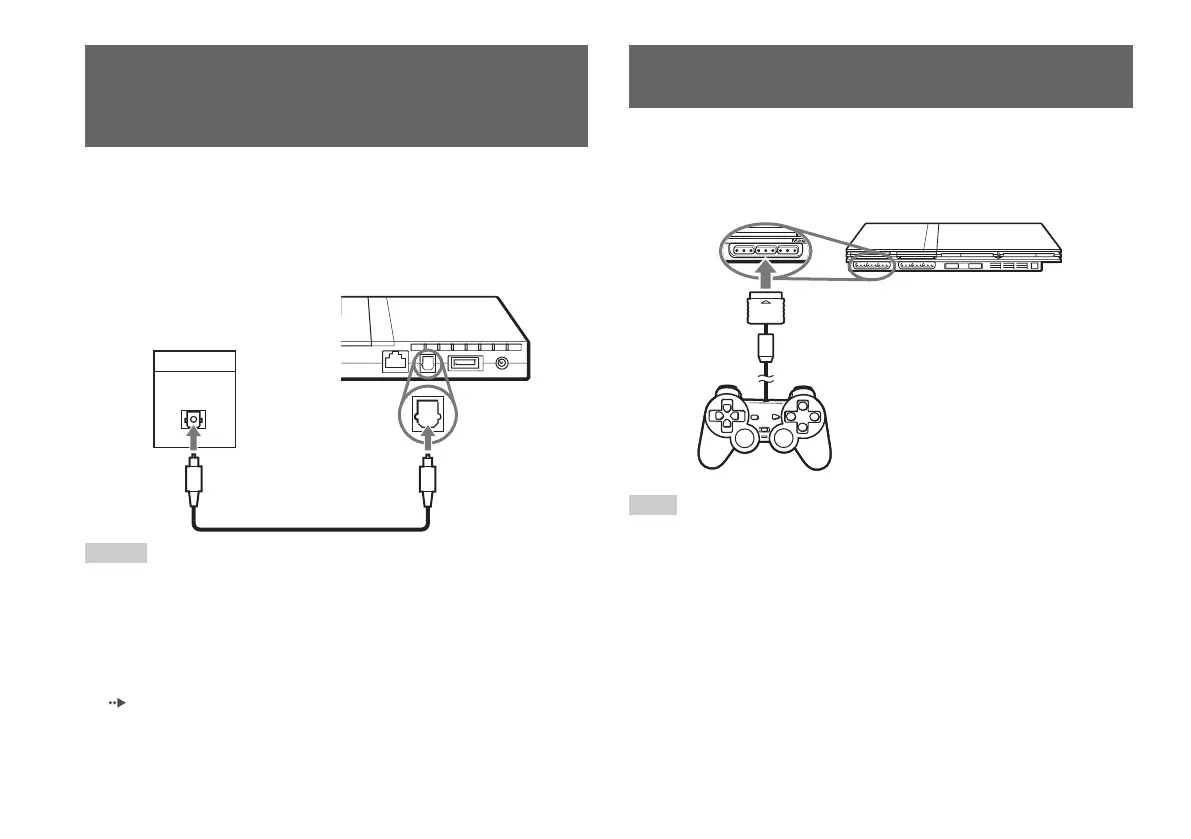
By using a commercially available optical digital cable, you can enjoy
surround sound with the effect of being in a movie theatre or a concert
hall. When connecting the console to audio equipment with digital
connectors, refer to the instructions supplied with the device to be
connected.
Notes
• If you connect the console to audio equipment using an optical digital cable, it
may affect the audio output of some PlayStation
®2 format software with the
result that no sound is produced. If this happens, use a cable such as the
supplied AV Cable (integrated audio/video) and connect it to the console’s
AV MULTI OUT connector. Do not use an optical digital cable.
• After connecting digital audio equipment, set “Digital Out (Optical)” to “On”
in the System Configuration menu. For details, see “Digital Out (Optical)”
( page 37).
Connecting digital audio
equipment
1
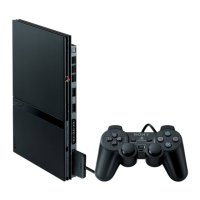
Insert the Analog Controller (DUALSHOCK®2) into a controller
port of the console.
Note
Some software titles designate a specific controller port to be used. Refer to the
instructions supplied with the software for details.
Connecting the controller
12
Connecting digital audio equipment
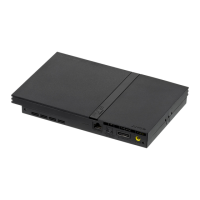
DIGITAL IN
OPTICAL
Console rear
Connected device
Commercially available optical
digital cable
Console front
Analog Controller
(DUALSHOCK®2)



 To Next Page