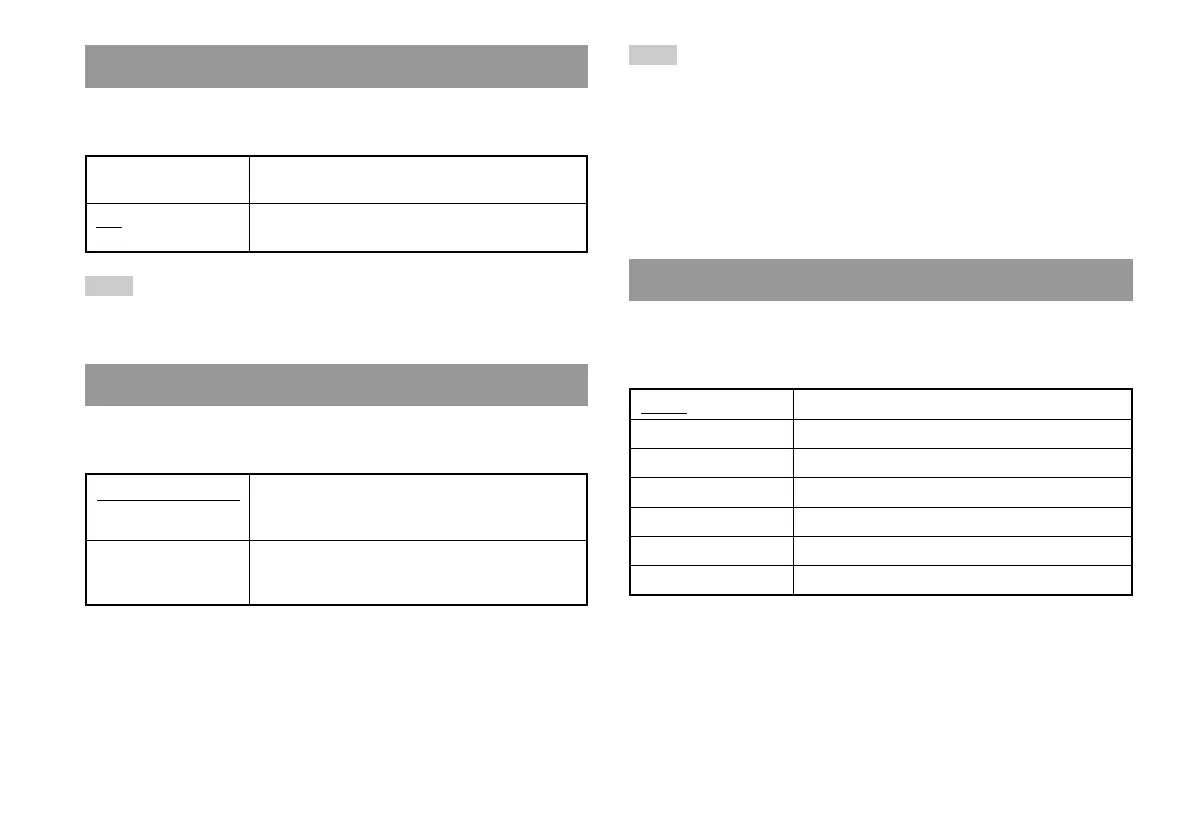
When using the Component AV Cable (for PlayStation®2) (sold
separately), you must set the mode to match the input jacks on your TV.
Note
The "RGB" setting is only for PlayStation®2 and PlayStation® format software.
When you watch a DVD, the mode automatically switches to "Y Cb/Pb Cr/Pr".
You can set this option when using the DVD Remote Control (for
PlayStation
®2) (sold separately).
Gameplay Function On Select this option when operating PlayStation®2 or
PlayStation
® format software with the DVD Remote
Control.
Gameplay Function Off Select this option when not operating PlayStation®2
or PlayStation
® format software with the DVD
Remote Control.
Remote Control
Y Cb/Pb Cr/Pr Select this option when connecting the console to
component video input connectors.
RGB Select this option when connecting the console to
RGB input connectors.
Component Video Out
Note
The following limitations apply when the DVD Remote Control is set to
"Gameplay Function On":
– Depending on the software, some remote control buttons may not work
properly.
– The buttons of the DVD Remote Control will not work when two or more
buttons are pressed at the same time.
– Some software titles may stop operating properly when a controller is
removed from controller port 1. If this happens, set to "Gameplay Function
Off".
You can use this option to select the language displayed on the main
menu, Browser screen, System Configuration menu, and Version
Information screen.
English Displays messages in English
French Displays messages in French
Spanish Displays messages in Spanish
German Displays messages in German
Italian Displays messages in Italian
Dutch Displays messages in Dutch
Portuguese Displays messages in Portuguese
Language
38
Using the System Configuration menu













 To Next Page