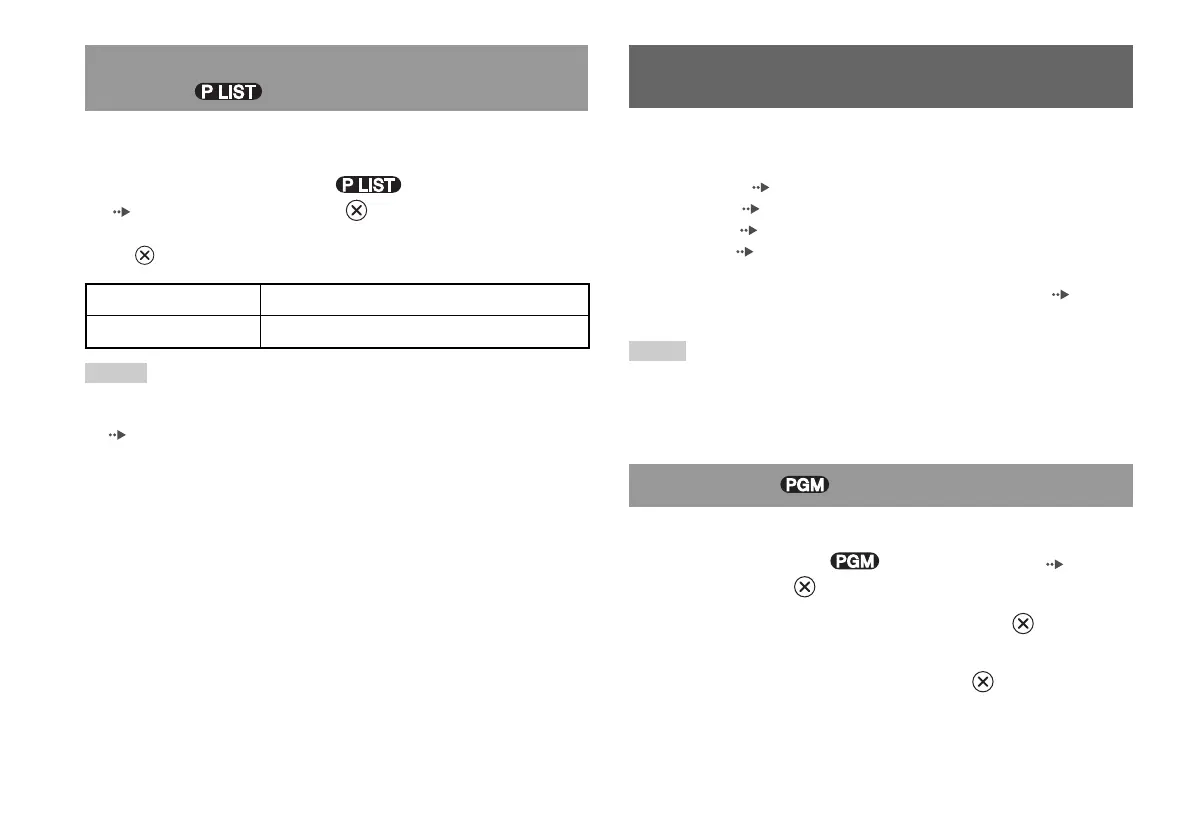
When using a DVD-RW disc (VR mode), you can select the type of
titles you want to play.
1
With playback stopped, select in the Control Panel
( page 22) and then press the button.
Original and Play List will be selected in turn each time you press
the button.
Selecting Original or Play List for DVD-RW
playback
Using the various playback modes, you can play titles or chapters in
the order you want or repeat playback of a specific scene. There are
four playback modes:
• Program Play ( page 26)
• Shuffle Play ( page 27)
• Repeat Play ( page 27)
• A-B Repeat ( page 27)
The following instructions assume use of the Control Panel ( page 22)
to operate the DVD player.
Notes
• You can play combinations of Program Play, Shuffle Play, and Repeat Play.
Note, however, that some Shuffle Play or Repeat Play options may not be
available depending on the combination.
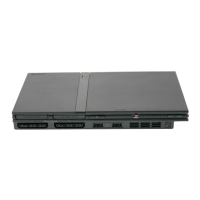
• The PlayStation
®2 console plays disc content as recorded in the DVD software.
You can create programmes to play titles and chapters in any order.
1
During playback, select in the Control Panel ( page 22)
and then press the button.
2
Select a programme number, and then press the button.
If no programmes have been set, the only option will be “1. Title”.
3
Select the title number, and then press the button.
Program Play
Using the playback modes
26
Using the playback modes
Original Plays content in the originally recorded sequence
Play List Plays edited content. Play List is the default setting.
Notes
• Slow-motion play in reverse is not available for DVD-RW discs (VR mode).
• You cannot use this function with Resume Play. Clear Resume Play
( page 24) before selecting this feature.













 To Next Page