35
Displaying the main menu
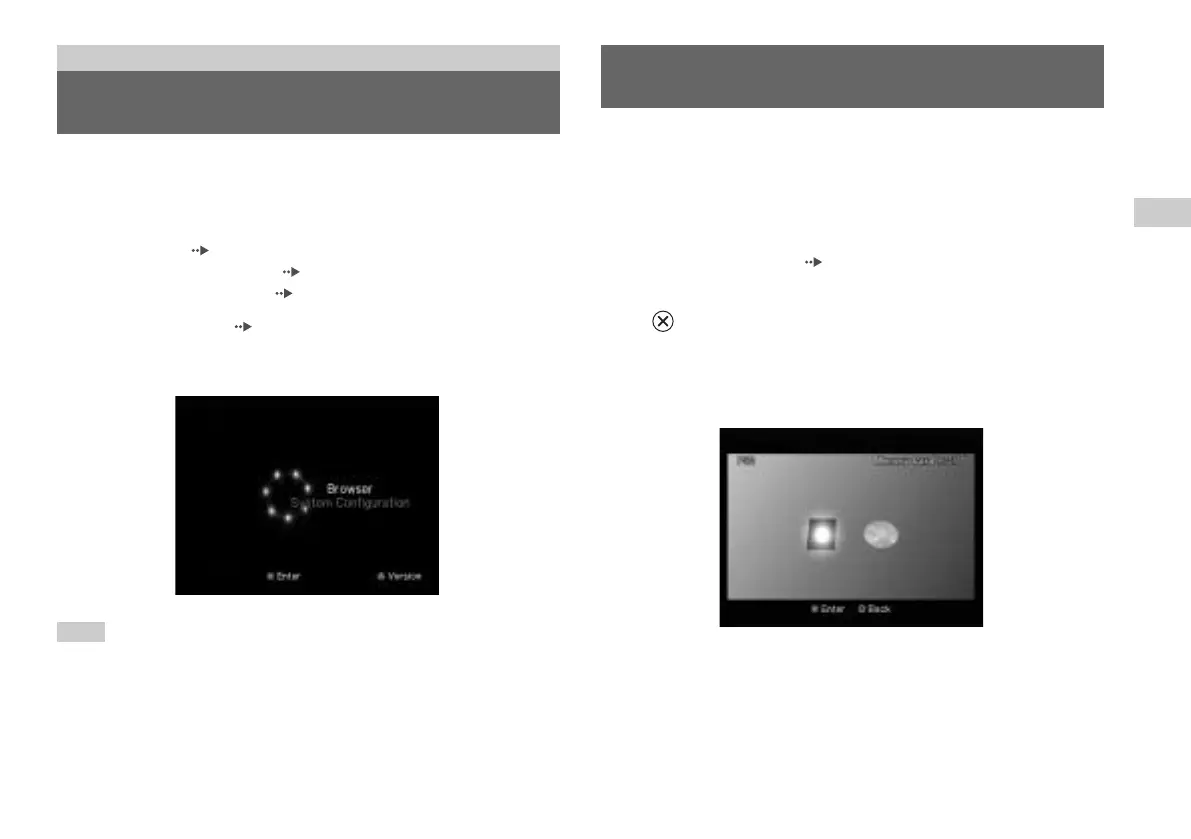
From the main menu, you can access information and change various
settings. You can also move to the following screens from the main
menu. The main menu is displayed when you turn on the console
without a disc inserted.
• Browser screen ( page 35)
• System Configuration menu ( page 36)
• Version Information screen ( page 39)
1
Turn on the console ( page 14).
The main menu is displayed. Note that it may take some time for the
main menu to be displayed.
Note
If you turn on the console with a disc inserted, the main menu will not be
displayed. To display the main menu, press the
A (open) button on the console
front and remove the disc. Then press the
\/1 (on/standby)/RESET button to
reset the console.
Displaying the main menu
Main menu
You can do the following from the Browser screen:
• Copy or delete game data saved on a Memory Card
• Start a game
• Start playback of an audio CD
• Start playback of a DVD
1
Display the main menu ( page 35).
2
Using the directional buttons, select “Browser” and then press
the button.
The Browser screen is displayed.
3
Insert a disc or Memory Card.
The icon for the inserted item is displayed on the Browser screen.
Using the Browser screen
GB
Main menu













 To Next Page