You can operate the DVD player using the following methods.
• Using the on-screen Control Panel
• Operating directly using the Analog Controller (DUALSHOCK
®2)
• Using the DVD Remote Control (for PlayStation
®2) (sold separately)
The following instructions assume use of the Control Panel to operate
the DVD player. Some operations may be different depending on the
method used.
Notes
• For details about playing a DVD, refer to the instructions supplied with the
DVD.
• The PlayStation
®2 console plays disc content as recorded in the DVD software.
Note that not all features are available on all DVDs.
Watching a DVD
DVDs
1
Start playback of the DVD ( page 24).
2
Press the SELECT button.
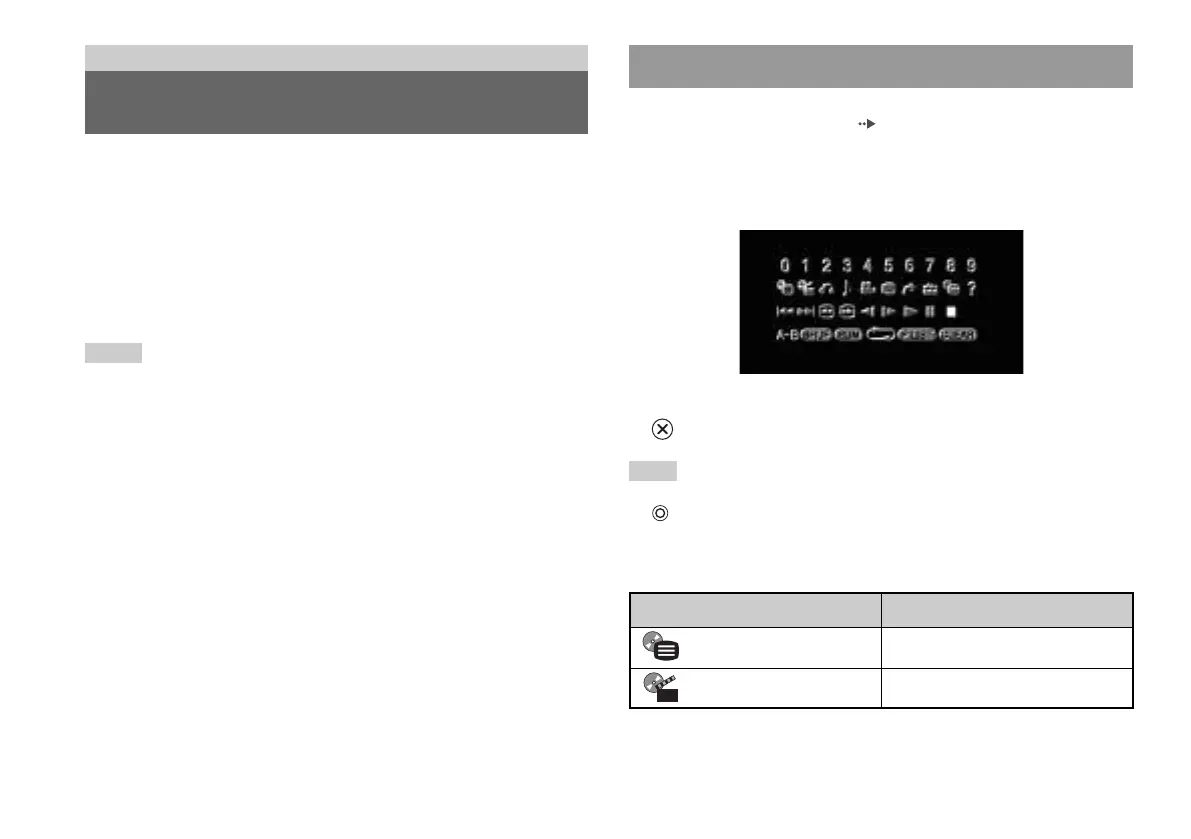
The Control Panel is displayed. If you press the SELECT button
again, the display will change its position on the screen.
3
Using the directional buttons, select an icon and then press the
button.
Note
To turn off the Control Panel, press the SELECT button (once or twice), or press
the button.
Control Panel item list
You can access the following options in the Control Panel.
Using the Control Panel
22
Watching a DVD
Icon Function
Menu Displays the DVD-Video menu
Top Menu Displays the DVD-Video menu













 To Next Page