Optional accessories are available for this model of PlayStation®2
console. When using optional accessories, be sure to purchase those
that are compatible with this model of PlayStation®2 console. Contact
the appropriate PlayStation® customer service helpline which can be
found within every PlayStation® and PlayStation®2 format software
manual or visit www.playstation.com for details on the accessories that
can be used with this model.
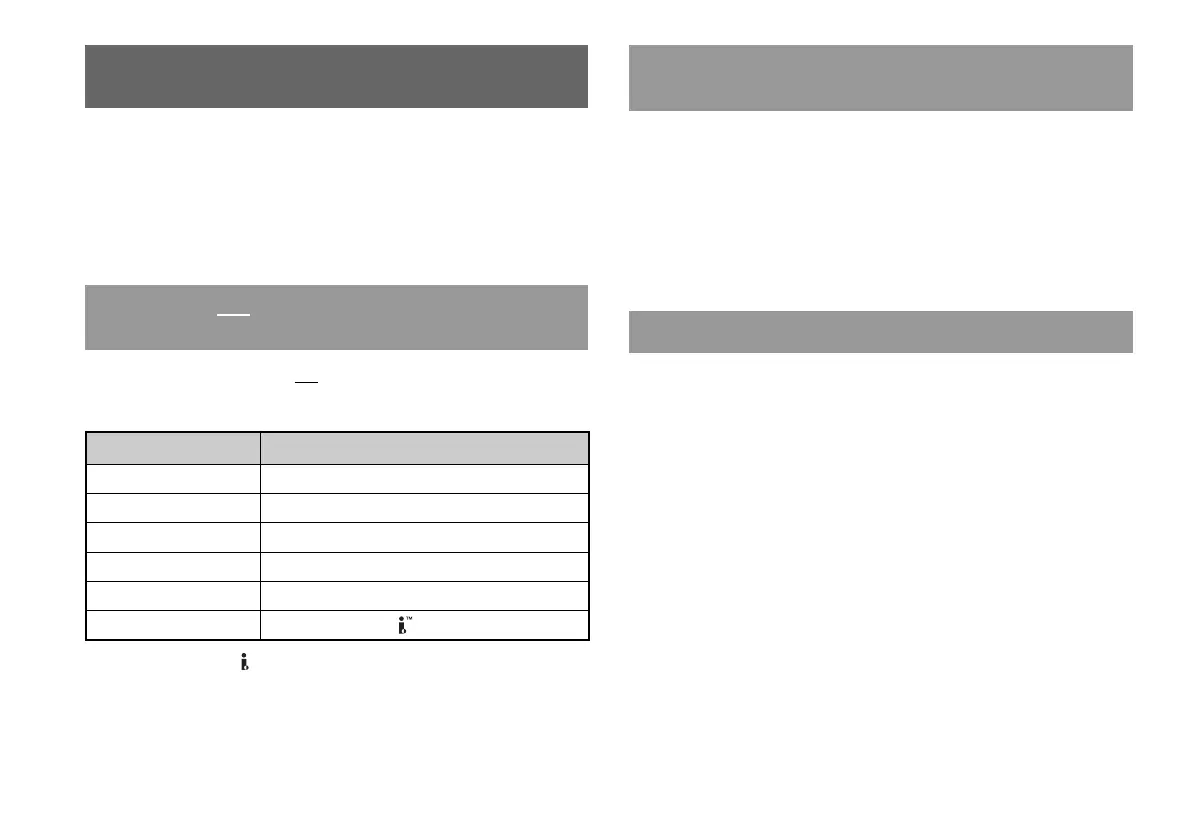
The following accessories are not compatible with this model of
PlayStation®2 console:
Accessories not compatible with this model of
PlayStation
®
2 console
Accessories
• This model of the PlayStation®2 console features a built-in IR
receiver. When operating with a DVD Remote Control (for
PlayStation®2) (sold separately), do not insert an IR Receiver (for
PlayStation®2) into a controller port of the console.
• When purchasing a DVD Remote Control for use with this console,
choose one that does not include a separate IR Receiver Unit.
• You cannot open or close the disc cover using the DVD Remote
Control.
Only the Multitap (for PlayStation®2) (SCPH-70120 E)* (sold separately)
can be used with this console. Do not connect Multitap products with
other model numbers to the console as this may result in damage to the
console.
* You can use this product with both PlayStation®2 and PlayStation® format
software titles.
About Multitaps
About the DVD Remote Control (for
PlayStation
®
2)
46
Accessories
Model number Product name
SCPH-10350 E Network Adaptor (Ethernet) (for PlayStation®2)
SCPH-1070 E Multitap
SCPH-10090 E Multitap (for PlayStation®2)
SCPH-10040 E Vertical Stand (for PlayStation®2)
SCPH-10110 E Horizontal Stand (for PlayStation®2)
- Product that use the S400 i.LINK connector
i.LINK and i.LINK logo " " are trademarks.













 To Next Page