You can set the PlayStation® Driver programme to optimise
performance of PlayStation® format software.
Note
The settings will automatically return to the default settings in the following case:
– When the console is turned off
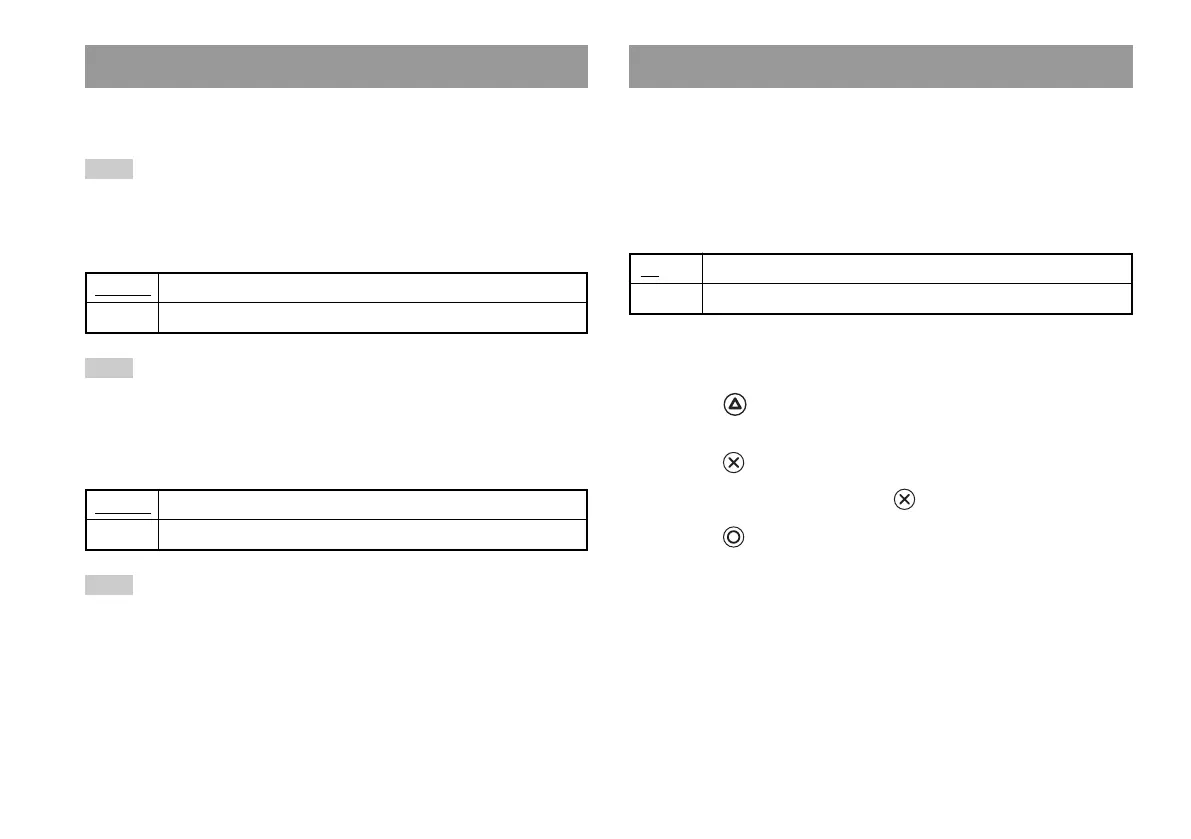
Disc Speed
Note
Set to "Standard" in the following cases:
– When fast loading does not produce improved results
– When using a software that is not compatible with fast loading
Texture Mapping
Note
Set to "Standard" in the following cases:
– When smooth texture mapping does not produce improved results
– If the picture does not display properly when set to "Smooth"
Standard Displays as normal
Smooth Displays with reduced roughness in on-screen images
Standard Loads discs at normal speed
Fast Loads discs at high speed
PlayStation
®
Driver
If you set "Progressive" to "On" when the console is connected to a TV
without the necessary equipment, the picture quality may be reduced
or the picture may not be displayed. You can clear the "Progressive"
setting by following the procedure below.
Remove the DVD before clearing the setting.
Clear Progressive Setting
1
Display the Version Information screen.
2
Using the directional buttons, select "DVD Player" and then
press the button.
The "Clear Progressive Setting" option is displayed.
3
Press the button.
4
Select "Yes", and then press the button.
5
Press the button twice.
The display returns to the main menu.
6
Press the
A
(open) button on the console front, and place a DVD
in the console.
No Leaves the "Progressive" setting on
Yes Clears the "Progressive" setting
DVD Player
40
Using the Version Information screen













 To Next Page