33
Adjusting DVD player settings
Audio Digital Out
You can switch the method of outputting the audio signal when you
connect the following audio devices to the DIGITAL OUT (OPTICAL)
connector.
Caution
When the console is connected to an audio device without a Dolby Digital,
DTS or MPEG decoder, set “Dolby Digital”, “DTS” and “MPEG” to “Off”. If
you set these options to “On” without the necessary decoder, you may have
no sound or an extremely loud noise may be emitted.
Digital Out (Optical)
This option sets the type of output for the DIGITAL OUT (OPTICAL)
connector.
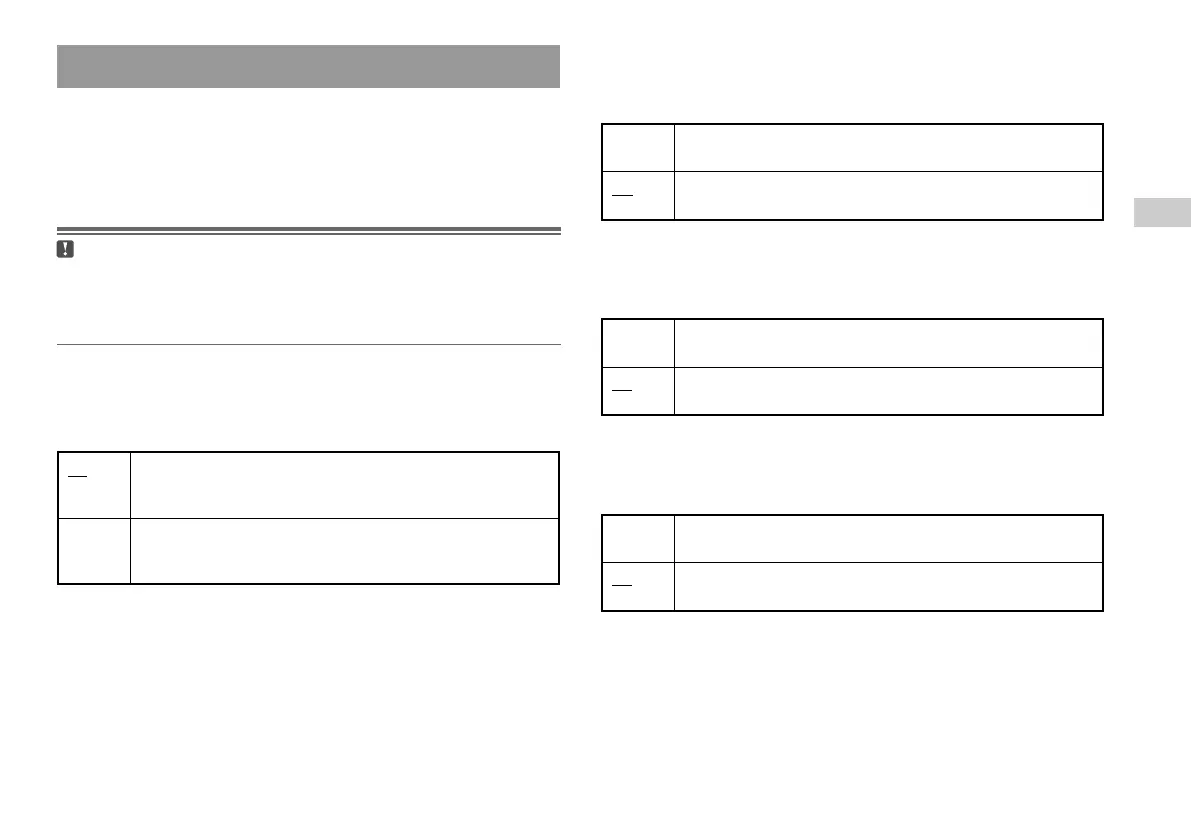
On Select this option when you want sound (audio signal) to be output
through the DIGITAL OUT (OPTICAL) connector. Settings for
“Dolby Digital”, “DTS” and “MPEG” are displayed.
Off Select this option when you do not want sound to be output
through the DIGITAL OUT (OPTICAL) connector. Settings for
“Dolby Digital”, “DTS” and “MPEG” are not displayed.
Setting sound options
Dolby Digital
This option sets Dolby Digital as the output signal for the DIGITAL
OUT (OPTICAL) connector.
DTS
This option sets DTS as the output signal for the DIGITAL OUT
(OPTICAL) connector.
MPEG
This option sets MPEG AUDIO as the output signal for the DIGITAL
OUT (OPTICAL) connector.
On Select this option when the console is connected to an audio device
with a built-in MPEG decoder.
Off Select this option when the console is connected to an audio device
without a built-in MPEG decoder.
On Select this option when the console is connected to an audio device
with a built-in DTS decoder.
Off Select this option when the console is connected to an audio device
without a built-in DTS decoder.
On Select this option when the console is connected to an audio device
with a built-in Dolby Digital decoder.
Off Select this option when the console is connected to an audio device
without a built-in Dolby Digital decoder.
GB
DVDs













 To Next Page