EasyManua.ls Logo

Sony SDP-E800 - Getting Started: Master Volume and Sound Field Notes; Master Volume Adjustment; Test Tone Limitations

Sony SDP-E800
44 pages
Print Icon
To Next Page IconTo Next Page
To Previous Page IconTo Previous Page
Loading...
Getting
Started
Q
To
adjust
the
volume
of
all
the
speakers
at
one
time
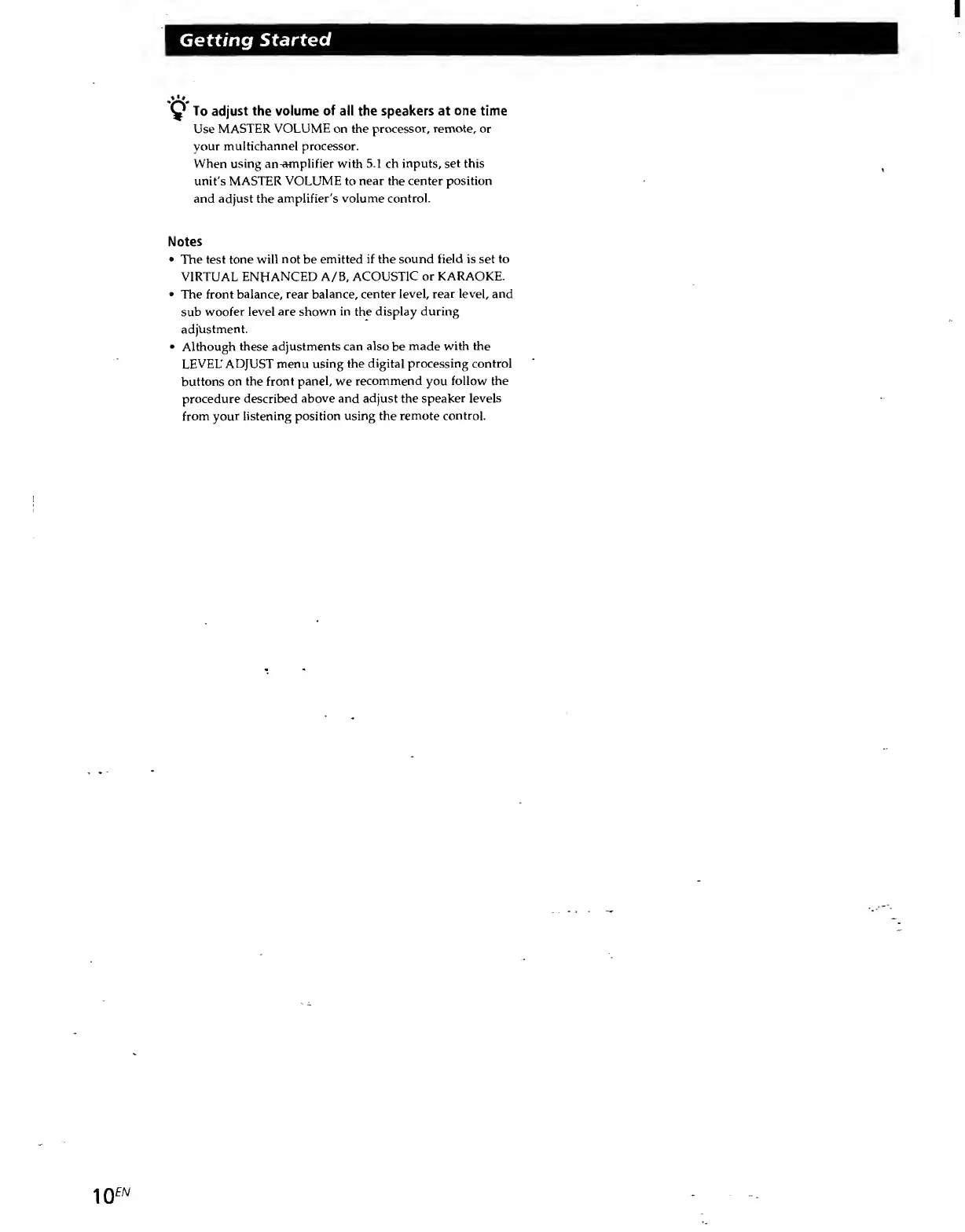
Use
MASTER
VOLUME
on
the
processor,
remote,
or
your
multichannel
processor.
When
using
an^mplifier
with
5.1
ch
inputs,
set
this
unit's
MASTER
VOLUME
to
near
the
center
position
and
adjust
the
amplifier's
volume
control.
Notes
The
test
tone
will
not
be
emitted
if
the
sound
field
is
set
to
VIRTUAL
ENHANCED
A/B,
ACOUSTIC
or
KARAOKE.
The
front
balance,
rear
balance,
center
level,
rear
level,
and
sub
woofer
level
are
shown
in
the
display
during
adjustment.
Although
these
adjustments
can
also
be
made
with
the
LEVEL'
ADJUST
menu
using
the
digital
processing
control
buttons
on
the
front
panel,
we
recommend
you
follow
the
procedure
described
above
and
adjust
the
speaker
levels
from
your
listening
position
using
the
remote
control.

Related product manuals