Reconstructing Data Volume (Changing RAID Types) (Only the NSR-100/50)
21
8
When you have verified the settings for each
camera, click [Monitoring].
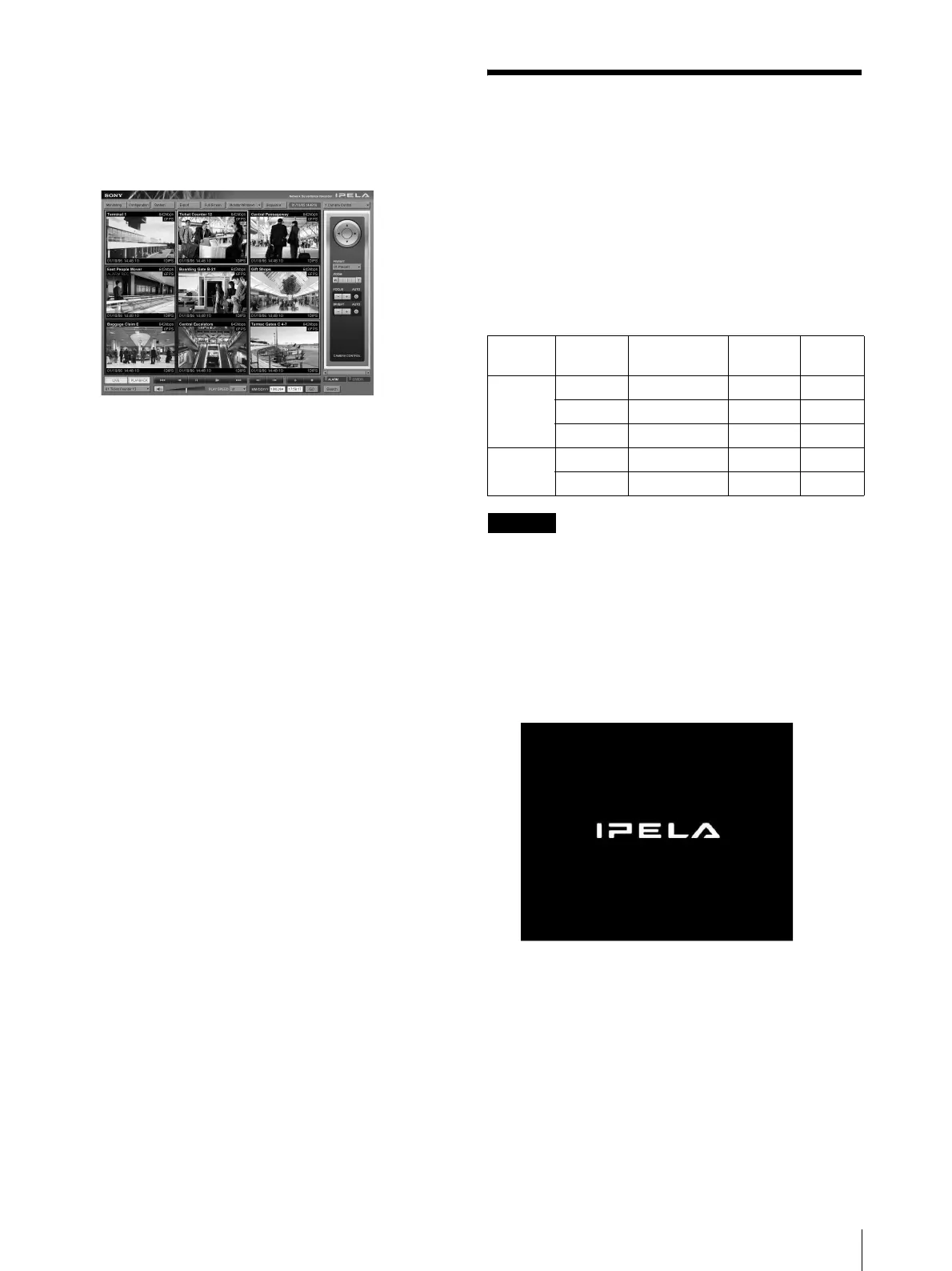
The “Monitoring” window appears.
By clicking [Configure], you can switch to the
“Configuration” screen and make changes to the
settings.
* For details on how to use the “Monitoring” screen
and “Configuration” screen, refer to the User’s
Guide (PDF) included on the supplied NSR
Series Manual, Tool & Source Codes CD.
Reconstructing Data
Volume (Changing RAID
Types) (Only the
NSR-100/50)
RAID constructions that can be set as data volumes
differ depending on the model number within the
NSR-100/50.
* RAID is not available for the NSR-25.
Caution
• Be aware that all setting information and recorded
images are deleted when reconstructing data volume.
• When changing the settings is necessary, make sure to
change the RAID construction beforehand.
1
Connect the USB keyboard and USB mouse to the
NSR, and turn on the power.
The following screen and a progress bar for
hardware startup appear.
2
Press F12 on the keyboard while the progress bar is
displayed.
The screen similar to the following appears.
Example: For the NSR-50 (there are 3 menu items
for the NSR-100)
* The number of devices and their names may
differ from the following example screen.
Model Type
Approximate
capacity
Redund-
ancy
Default
setting
NSR-100 RAID-5 670 GB Yes Yes
RAID-1+0 450 GB Yes
RAID-0 900 GB None
NSR-50 Spanning 430 GB Partial Yes
RAID-1 210 GB Yes



 To Next Page