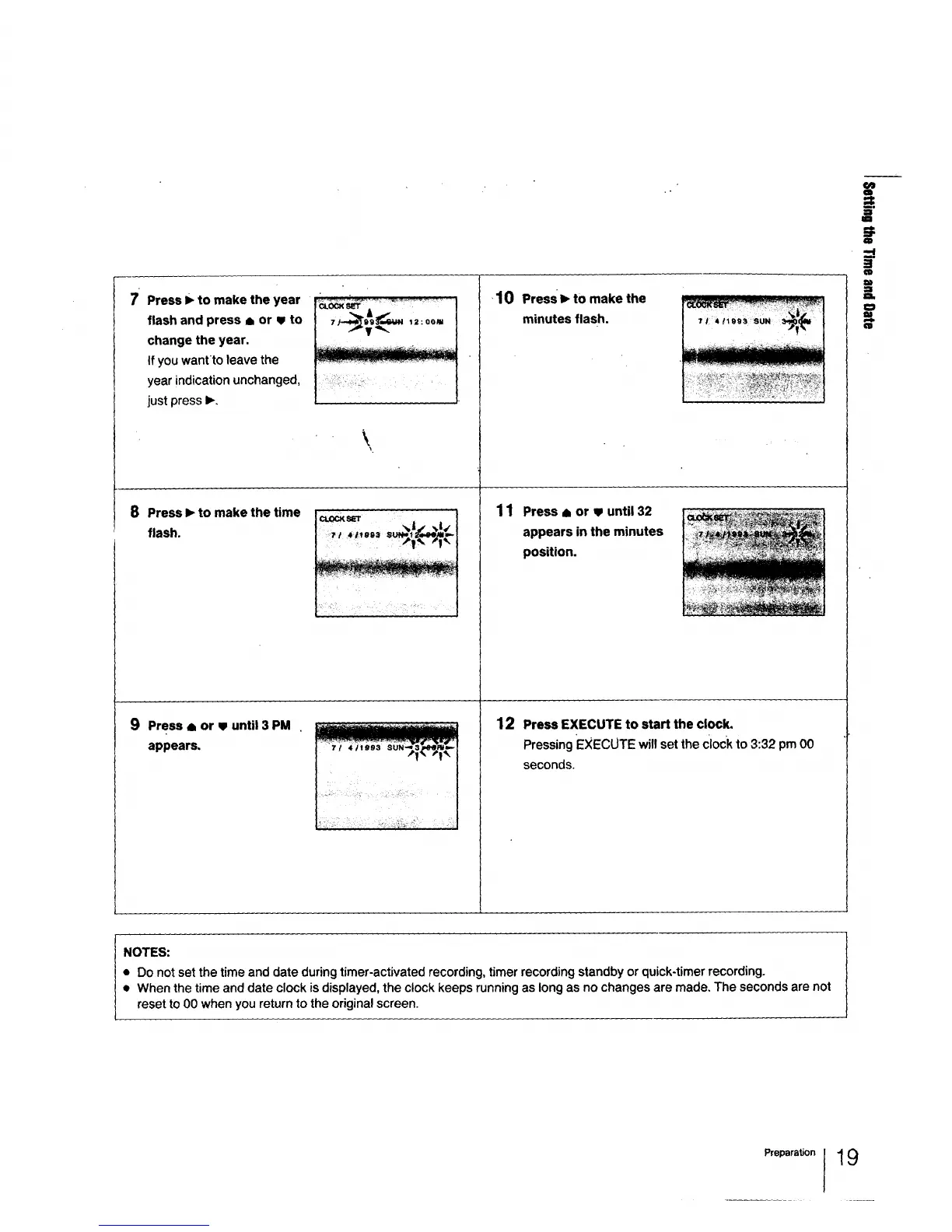
7 Press I_ to make the year
flash and press A or v to
change the year,
If you wantto leave the
year indication unchanged,
just press I_,
8 Press I_ to make the time
flash.
9 Press 8 or V until 3 PM
appears.
Cl.OCKsE'r A •
\
•10 PressI_to make the
minutes flash.
11
Press • or v until 32
appears in the minutes
position.
12 Press EXECUTE to start the clock.
Pressing EXECUTE will set the Clockto 3:32 pm 00
seconds.
:T
=1
a_
w
:l
el_
m
NOTES:
• Do not set the time and date during timer-activated recording, timer recording standby or quick-timer recording.
• When the time and date clock is displayed, the clock keeps running as long as no changes are made. The seconds are not
reset to 00 when you return to the original screen.
Preparation 19



 To Next Page