Playback
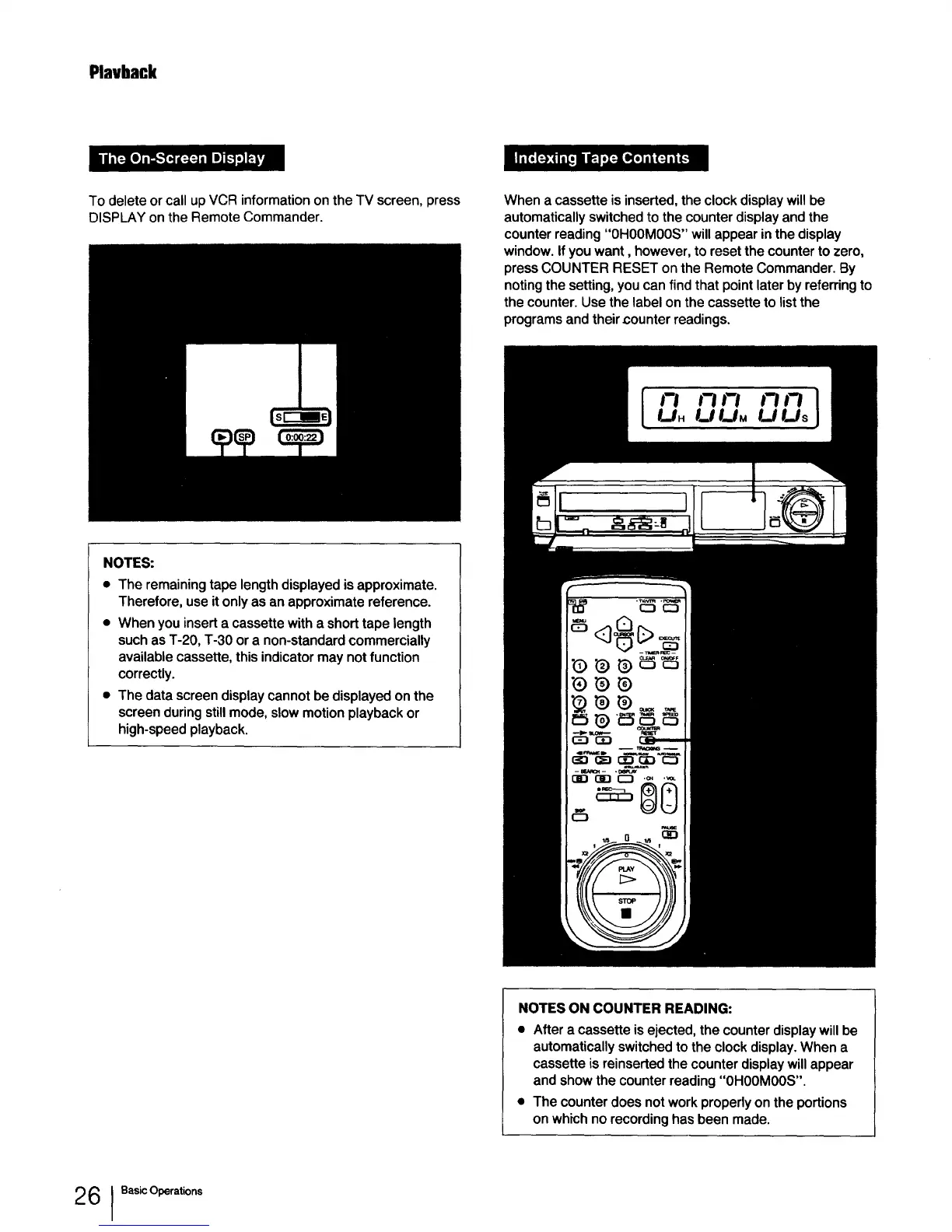
To delete or call up VCR information on the TV screen, press
DISPLAY on the Remote Commander.
When a cassette is inserted, the clock display will be
automatically switched to the counter display and the
counter reading "0H00MOOS" will appear in the display
window. If you want, however, to reset the counter to zero,
press COUNTER RESET on the Remote Commander. By
noting the setting, you can find that point later by referring to
the counter. Use the label on the cassette to list the
programs and their counter readings.
NOTES:
• The remaining tape length displayed is approximate.
Therefore, use it only as an approximate reference.
• When you insert a cassette with a short tape length
such as T-20, T-30 or a non-standard commercially
available cassette, this indicator may not function
correctly.
• The data screen display cannot be displayed on the
screen during still mode, slow motion playback or
high-speed playback.
NOTES ON COUNTER READING:
• After a cassette is ejected, the counter display will be
automatically switched to the clock display. When a
cassette is reinserted the counter display will appear
and show the counter reading "OHOOMOOS".
• The counter does not work properly on the portions
on which no recording has been made.
2 6 I Basic Operations



 To Next Page