GeneralSetupInformation
Why this setting is necessary:
You must set the RF UNIT selector at therear of the VCR
properly so that your TV can receive the correct signal from
the VCR. Set the selector to CH3 or CH4, whichever is not
active in your area.
If you connect a TV or color monitor equipped with A/V input
jacks, skip this adjustment.
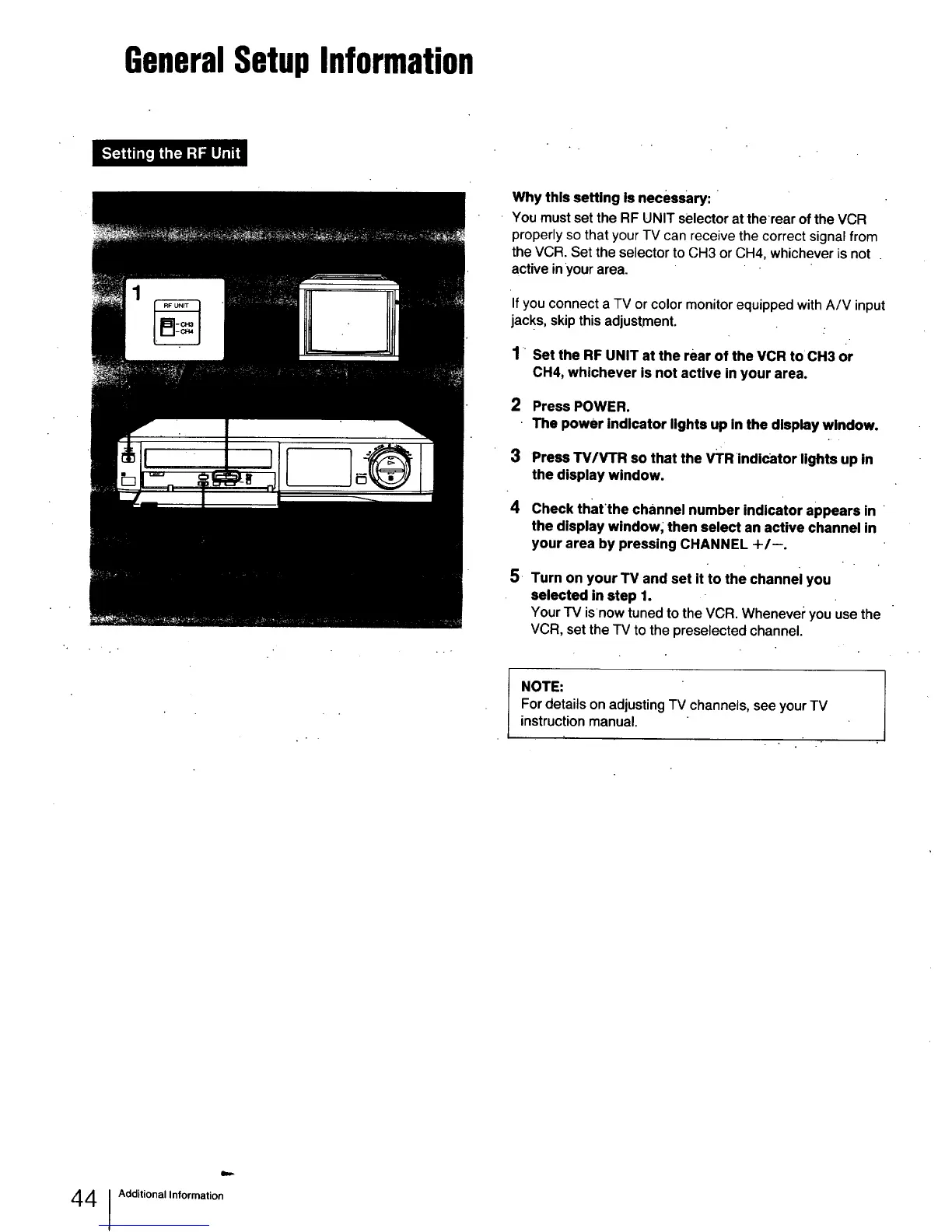
1 Set the RF UNIT at the rear of the VCR toCH3 or
CH4, whichever is not active in your area.
2 Press POWER.
The power indicator lights up in the display window.
3 Press "I'V/V'I'R so that the VTR indicator lights up in
the display window.
4 Check thatthe channel number indicator appears in
the display window; then select an active channel in
your area by pressing CHANNEL +/--.
,
Turn on your TV and set it to the channel you
selected in step 1.
Your TV isnow tuned to the VCR. Whenever you use the
VCR, set the TV to the preselected channel.
NOTE:
For details on adjusting TV channels, see your TV
instruction manual.
44 Additional Information



 To Next Page