Daily/Weekly Recording
You can preset your VCR for daily or weekly recording. Daily
recording records the same program every day of the week
while weekly recording records the same program on the
same day, every week. Follow steps 1 to 4 in "Setting the
Timer" (page 31).
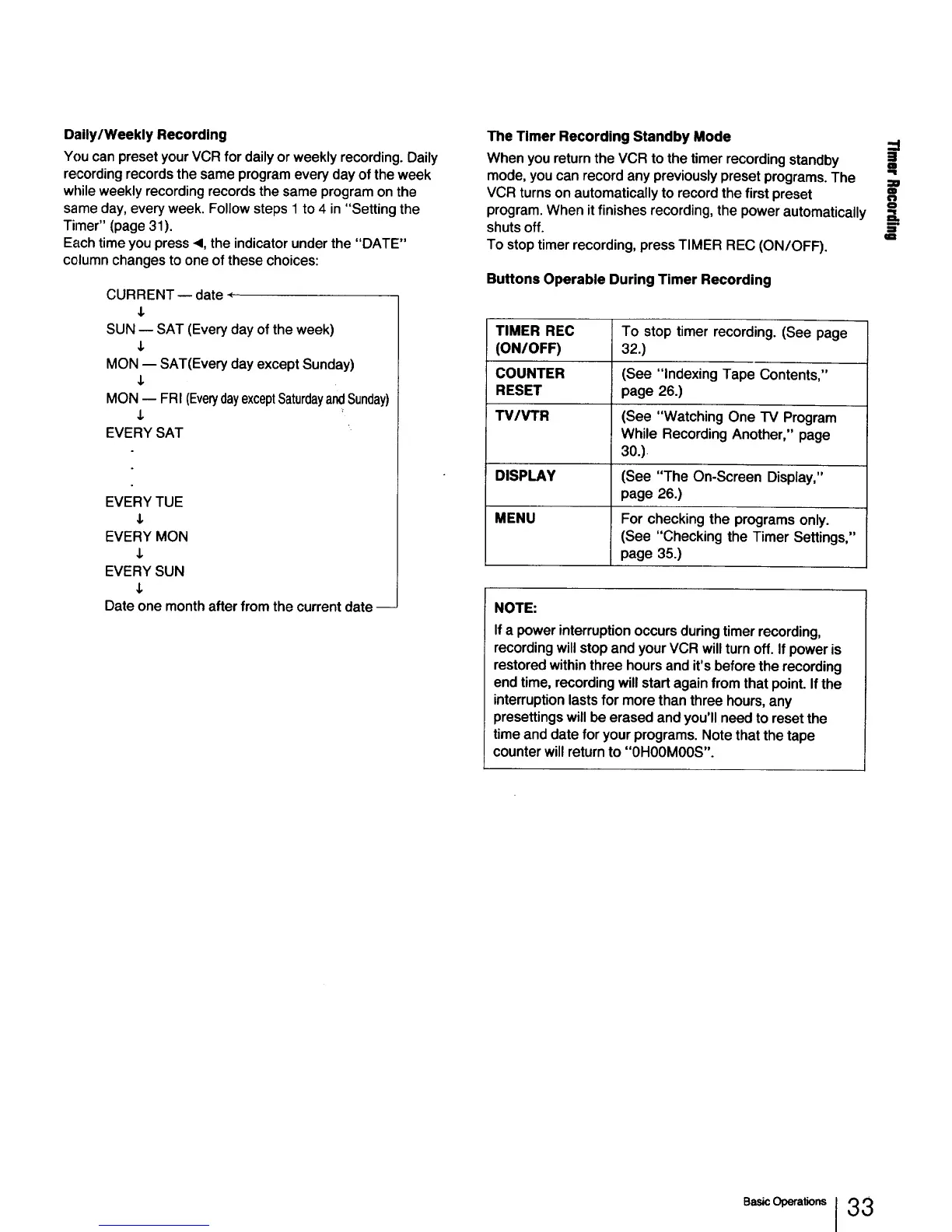
Each time you press <1,the indicator under the "DATE"
column changes to one of these choices:
CURRENT w date -_
J,
SUN -- SAT (Every day of the week)
&
MON -- SAT(Every day except Sunday)
J,
MON -- FRI (EverydayexceptSaturdayandSunday)
,I,
EVERY SAT
EVERY TUE
J,
EVERY MON
J,
EVERY SUN
$
Date one month after from the current date --
The Timer Recording Standby Mode
--i
When you return the VCR to the timer recording standby I
mode, you can record any previously preset programs. The ==
VCR turns on automatically to record the first preset _==
program. When itfinishes recording, the power automatically _.
shuts off. E
qm
To stop timer recording, press TIMER REC (ON/OFF).
Buttons Operable During Timer Recording
TIMER REC To stop timer recording. (See page
(ON/OFF) 32.)
COUNTER (See "indexing Tape Contents,"
RESET page 26.)
TV/VTR (See "Watching One TV Program
While Recording Another," page
30.)
DISPLAY (See "The On-Screen Display,"
page 26.)
MENU For checking the programs only.
(See "Checking the Timer Settings,"
page 35.)
NOTE:
Ifa powerinterruptionoccursduringtimer recording,
recordingwillstopandyourVCR willturnoff. If poweris
restoredwithinthreehoursand it'sbeforethe recording
endtime,recordingwillstartagainfrom that point.Ifthe
interruptionlastsfor morethanthreehours,any
presettingswillbe erasedandyou'llneedto resetthe
timeanddate for yourprograms.Notethatthe tape
counterwillreturnto"0HOOMOOS".
I 33



 To Next Page