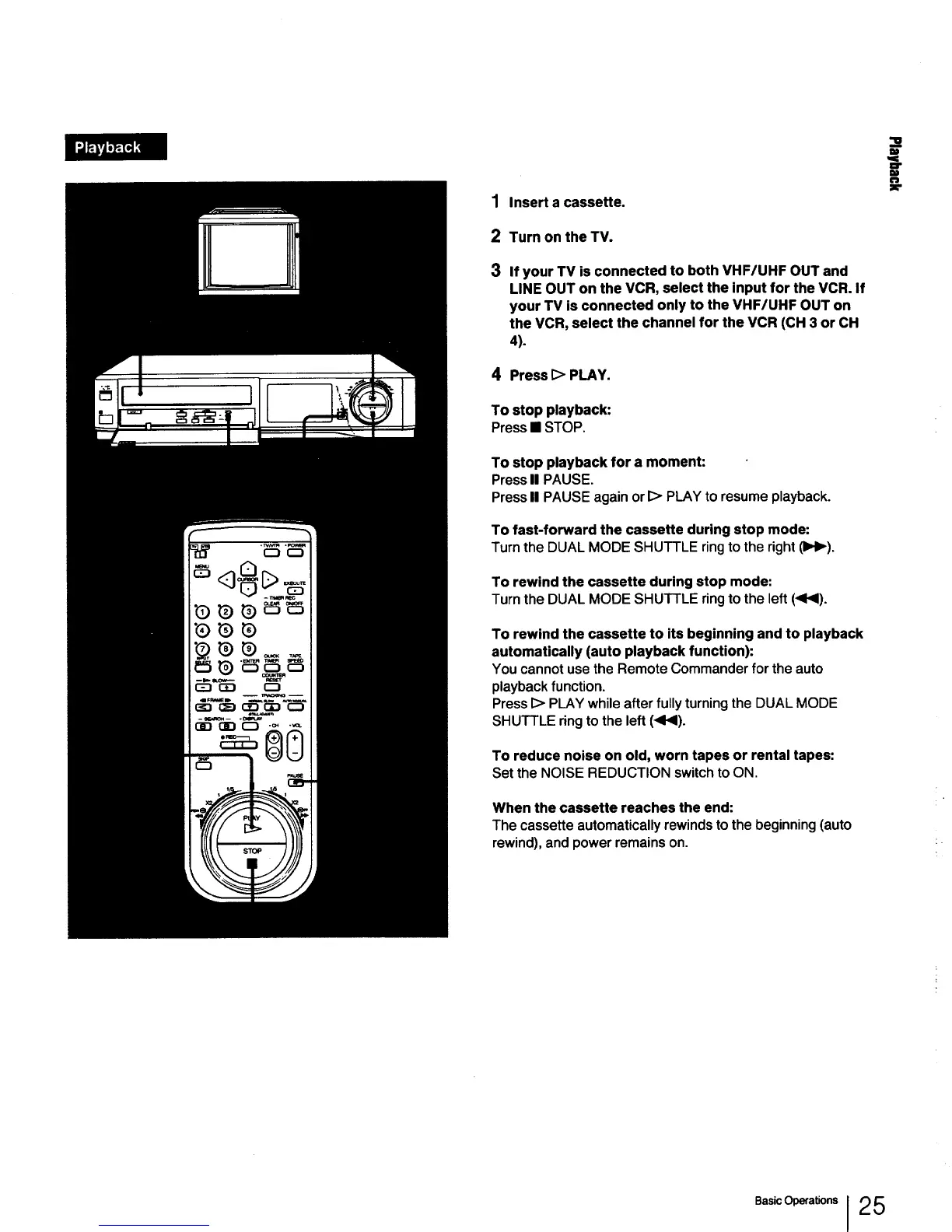
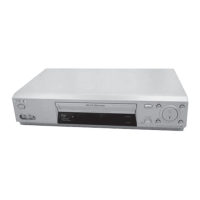
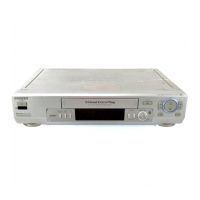
1 Insertacassette.
2 Turn on the TV.
3 If your TV is connected to both VHF/UHF OUT and
LINE OUT on the VCR, select the Input for the VCR. If
your TV is connected only to the VHF/UHF OUT on
the VCR, select the channel for the VCR (CH 3 or CH
4).
4 Press [> PLAY.
To stop playback:
Press• STOP.
To stop playback for a moment:
Press U PAUSE.
Press II PAUSE again or I> PLAY to resume playback.
To fast-forward the cassette during stop mode:
Turn the DUAL MODE SHUTTLE ring to the right (llq_).
To rewind the cassette during stop mode:
Turn the DUAL MODE SHUTTLE ring to the left (<1<1).
To rewind the cassette to its beginning and to playback
automatically (auto playback function):
You cannot use the Remote Commander for the auto
playback function.
Press I> PLAY while after fully turning the DUAL MODE
SHUTTLE ring to the left (<1<1).
To reduce noise on old, worn tapes or rental tapes:
Set the NOISE REDUCTION switch to ON.
When the cassette reaches the end:
The cassette automatically rewinds to the beginning (auto
rewind), and power remains on.
w
I)
e.s,cO a on,J25



 To Next Page