Presettingthe Active Channels
Normally, the Auto Fine Tuning (AFT) setting on the TUNER
PRESET menu is set to ON, and the AFT function fine-tunes
the picture. If the picture of a channel is not acceptable,
fine-tune it manually.
I Display the TUNER PRESET menu referring to
steps I to 3 in "Presetting All Receivable
Channels Automatically" (page 20).
2
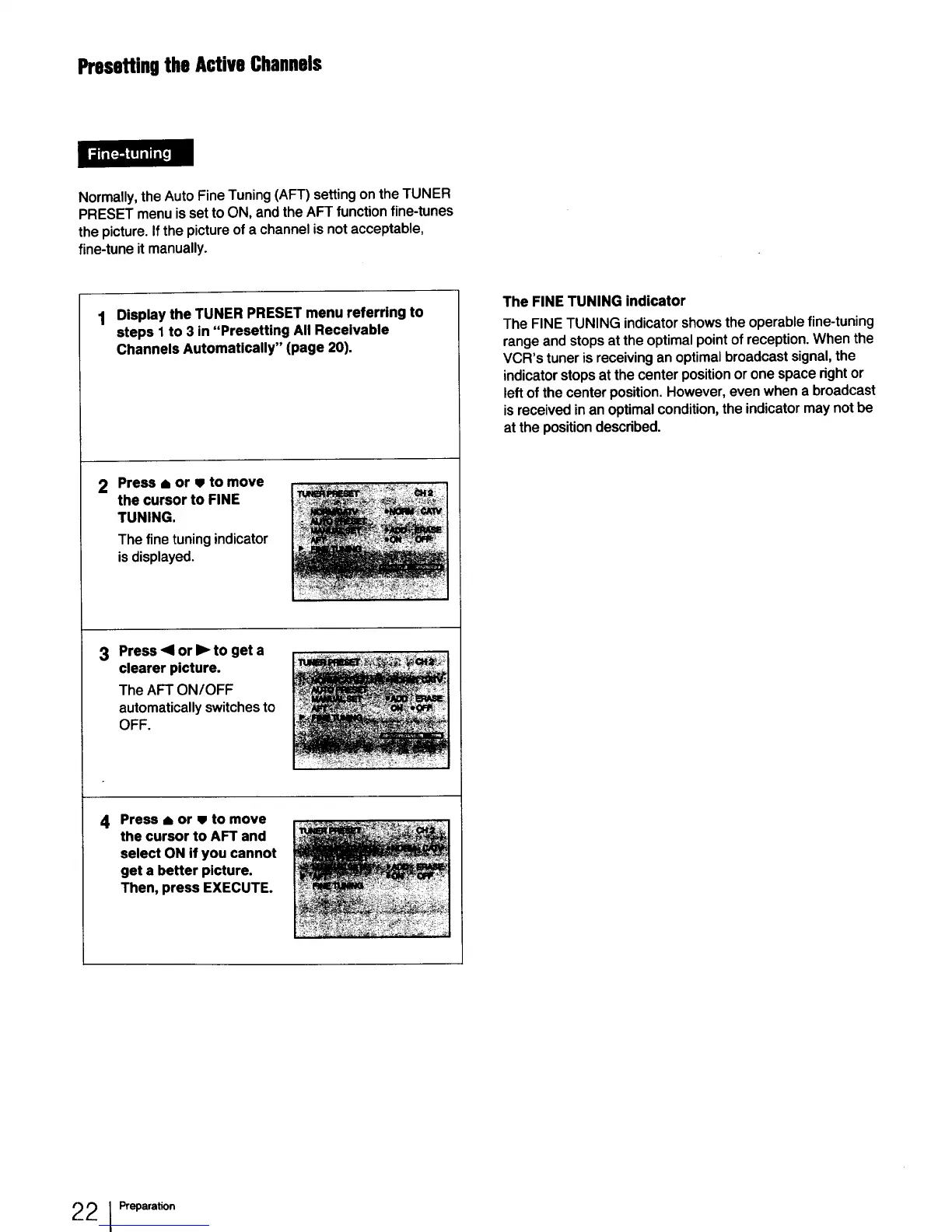
Press • or • to move
the cursor to FINE
TUNING.
The fine tuning indicator
isdisplayed.
3 Press ,41or • to get a
clearer picture.
The AFT ON/OFF
automatically switches to
OFF.
4 Press • or • to move
the cursor to AFT and
select ON if you cannot
get a better picture.
Then, press EXECUTE.
The FINE TUNING indicator
The FINE TUNING indicator shows the operable fine-tuning
range and stops at the optimal point of reception. When the
VCR's tuner is receiving an optimal broadcast signal, the
indicator stops at the center position or one space right or
left of the center position. However, even when a broadcast
is received in an optimal condition, the indicator may not be
at the position described.
22 IPreparation



 To Next Page