RecordingTVPrograms
Turnoffthe powerofthe TV orcolormonitor.
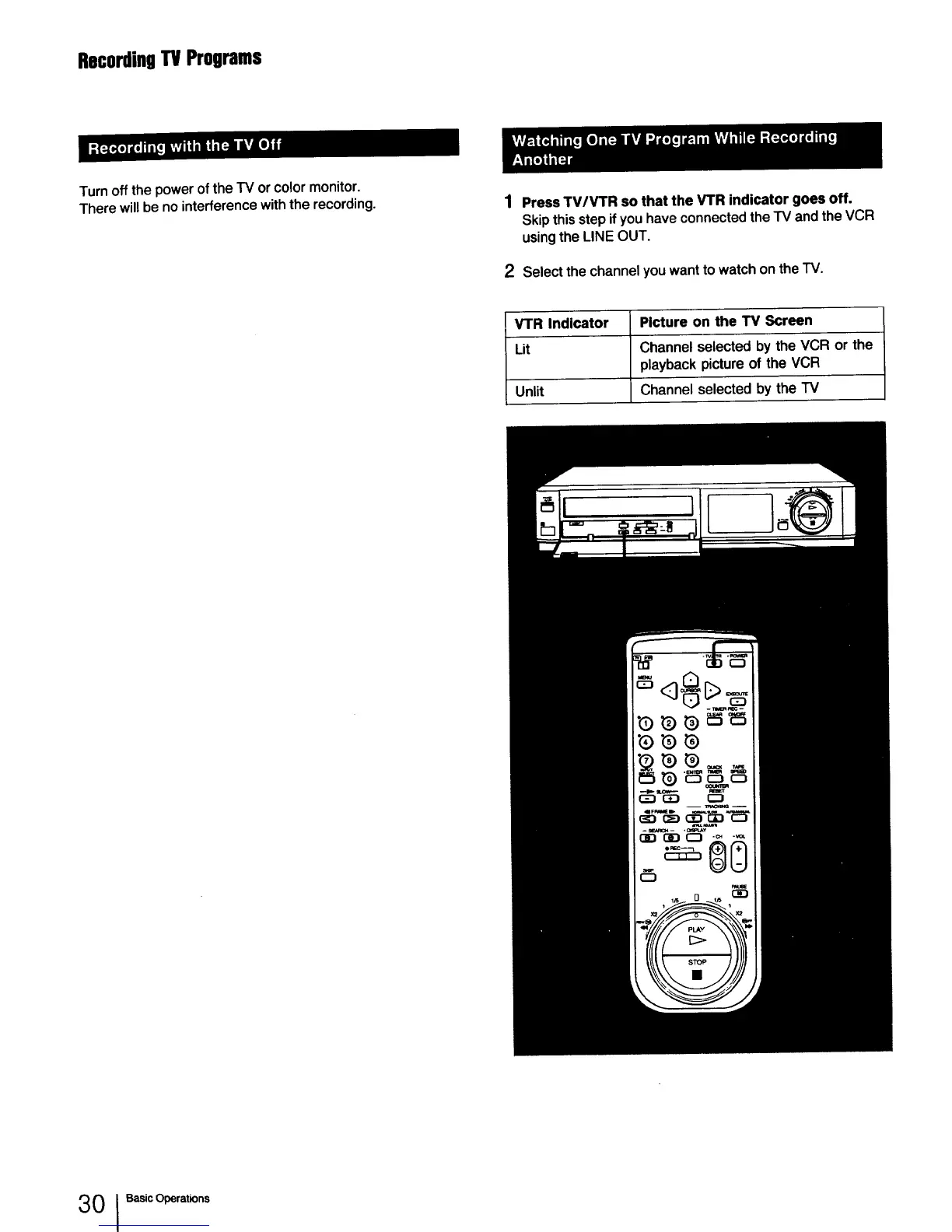
Therewillbe nointerferencewiththe recording. 1 Press TV/V'rR so that the VTR indicator goes off.
Skip this step if you have connected the TV and the VCR
using the LINE OUT.
2 Selectthe channelyouwantto watchon theTV.
VTR Indicator Picture on the TV Screen
Lit Channelselectedby the VCR or the
playbackpictureof the VCR
Unlit Channelselectedby the TV
3 0 I Basic Operations



 To Next Page