Ouick-TimerRecording
This function provides you a short cut to recording prOgrams
without going through the entire timer setting procedure.
You can preset the timer up to 8 hours in units of 30 minutes.
NOTE:
Before you begin, make sure the clock has been set,
then ensure that the timer recording function is turned
off by checking the TIMER REC (recording) indicator. If
the indicator is lit, press TIMER REC ON/OFF to turn it
off.
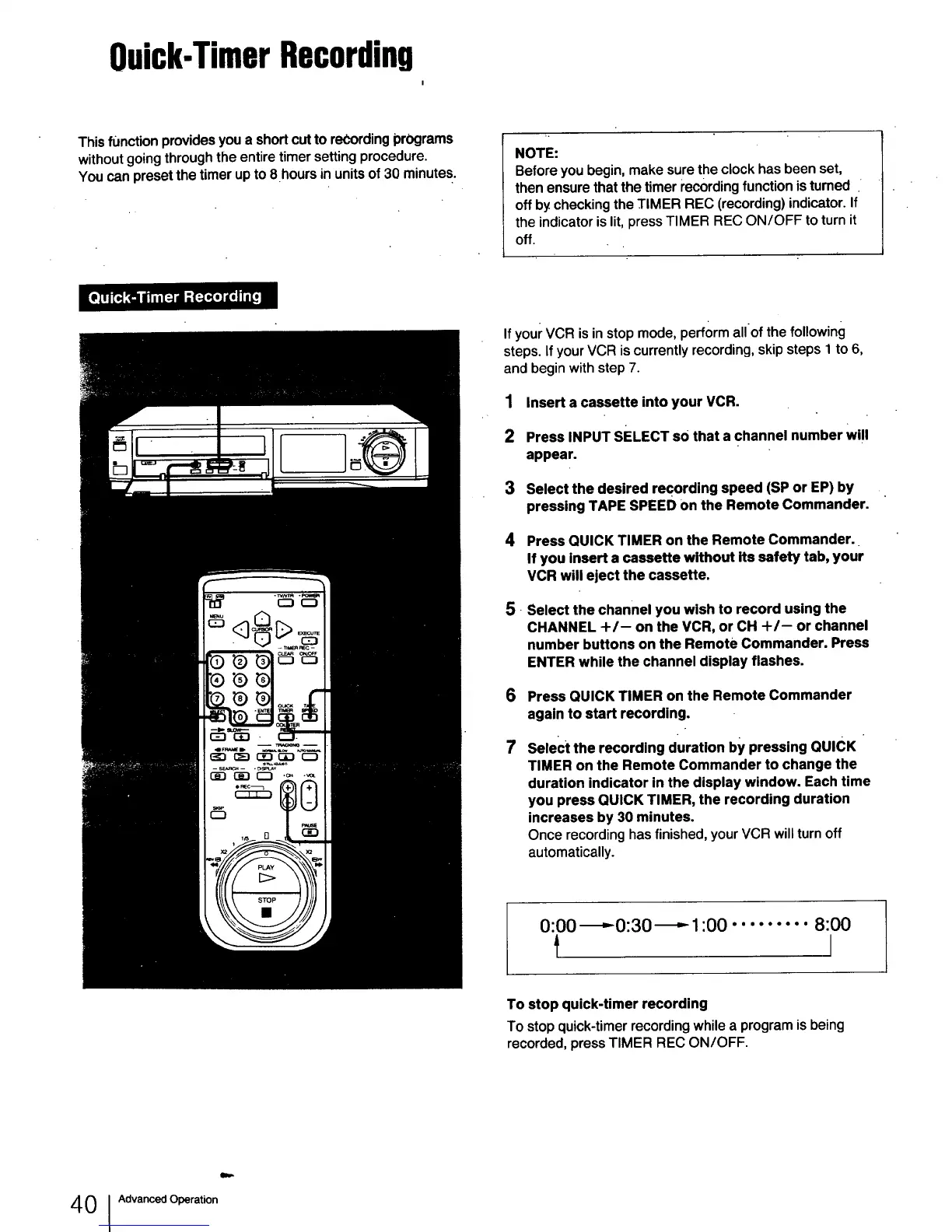
If your VCR is in stop mode, perform allof the following
steps. If your VCR is currently recording, skip steps 1 to 6,
and begin with step 7.
1 Insert a cassette into your VCR.
2 Press INPUT SELECT so that a channel number will
appear.
3 Select the desired recording speed (SP or EP) by
pressing TAPE SPEED on the Remote Commander.
.
Press QUICK TIMER on the Remote Commander.
If you insert a cassette without its safety tab, your
VCR will eject the cassette.
Select the channel you wish to record using the
CHANNEL +/-- on the VCR, or CH +/-- or channel
number buttons on the Remote Commander. Press
ENTER while the channel display flashes.
6
7
Press QUICK TIMER on the Remote Commander
again to start recording.
Select the recording duration by pressing QUICK
TIMER on the Remote Commander to change the
duration indicator in the display window. Each time
you press QUICK TIMER, the recording duration
increases by 30 minutes.
Once recording has finished, your VCR will turn off
automatically.
0:00 -_,.-0:30 _ 1:00 ......... 8:00
I
To stop quick-timer recording
To stop quick-timer recording while a program is being
recorded, press TIMER REC ON/OFF.
4 0 Advanced Operation



 To Next Page