28
Presetting channels
Presetting/disabling channels manually
Before you start…
• Turn on the DVD-VCR and your TV.
When using a cable box, turn it on.
• Set the “RF Output Channel” to “3CH” or
“4CH” in “OPTION SETUP” menu
(page 87). If your TV is connected to the
DVD-VCR using A/V connections, set the
TV to video input.
• If the DVD player is in play mode, you
cannot display the “SETUP MENU.” Stop
the DVD playback.
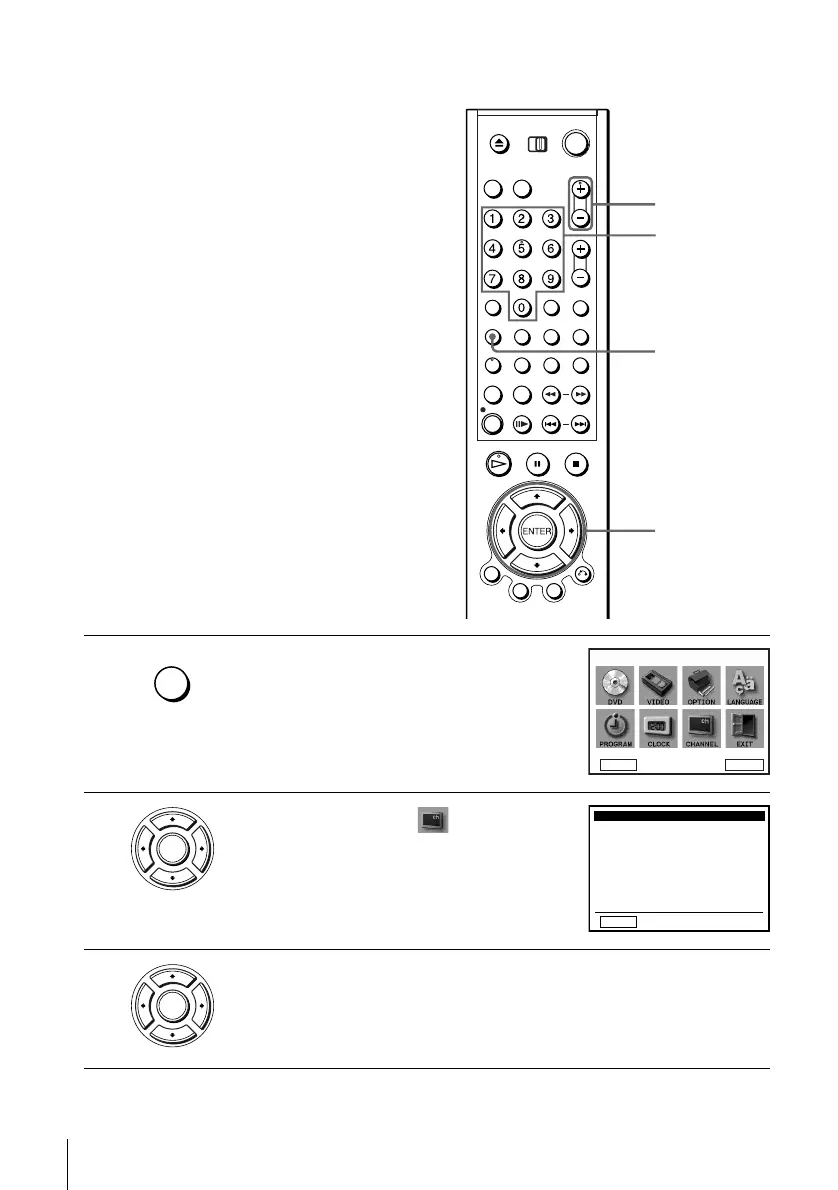
1
Press SET UP.
The “SETUP MENU” appears.
2
Press V/v/B/b to select (Channel
Setup) then press ENTER.
The “CHANNEL SETUP” menu appears.
3
Press V/v to select “Channel add/delete,” then press ENTER.
SET UP
CH +/–
Number
buttons
V/v/B/b
ENTER
SET UP
DVD Setup
RETURN
SETUP MENU
Vv
b
B
ENTER
ENTER
RETURN
CHANNEL SETUP
v
V
b
B
B
Auto channel memory
Channel add / delete
Ant / Cable: [ Cable TV ]
ENTER














 To Next Page