DVD Settings and Adjustments
49
US
Screen Setup
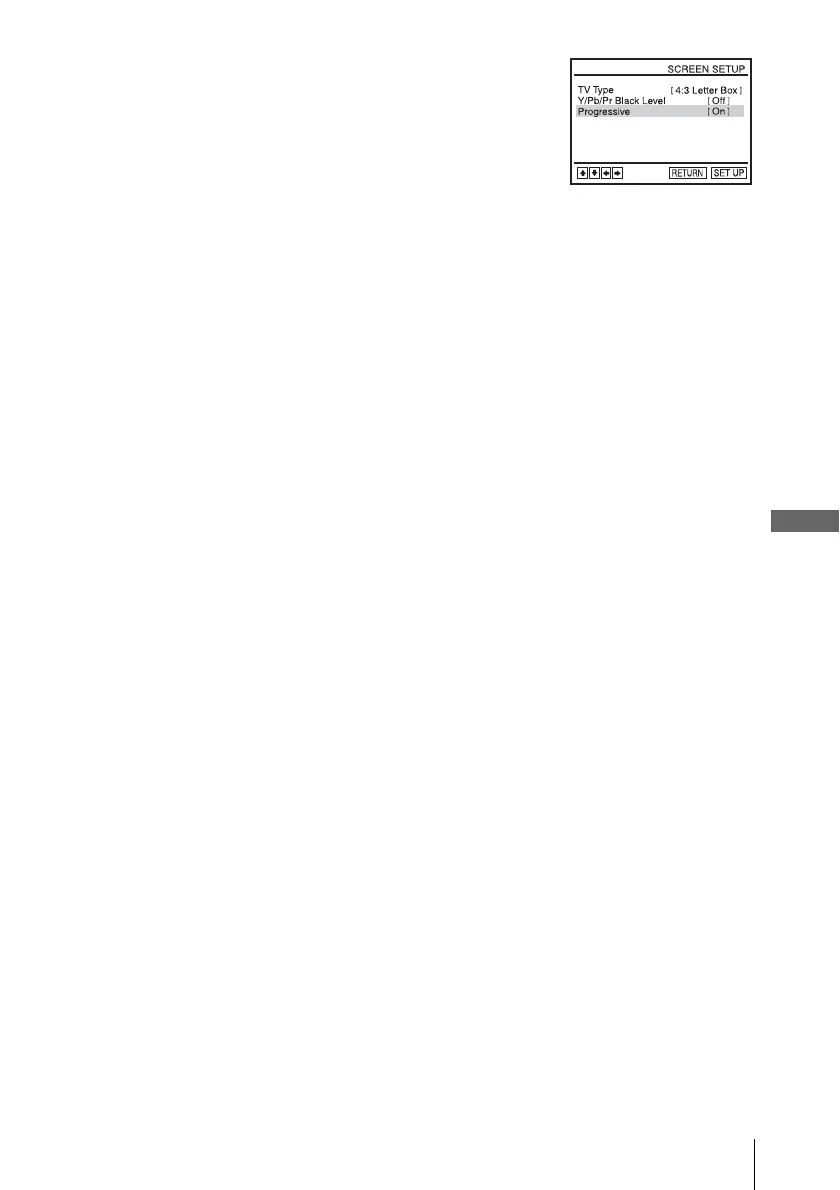
To cancel the “Progressive” setting
Select “Off” in step 2.
You can also cancel by pressing SELECT DVD and then press X on the unit
continuously for 5 seconds or more when the DVD-VCR is in stop mode.
Note
• If you select progressive signal when you connect the DVD player to a TV that cannot accept
the signal in progressive format, the image quality will deteriorate. In this case, set
“Progressive” to “Off”.
5
Press SET UP to exit the menu.














 To Next Page