DVD Additional Operations
71
US
Playing an MP3 audio track
To turn off the display
Press x STOP twice, then press O RETURN repeatedly.
Notes
• Only the letters in the alphabet and numbers can be used for album or track names. Anything
else is displayed as an asterisk.
• Up to 12 alphanumeric characters can be displayed for album or track names.
• ID3 tags cannot be displayed.
• You cannot repeat play while in program play or shuffle play.
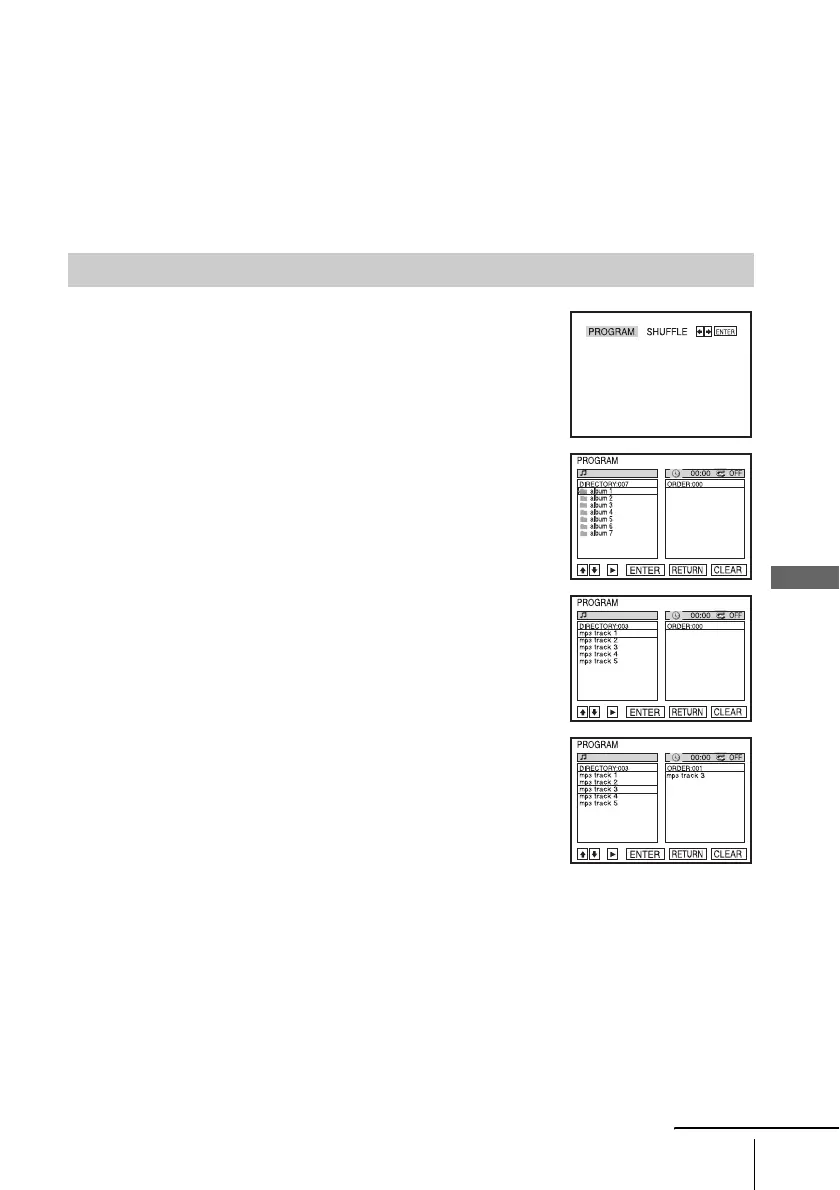
To program MP3 audio tracks
1
Press x STOP twice, then press REPEAT.
2
Press B/b to select “PROGRAM,” then press ENTER.
3
Press V/v to select the desired directory in the left column,
then press ENTER.
4
Press V/v to select the track you want to program, then press
ENTER.
5
To program other tracks, repeat step 4.
The programmed tracks are displayed in the selected order. Press CLEAR to cancel the last
programmed track.
6
Press H PLAY to start program play.
Program play starts. When the program ends, you can restart the same program again by
pressing H PLAY.
continued














 To Next Page