SNC EP520/EP521/EP550/EP580/ER520/ER521/ER550/ER580/ER585/ER585H/ZP550/ZR550
Operating the Camera
Controlling the Camera on a Panorama Image
20
Moving the camera to a preset
position (Common operations in
Area zoom and Vector dragging
modes)
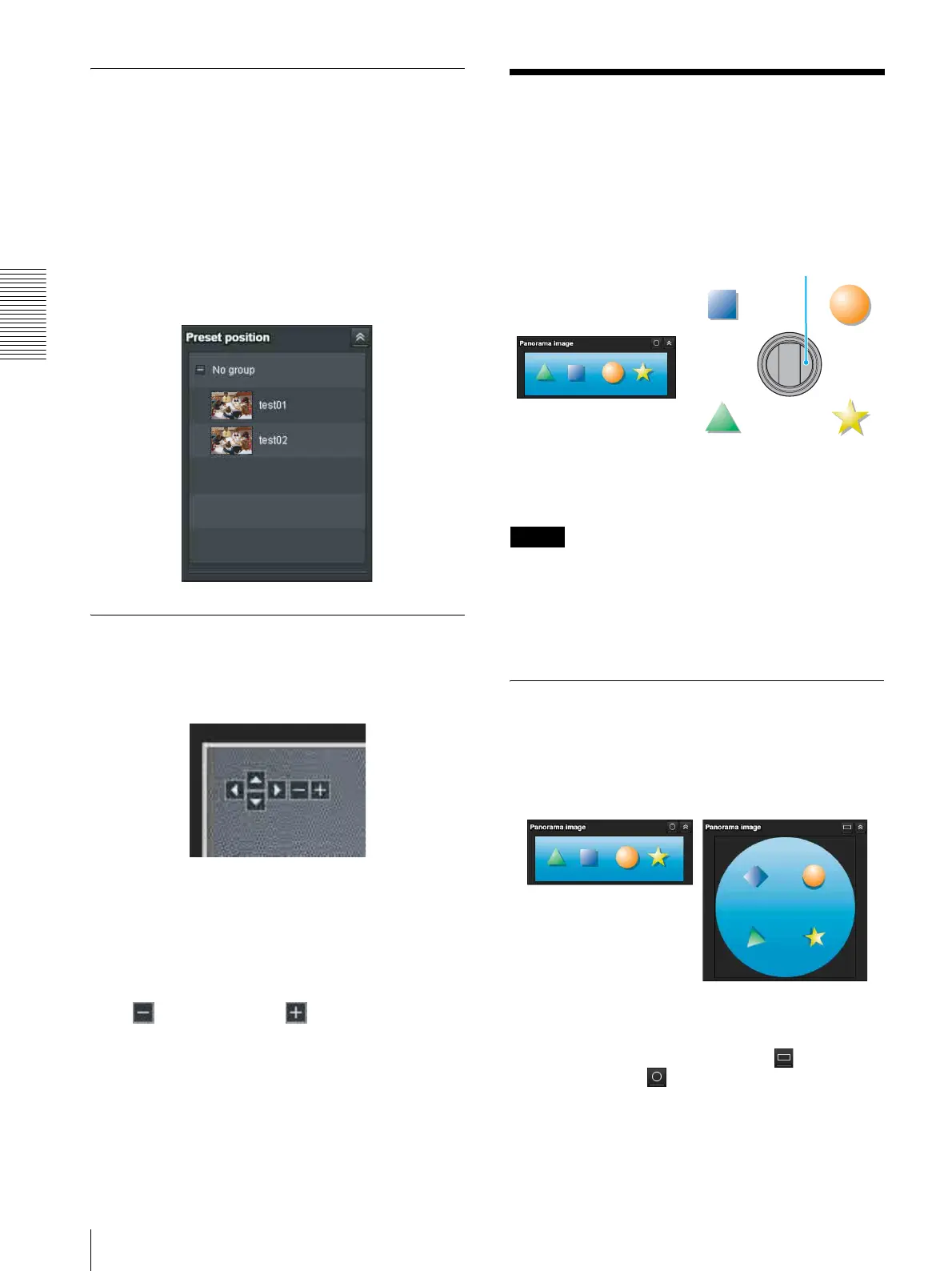
Select a preset position name from the Preset position
panel. The camera will move to the preset position that
you have stored in memory using the Preset position
menu (page 61).
Multiple preset positions can be organized by group
according to setting.
Using pan/tilt/zoom operations with
the displayed control bar (PTZ
Control bar only)
Pan/Tilt operations
Click the arrow of the direction you wish to move the
camera. Continue clicking on the arrow to keep moving
the direction of the camera.
Zoom operation
Click to zoom out, click to zoom in. The zoom
operation continues while you are clicking on the
button.
Controlling the Camera
on a Panorama Image
In the panorama window, a 360° view around the
camera is displayed as a panorama image. When you
click on the displayed panorama image, the camera
faces the clicked area.
To create a panorama image
Create the panorama image with the SNC toolbox.
Tip
The panorama image is a still picture converted from the
image taken when you were going to create it with SNC
toolbox. When the camera is moved or when the layout
around the camera is changed, you should create the
panorama image again.
Facing the camera toward a
specified point
1
Create a panorama image with SNC toolbox and
display it.
Two “Panorama Image” display formats are
available: Map view and Arctic view.
You can switch the display. Click to display
Map View and to display Arctic View.
Arctic View is not available on SNC-EP520/
EP521/EP550/EP580/ZP550.
SNC-EP580
Panorama window
Map View
Arctic View



 To Next Page