SNC-EP520/EP521/EP550/EP580/ER520/ER521/ER550/ER580/ER585/ER585H/ZP550/ZR550
Administrating the Camera
Setting the Camera Image and Audio — Camera Menu
35
Access log Tab
The access record of the camera is displayed.
Click Reload to reload the latest data.
Setting the Camera
Image and Audio
— Camera Menu
When you click in the Administrator menu, the
Camera menu appears.
Use this menu to set the functions of the camera.
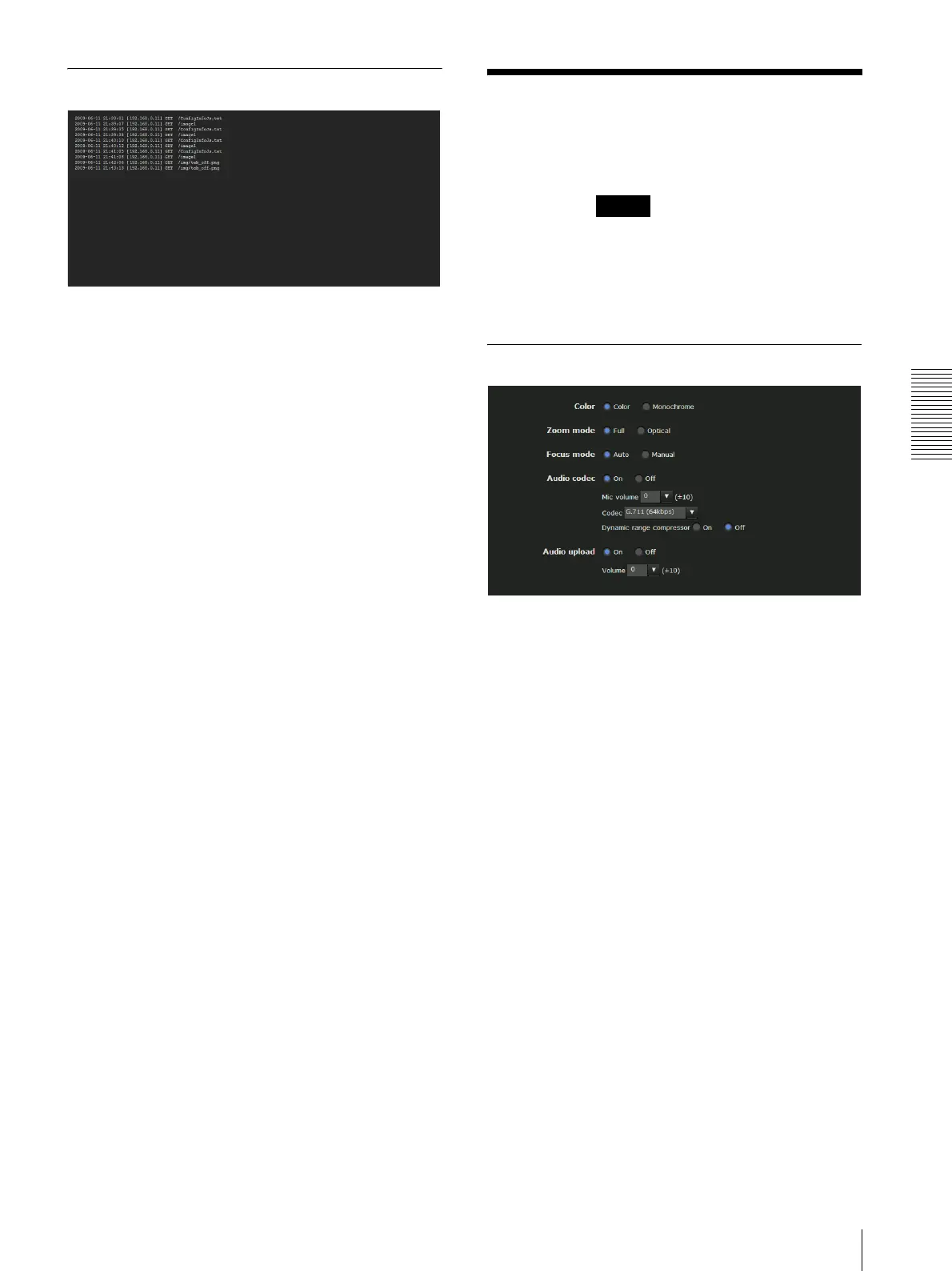
The Camera menu consists of six tabs: Common,
Picture, Privacy masking, Day/Night, Video codec
and Streaming.
Common Tab
Color
Select Color or Monochrome for the image.
Zoom mode
Selects the zoom mode.
SNC-EP580/ER580
Full: An image can be zoomed up to 20× optical zoom
and 12× digital zoom, 240× zoom in total.
Optical: An image can be zoomed up to 20× optical
zoom.
SNC- ER585/ER585H
Full: An image can be zoomed up to 30× optical zoom
and 12× digital zoom, 360× zoom in total.
Optical: An image can be zoomed up to 30× optical
zoom.
SNC-EP550/ER550/ZP550/ZR550
Full: An image can be zoomed up to 28× optical zoom
and 12× digital zoom, 336× zoom in total.
Optical: An image can be zoomed up to 28× optical
zoom.
SNC-EP520/EP521/ER520/ER521
Full: An image can be zoomed up to 36× optical zoom
and 12× digital zoom, 432× zoom in total.
Optical: An image can be zoomed up to 36× optical
zoom.
Camera



 To Next Page