SNC-EP520/EP521/EP550/EP580/ER520/ER521/ER550/ER580/ER585/ER585H/ZP550/ZR550
Administrating the Camera
Saving the Camera Position and Action — Preset position Menu
61
Set
Register the values of the Host name and Port No. you
typed to the list of the selected number.
Delete
Delete the contents of the list selected in No.
OK/Cancel
See “Buttons common to every menu” on page 26.
Saving the Camera
Position and Action
—
Preset position Menu
When you click in the Administrator
menu, the Preset position menu appears. This allows you
to save the camera’s pan, tilt and zoom positions and set
position tours (programmed action of the camera).
The Preset position menu consists of 2 tabs: Position
and Tour (position).
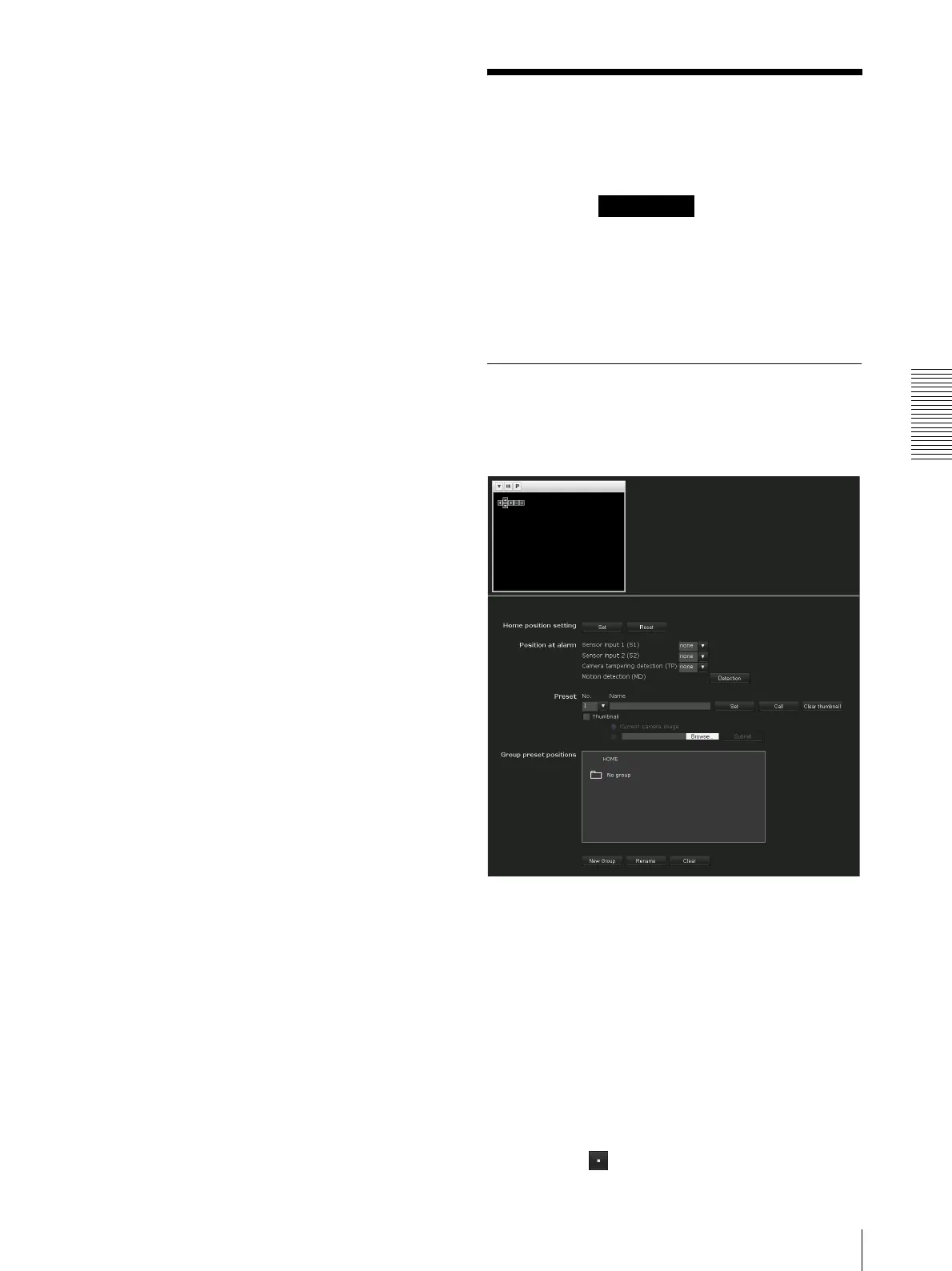
The Preview screen is displayed.
Position Tab — Saving pan/tilt/
zoom position
You can set up to 256 camera positions (pan, tilt and
zoom positions).
Preview screen
This screen is for monitoring images and setting preset
positions.
For details of each button, please refer to the Control bar
of the Plug-in free viewer (page 17).
Home position setting
Set the current camera position as the home position.
Set
Click to save the current pan, tilt and zoom positions as
the home position. To move the camera to the home
position, click in the control panel (page 15).
Preset position



 To Next Page