SNC EP520/EP521/EP550/EP580/ER520/ER521/ER550/ER580/ER585/ER585H/ZP550/ZR550
Administrating the Camera
Setting the Camera Image and Audio — Camera Menu
38
Gain
Select the gain from the drop-down list.
Selectable gain values are as follows:
-3, 0, +2, +4, +6, +8, +10, +12, +14, +16, +18, +20,
+22, +24, +26, +28 (dB)
White balance
Select the white balance mode.
Auto: Automatically adjusts the color to be closest to
the image you are viewing (approximately 3000 K to
7500 K).
Advanced Auto: Automatically adjusts the color to be
closest to the image you are viewing. When
performing photography under a high-pressure
sodium vapor lamp, the unit automatically switches
to Sodium vapor lamp mode.
Indoor: Adjusts the white balance for shooting indoors
under incandescent lighting (about 3200 K).
Outdoor: Adjusts the white balance for shooting
outdoors (about 5800 K).
One push WB: The One push trigger button becomes
active. Click the button to adjust the white balance
instantly.
ATW: Eliminating the influences causing from the
environmental illumination or lights, adjust the
white balance automatically to reproduce the
original color of the objects. (approximately 2000 K
to 10000 K).
Manual: When this option is selected, R gain and B
gain become active. Selectable gain values are from
0 to 255.
Sodium vapor lamp: Sets the white balance to that
suitable for photography under a high-pressure
sodium vapor lamp.
Notes
• High-pressure sodium lamps are supported. Proper
white balance may not be captured for some subjects
when using low-pressure sodium lamps.
•In Advanced Auto mode, proper white balance may
not be captured for some subjects or with some light
sources.
NR
Image noise can be reduced by using the NR function.
The intensity of the Noise Reduction filter can be
selected among High, Middle and Low. If you do not
use this function, select Off.
Brightness (SNC-EP520/EP521/ER520/
ER521)
Fine adjust the brightness for the exposure set in the
exposure mode. A larger value brightens the image, and
a smaller value darkens the image. A value from –5 to
+5 can be set.
Saturation
Select the saturation in 7 steps, from –3 to +3.
Selecting +3 provides the highest image saturation.
Sharpness
Select the sharpness in 7 steps, from –3 to +3.
Selecting +3 provides the sharpest picture.
Contrast (SNC-EP520/EP521/ER520/
ER521)
Select the contrast in 7 steps, from –3 to +3.
Selecting +3 provides the highest contrast.
OK/Cancel
See “Buttons common to every menu” on page 26.
Privacy Masking tab
Using the privacy masking enables you to hide images
by masking specified parts of the images when
streaming.
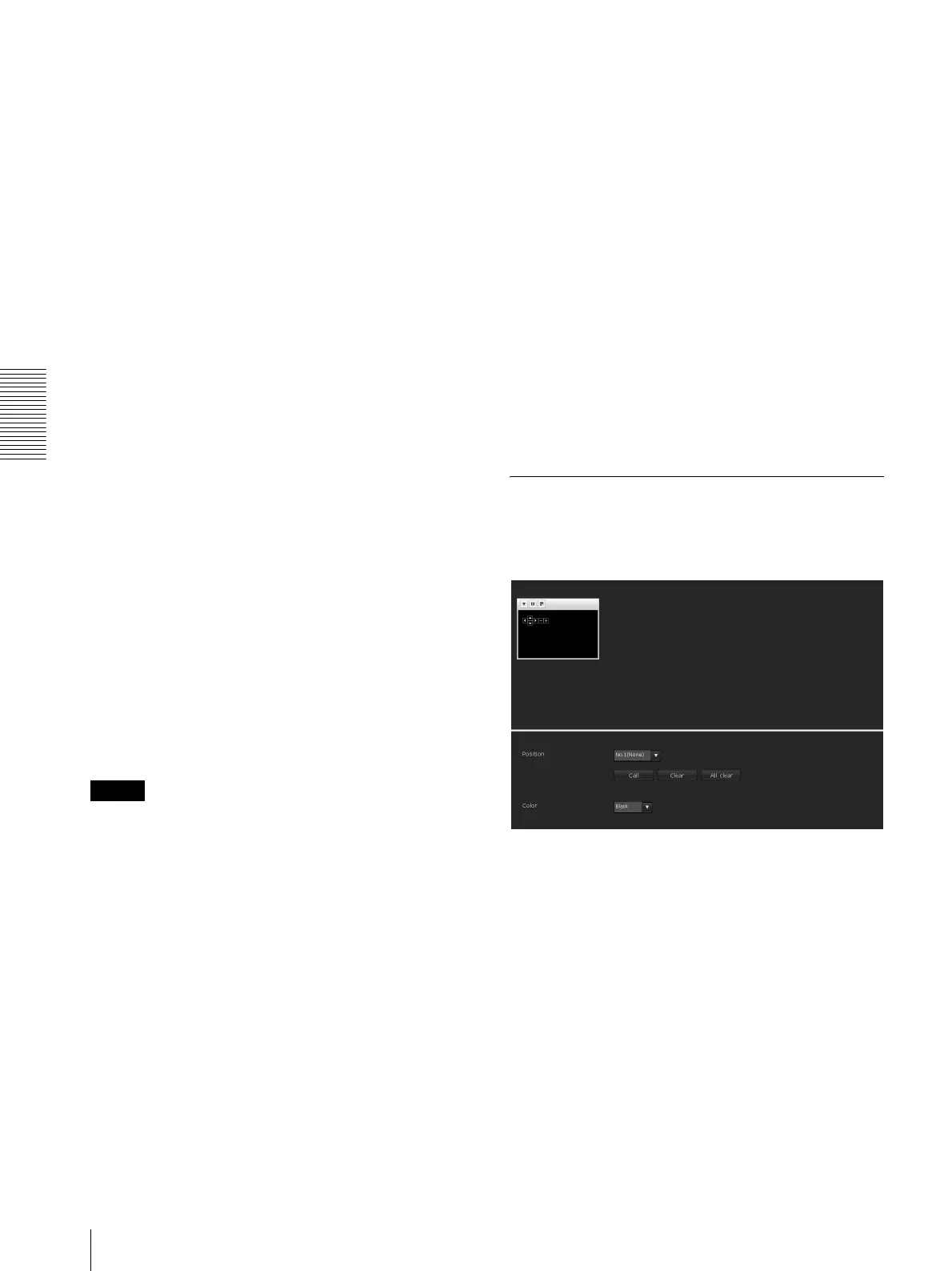
Preview screen
This screen is for monitoring images and configuring
privacy masking.
For details on each button, refer to the Control bar of the
Plug-in free viewer (page 17).
Control buttons
The control buttons are located at the top of the preview
screen.
You can operate the camera with these buttons.
Pan/Tilt operation
Click the button of the direction you wish to move the
camera.



 To Next Page