EasyManua.ls Logo

Sony STR-AV780 - Cescocenee Tase Serhe Acca Nieete Nuaea Nanan

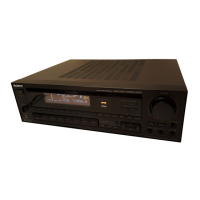
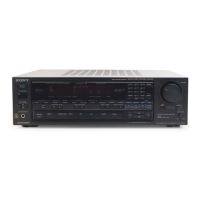
Sony STR-AV780
32 pages
Print Icon
To Next Page IconTo Next Page
To Previous Page IconTo Previous Page
Loading...
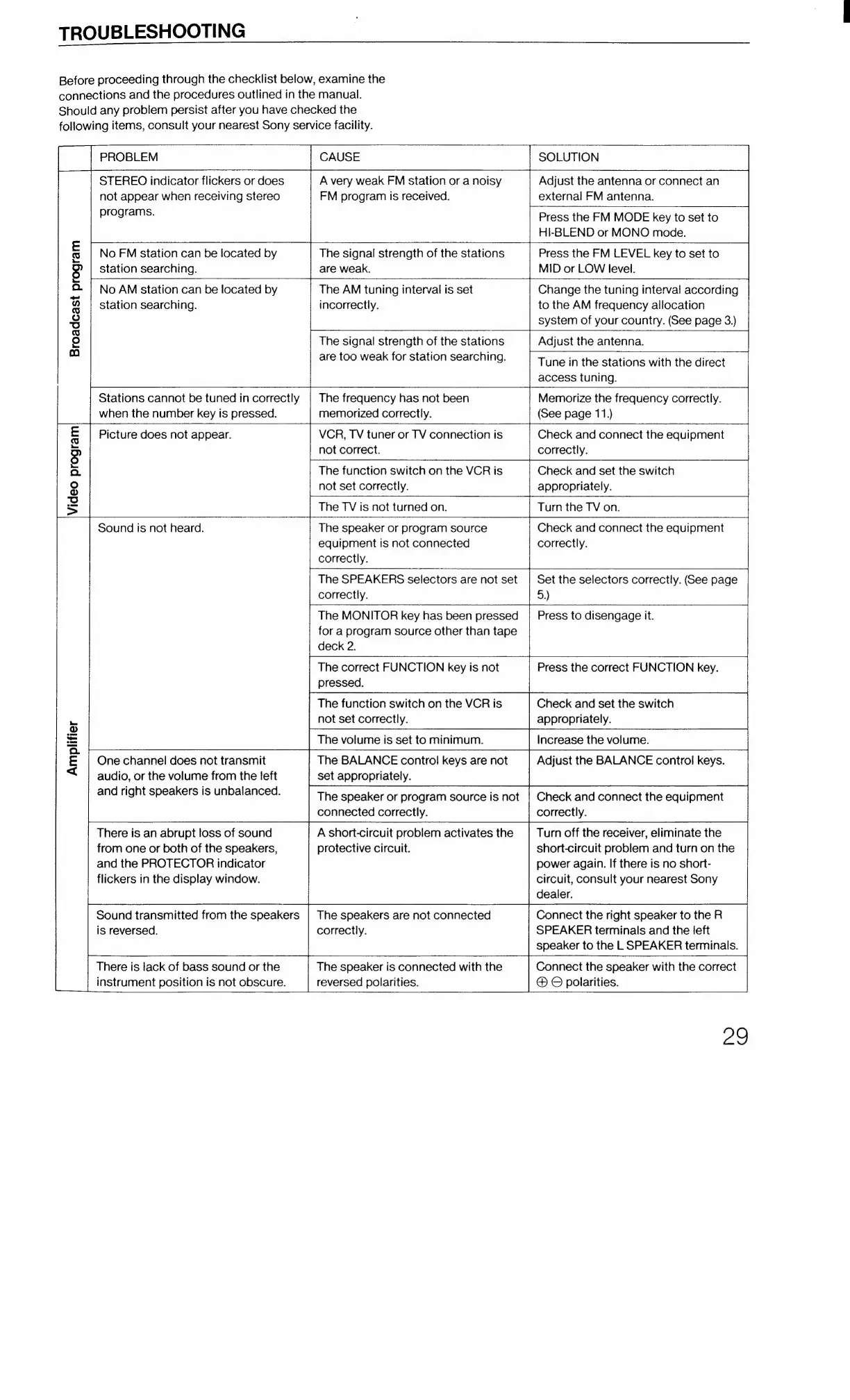
TROUBLESHOOTING
Before
proceeding
through
the
checklist
below,
examine
the
connections
and
the
procedures
outlined
in
the
manual.
Should
any
problem
persist
after
you
have
checked
the
following
items,
consult
your
nearest
Sony
service
facility.
_
PROBLEM
CAUSE
STEREO
indicator
flickers
or
does
A
very
weak
FM
station
or
a
noisy
not
appear
when
receiving
stereo
FM
program
is
received.
programs.
SOLUTION
Adjust
the
antenna
or
connect
an
external
FM
antenna.
Press
the
FM
MODE
key
to
set
to
HI-BLEND
or
MONO
mode.
Press
the
FM
LEVEL
key
to
set
to
MID
or
LOW
level.
Change
the
tuning
interval
according
to
the
AM
frequency
allocation
system
of
your
country.
(See
page
3.)
No
FM
station
can
be
located
by
The
signal
strength
of
the
stations
station
searching.
are
weak.
No
AM
station
can
be
located
by
The
AM
tuning
interval
is
set
station
searching.
incorrectly.
The
signal
strength
of
the
stations
Adjust
the
antenna.
are
too
weak
for
station
searching.
Broadcast
program
Tune
in
the
stations
with
the
direct
access
tuning.
Stations
cannot
be
tuned
in
correctly
|
The
frequency
has
not
been
Memorize
the
frequency
correctly.
when
the
number
key
is
pressed.
memorized
correctly.
(See
page
11.)
Picture
does
not
appear.
VCR,
TV
tuner
or
TV
connection
is
Check
and
connect
the
equipment
not
correct.
correctly.
The
function
switch
on
the
VCR
is
Check
and
set
the
switch
appropriately.
Turn
the
TV
on.
not
set
correctly.
The
TV
is
not
turned
on.
Sound
is
not
heard.
The
speaker
or
program
source
Check
and
connect
the
equipment
equipment
is
not
connected
correctly.
correctly.
The
SPEAKERS
selectors
are
not
set
|
Set
the
selectors
correctly.
(Gee
page
correctly.
5.)
The
MONITOR
key
has
been
pressed
|
Press
to
disengage
it.
for
a
program
source
other
than
tape
deck
2.
The
correct
FUNCTION
key
is
not
Press
the
correct
FUNCTION
key.
pressed.
The
function
switch
on
the
VCR
is
Check
and
set
the
switch
not
set
correctly.
appropriately.
The
volume
is
set
to
minimum.
Increase
the
volume.
The
BALANCE
control
keys
are
not
Adjust
the
BALANCE
control
keys.
set
appropriately
The
speaker
or
program
source
is
not
|
Check
and
connect
the
equipment
connected
correctly. correctly.
A
short-circuit
problem
activates
the
Turn
off
the
receiver,
eliminate
the
protective
circuit.
short-circuit
problem
and
turn
on
the
power
again.
If
there
is
no
short-
circuit,
consult
your
nearest
Sony
dealer.
One
channel
does
not
transmit
audio,
or
the
volume
from
the
left
and
right
speakers
is
unbalanced.
Amplifier
There
is
an
abrupt
loss
of
sound
from
one
or
both
of
the
speakers,
and
the
PROTECTOR
indicator
flickers
in
the
display
window.
Connect
the
right
speaker
to
the
R
SPEAKER
terminals
and
the
left
speaker
to
the
L
SPEAKER
terminals.
Connect
the
speaker
with
the
correct
©
polarities.
Sound
transmitted
from
the
speakers
is
reversed.
The
speakers
are
not
connected
correctly.
There
is
lack
of
bass
sound
or
the
The
speaker
is
connected
with
the
instrument
position
is
not
obscure.
reversed
polarities.
Zo

Related product manuals