EasyManua.ls Logo

Sony STR-AV780 - Page 9

Sony STR-AV780
32 pages
Print Icon
To Next Page IconTo Next Page
To Previous Page IconTo Previous Page
Loading...
(31)
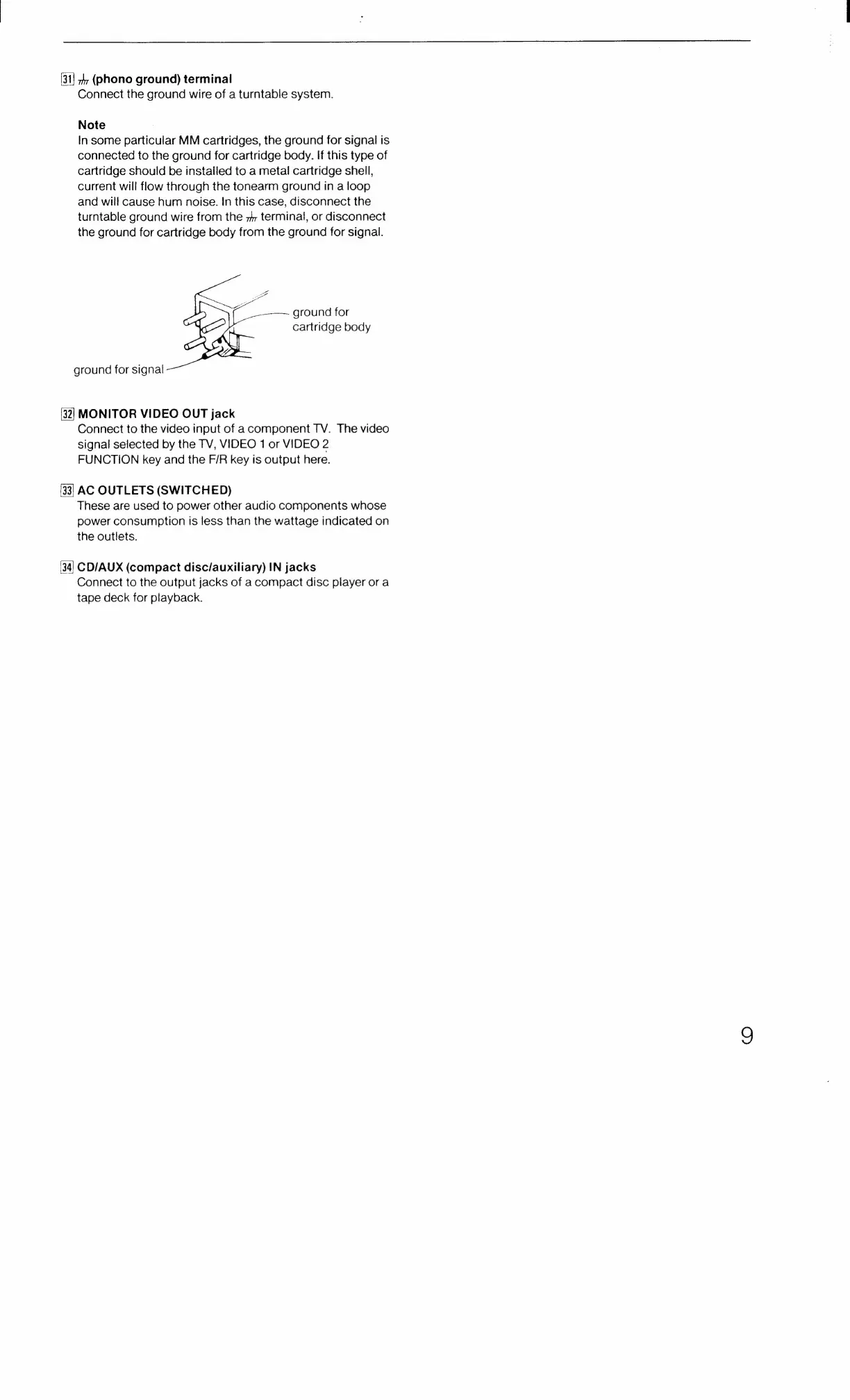
ground
for
signal
[32]
33
(34
hr
(phono
ground)
terminal
Connect
the
ground
wire
of
a
turntable
system.
Note
In
some
particular
MM
cartridges,
the
ground
for
signal
is
connected
to
the
ground
for
cartridge
body.
If
this
type
of
cartridge
should
be
installed
to
a
metal
cartridge
shell,
current
will
flow
through
the
tonearm
ground
in
a
loop
and
will
cause
hum
noise.
In
this
case,
disconnect
the
turntable
ground
wire
from
the
>
terminal,
or
disconnect
the
ground
for
cartridge
body
from
the
ground
for
signal.
ground
for
cartridge
body
MONITOR
VIDEO
OUT
jack
Connect
to
the
video
input
of
a
component
TV.
The
video
signal
selected
by
the
TV,
VIDEO
1
or
VIDEO
2
FUNCTION
key
and
the
F/R
key
is
output
here.
AC
OUTLETS
(SWITCHED)
These
are
used
to
power
other
audio
components
whose
power
consumption
is
less
than
the
wattage
indicated
on
the
outlets.
CD/AUX
(compact
disc/auxiliary)
IN
jacks
Connect
to
the
output
jacks
of
a
compact
disc
player
or
a
tape
deck
for
playback.

Related product manuals