Selecting the component (continued)
SPEAKERS switch
MULW2CH A. DIRECT
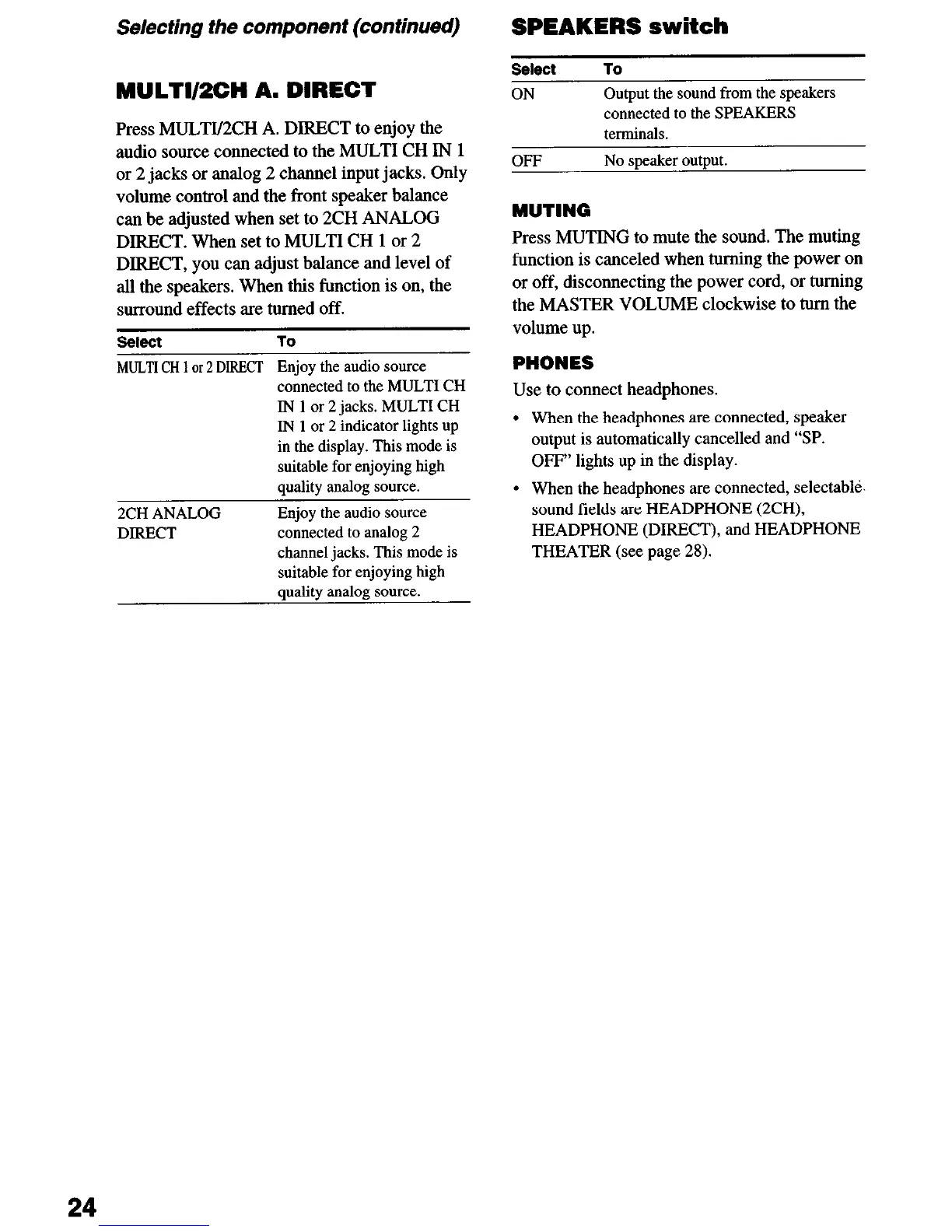
Press MULTI/2CH A. DIRECT to enjoy the
audio source connected to the MULTI CH IN 1
or 2 jacks or analog 2 channel input jacks. Only
volume control and the front speaker balance
can be adjusted when set to 2CH ANALOG
DIRECT. When set to MULTI CH 1 or 2
DIRECT, you can adjust balance and level of
all the speakers. When this function is on, the
surround effects are turned off.
Select To
ON
Output the sound from the speakers
connected to the SPEAKERS
terminals.
OFF No speaker output.
MUTING
Press MUTING to mute the sound. The muting
function is canceled when turning the power on
or off, disconnecting the power cord, or turning
the MASTER VOLUME clockwise to turn the
volume up.
seteet
To
MULTI CH 1 or 2 DIRECT Enjoy the audio source
connected to the MULTI CH
IN 1 or 2 jacks. MULTI CH
IN 1 or 2 indicator lights up
in the display. This mode is
suitable for enjoying high
. .
2CH ANALOG
DIRECT
quality anatog source.
Enjoy the audio source
connected to analog 2
channel jacks. This mode is
suitable for enjoying high
quality analog source.
PHONES
Use to connect headphones.
When the headphones are connected, speaker
output is automatically cancelled and “SP.
OFF” lights up in the display.
When the headphones are connected, selectabld.
sound fields are HEADPHONE (2CH),
HEADPHONE (DIRECT), and HEADPHONE
THEATER (see page 28).
24


 To Next Page