SONY@
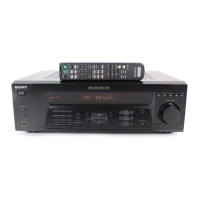
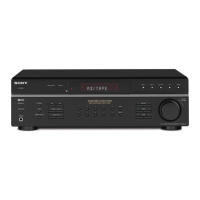
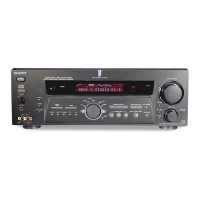
For the customers of STR=DEl075/DE975/DE875
About MULTI CH IN jacks
You can use these input jacks to connect the multi channel output jacks of the DVD player or the
multi channel decoder,etc., to enjoy the high quality analog source without digital process.
For the customers of STFbDE1075
When you set the center and surround back speakers to use as the surround back right and left
speakers in the speaker settings, the signal input at the MULTI CH IN CENTER jack is directly
output from the surround back right speaker and the signal input at the MULTI CH IN SURROUND
BACK jack is directly output from the surround back left speaker.
For the customers of STR-DE97UDE875
When you set the center speaker to use as the surround back speaker in the speaker settings, the
signal input at the MULTI CH IN CENTER jack is directly output from the surround back speaker.
For details about the speaker settings, refer to “Multi channel surround setup” in the Operating
Instructions.
About 2ND ROOM SPEAKERS (For the customers of STR-DElO75)
The 2nd room speaker setting is automatically set to “OFF” whenever you turn off the receiver. For
details, refer to “2nd room speaker” of the “Adjustments using the SET UP button” in the Operating
Instructions.
Sony Corporation 0 2001 Printed in Malaysia
4-236-897-l l(1)


 To Next Page