5: Preparingthereceiver
andthe remote
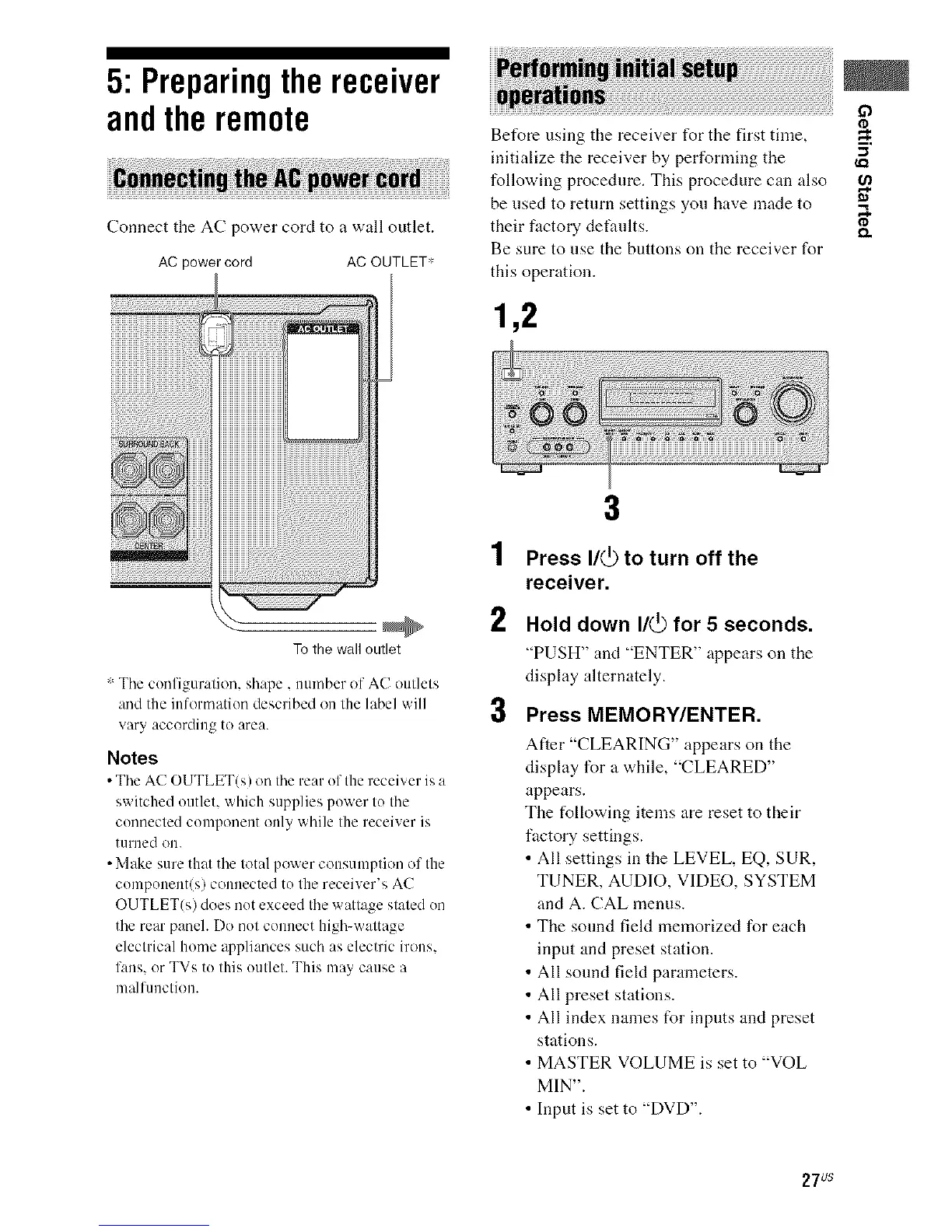
Connect the AC power cord to a wall outlet.
AC power cord AC OUTLET*
Before using the receiver for the first time,
m,
initialize the receiver by performing the "_
following procedure. This procedure can also
be used to return settings you have made to "_
their factory defaults. _.
Be sure to use the buttons on the receiver for
this operation.
1,2
To the wall outlet
: The configuration, shape, number of AC outlets
and the information described on the label will
vary according to area.
Notes
• The AC OUTLET(s) on the rear of the receiver is a
switched outlet, which supplies power to the
connected component only while the receiver is
turned ou.
• Make sure that the total power consumption of the
component(s) connected to the receiver's AC
OUTLET(s) does not exceed the wattage stated on
the rear panel. Do not connect high-wattage
electrical home appliances such as electric irons.
fans. or TVs to this outlet. This may cause a
malfunction.
3
1 Press I/(_ to turn off the
receiver.
2
3
Hold down I/(_ for 5 seconds.
"PUSH" and "ENTER" appears on the
display alternately.
Press MEMORY/ENTER.
After "CLEARINC," appears on the
display for a while, "CLEARED"
appears.
The following items are reset to their
fuctory settings.
• All settings in the LEVEL, EQ, SUR,
TUNER, AUDIO, VIDEO, SYSTEM
and A. CAL menus.
• The sound field memorized for each
input and preset station.
• All sound field parameters.
• All preset stations.
• All index names for inputs and preset
stations.
• MASTER VOLUME is set to "VOL
MIN".
• Input is set to "DVD".
27us



 To Next Page