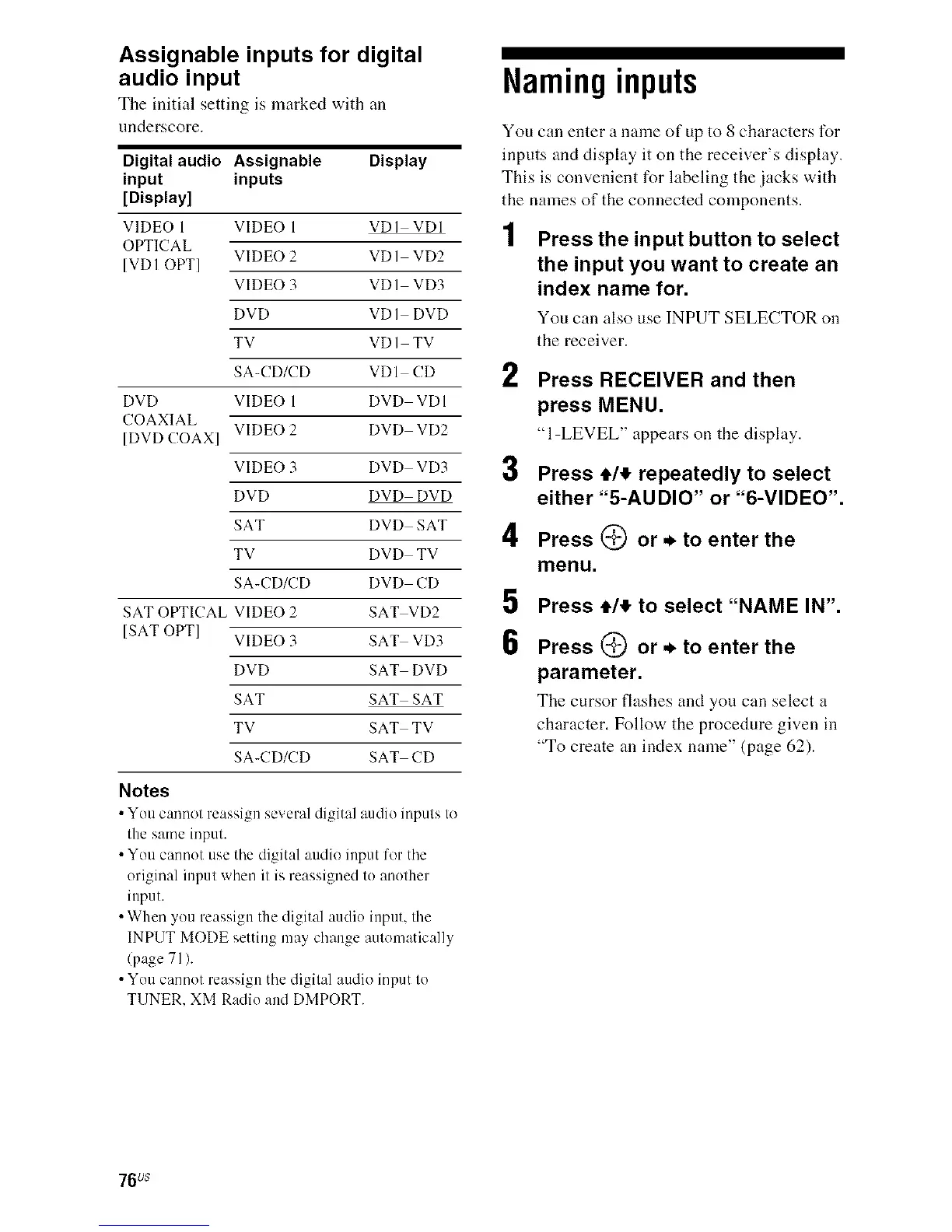
Assignable inputs for digital
audio input
Tile initM setting is marked with an
underscore.
Digital audio Assignable Display
input inputs
[Display]
VIDEO 1 VIDEO 1 VDI VDI
OPTICAL
VIDEO 2 VD] VD2
[VD] OPT]
VIDEO 3 VD] VD3
DVD VD] DVD
TV VD] TV
SA-CD/CD VDI CD
DVD VIDEO 1 DVD VDI
COAXIAL
VIDEO 2 DVD VD2
[DVD COAX]
VIDEO 3 DVD VD3
DVD DVD DVD
SAT DVD SAT
TV DVD TV
SA-CD/CD DVD CD
SAT OPTICAL VIDEO 2 SAT VD2
[SAT OPT] VIDEO 3 SAT VD3
DVD SAT DVD
SAT SAT SAT
TV SAT TV
SA-CD/CD SAT CD
Notes
• You cannot reassign several digital audio inputs to
the same input.
• You cannot use tile digital audio input for tile
original input when it is reassigned to another
input.
• When you reassign the digital audio input, the
INPUT MODE setting may change autnmatically
(page 71).
• You cannot reassign tile digital audio input to
TUNER. XM Radio and DMPORT.
Naming inputs
You can enter a name of up to 8 characters for
inputs and display it on the receiver's display.
This is convenient for labeling the jacks with
the names of the connected components.
1 Press the input button to select
the input you want to create an
index name for.
You can also use INPUT SELECTOR on
the receiver.
2
3
4
5
6
Press RECEIVER and then
press MENU.
"l-LEVEL" appears on the display.
Press 4,1,!,repeatedly to select
either "5-AUDIO" or "6-VIDEO".
Press (_ or ._ to enter the
menu.
Press el!, to select "NAME IN".
Press _ or ._ to enter the
parameter.
The cursor flashes and you can select a
character. Follow the procedure given in
"To create an index name" (page 62).
76us



 To Next Page