2 Press PRESET + or PRESET-
repeatedly to select the preset
station you want.
Each time you press the button, you can
select a preset station as follows:
You can also press the numeric buttons to
select the preset station you want. Then,
press ENTER to enter the selection.
Using the controls on the
receiver
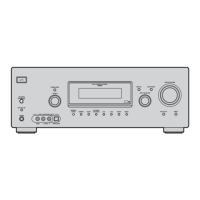
1 Turn INPUT SELECTOR to select tile FM
or AM band.
2 Press TUNING MODE repeatedly to select
"PRESET T.".
3 Turn TUNING +1- to select the preset
station you want.
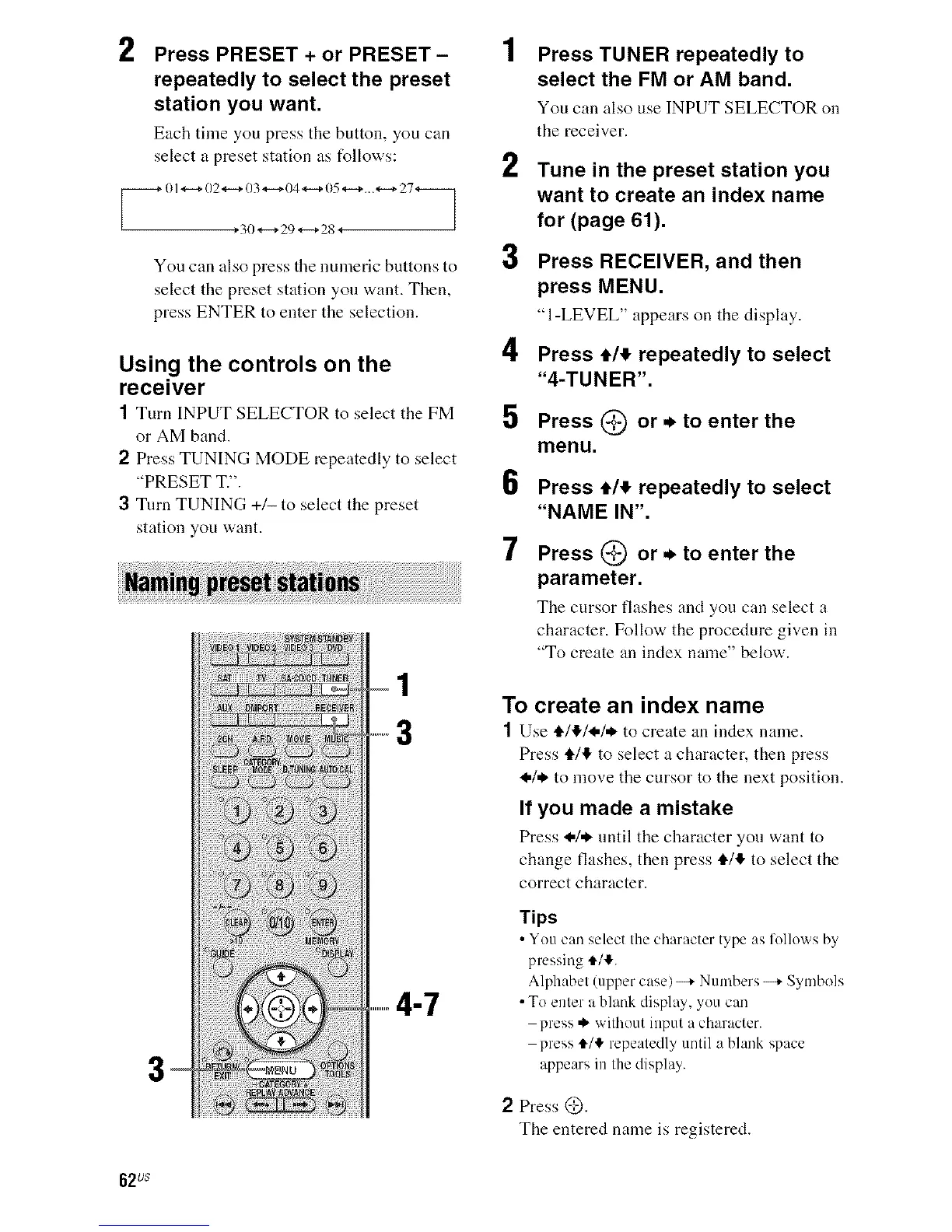
...............4-7
2
3
4
5
6
7
Press TUNER repeatedly to
select the FM or AM band.
You can also use INPUTSELECTOR on
the receiver.
Tune in the preset station you
want to create an index name
for (page 61).
Press RECEIVER, and then
press MENU.
"I-LEVEL" appears on the display.
Press e/_ repeatedly to select
"4-TUNER".
Press (_) or * to enter the
menu.
Press e/_ repeatedly to select
"NAME IN".
Press (_) or * to enter the
parameter.
Tile cursor flashes and you can select a
character. Follow the procedure given in
"To create an index name" below.
To create an index name
1 Use €/_!./_,I* to create an index nanle.
Press €/€ to select a character, then press
_,1. to move the cursor to the next position.
If you made a mistake
Press _,/* until tile character you want to
change flashes, then press €1'@"to select the
correct character.
Tips
• You can select the character type as l'ollo_xs b>
pressing €/,!,.
Alphabet (tipper case)--+ Numbers --+ Symbols
• To enter a blank display, you can
press ._ without input a character.
press t/_" repeatedly until a blank space
appears in the display.
2 Press @.
The entered name is registered.
62us


 To Next Page