If programming is
unsuccessful, check the
following:
• If the indicator does not light up in step 1, tile
batteries are weak. Replace both batteries.
• If the indicator flashes 5 times in quick
succession while entering the numeric code,
an error has occurred. Start again from step
1.
To clear the memory of the remote
To clear all programmed, do the following to
reset the remote to factory settings.
While holding down MASTER
VOL-, press and hold I/_ and then
press AV I/_.
Tile indicator flashes 3 times, then goes off.
The numeric codes
corresponding to the
component and the maker of
the component
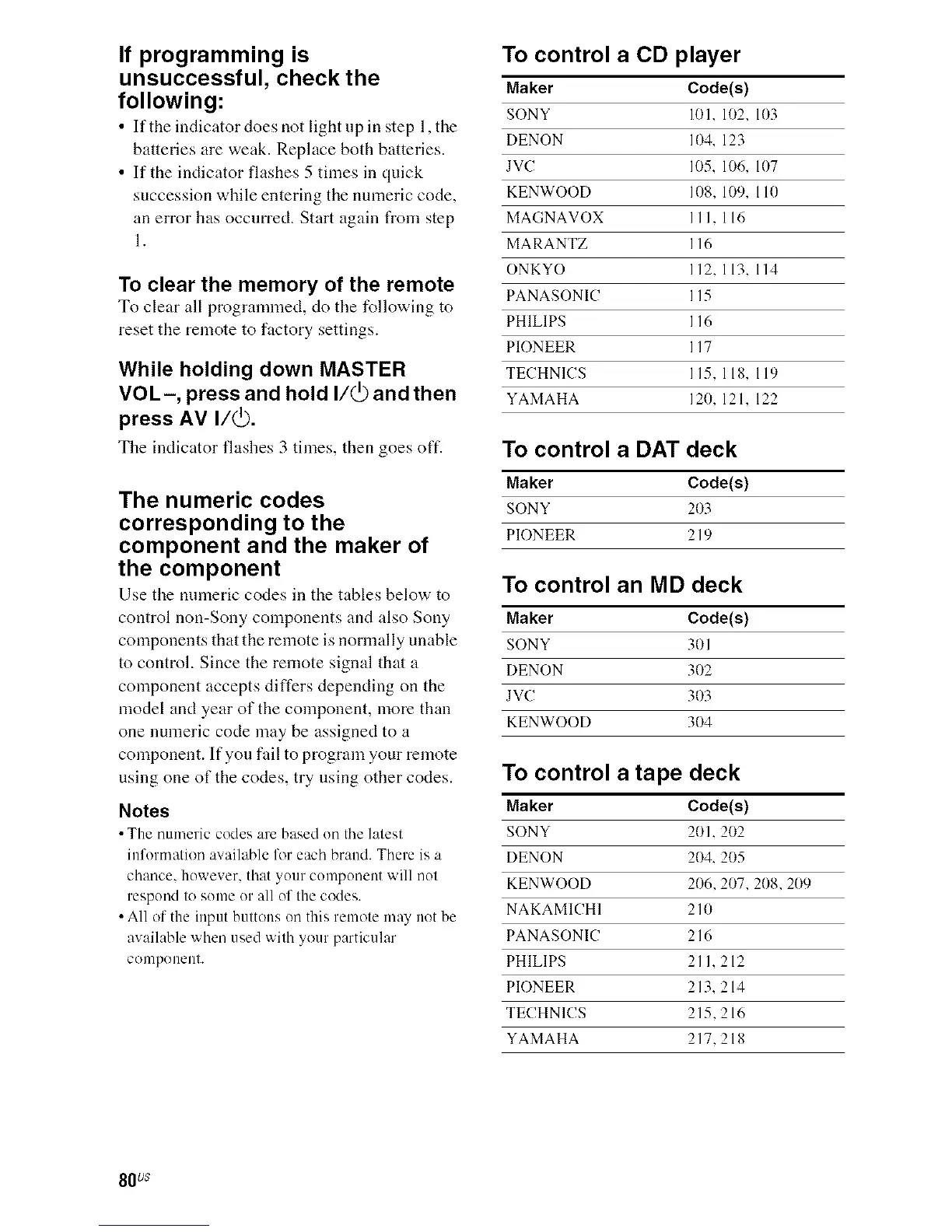
Use the numeric codes in the tables below to
control non-Sony components and also Sony
components that the remote is normally unable
to control. Since the remote signal that a
component accepts differs depending on the
model and year of the component, more than
one numeric code may be assigned to a
component. If you fail to program your remote
using one of the codes, try using other codes.
Notes
• Tile n/lmeric codes are based on tile latest
information available fflr each brand, There is a
chance, however, that your component will not
respond to some or all of the codes,
• All of the input buttons on this remote may not be
available when used with your particular
conlponent.
To control a CD player
Maker Code(s)
SONY 10l, 102, 103
DENON 104, 123
JVC 105, 106, 107
KENWOOD 108, 109, 110
MAGNAVOX III, 116
MARANTZ I 16
ONKYO 112, 113, 114
PANASONIC I 15
PHILIPS 116
PIONEER I 17
TECHNICS 115, 118, 119
YAMAHA 120, 121, 122
To control a DAT deck
Maker Code(s)
SONY 2O3
PIONEER 219
To control an MD deck
Maker Code(s)
SONY 301
DENON 302
JVC 303
KENWOOD 304
To control a tape deck
Maker Code(s)
SONY 201,202
DENON 204, 205
KENWOOD 206, 207, 208, 2(19
NAKAMICHI 210
PANASONIC 216
PHILIPS 21 I, 212
PIONEER 213, 214
TECHNICS 215, 216
YAMAHA 217, 218
80 us



 To Next Page