AV devices
Enjoying movies or audio from an AV device such as a Blu-ray Disc player, CD player,
satellite box or game console
You can connect AV devices to the receiver to enjoy a wide range of content such as movies
and audio.
As the receiver is equipped with HDCP 2.2-compatible HDMI jacks, you can also enjoy 4K
content via streaming services, satellite broadcasts, etc.
Enjoying video/sound from the connected device
[43] Enjoying Video and Sound Playing AV devices
Using the menu on the TV screen
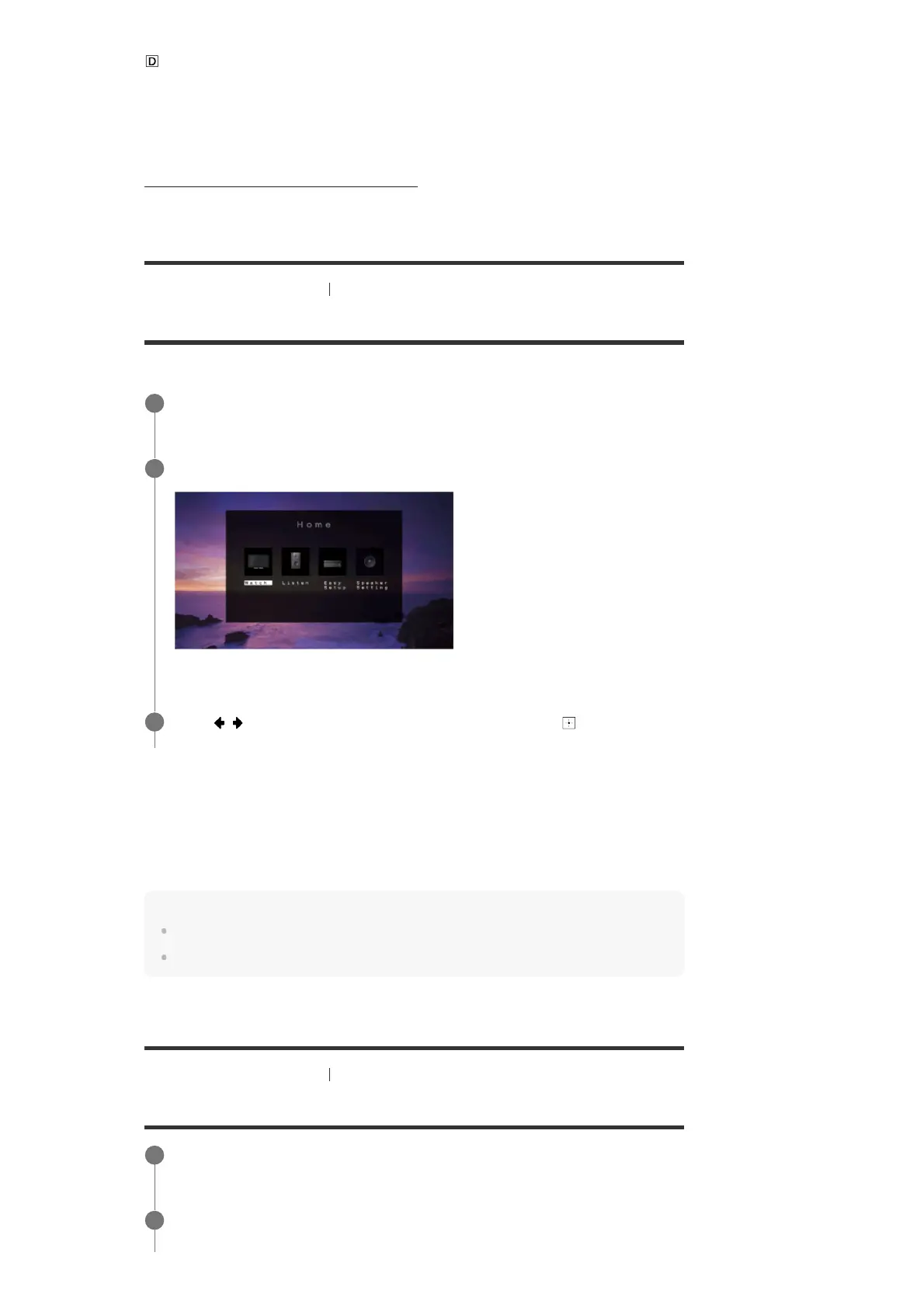
You can display the menu of the receiver on the TV screen.
Home menu items
Watch: Select to display video from the connected device.
Listen: Select to listen to sound from the connected device.
Easy Setup: Select to perform Easy Setup.
Speaker Setting: Select to adjust the speaker settings.
Hint
To return to the previous screen, press BACK.
To exit the menu, press HOME to display the home menu, then press HOME again.
[44] Enjoying Video and Sound Playing AV devices
Enjoying video/sound from the connected device
Switch the input of the TV to the input to which the receiver is connected.
1
Press HOME to display the home menu on the TV screen.
2
Press
/ repeatedly to select the menu you want, then press to enter the
menu.
3
Switch the input of the TV to the input to which the receiver is connected.
1
Press HOME.
2



 To Next Page