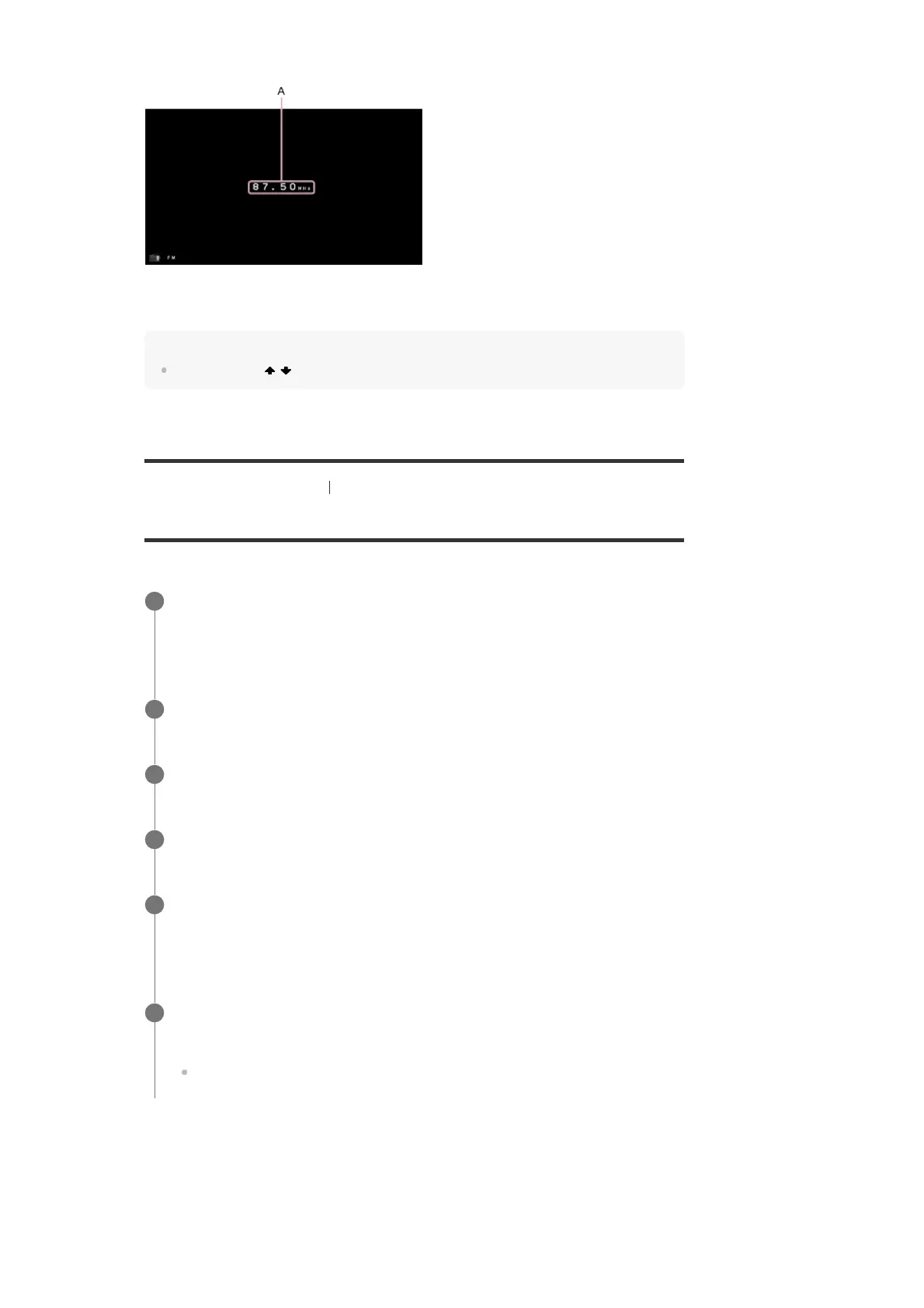
FM screen
A: Frequency indication
Shows the frequency of the station which the tuner is receiving.
Hint
You can also use / on the remote control or TUNING +/– on the receiver for tuning.
[53] Enjoying Video and Sound Listening to the radio
Presetting FM radio stations
You can store up to 30 FM stations as your favorite stations.
FM screen
Select [Listen] - [FM] from the home menu.
The FM screen appears.
1
Tune to the station that you want to preset.
2
Press MEMORY.
3
Press PRESET +/– to select a preset number.
4
Press MEMORY again.
The station is stored as the selected preset number.
5
Repeat steps 1 to 4 to store another station.
You can store stations as follows:
FM band: FM 1 to FM 30
6



 To Next Page