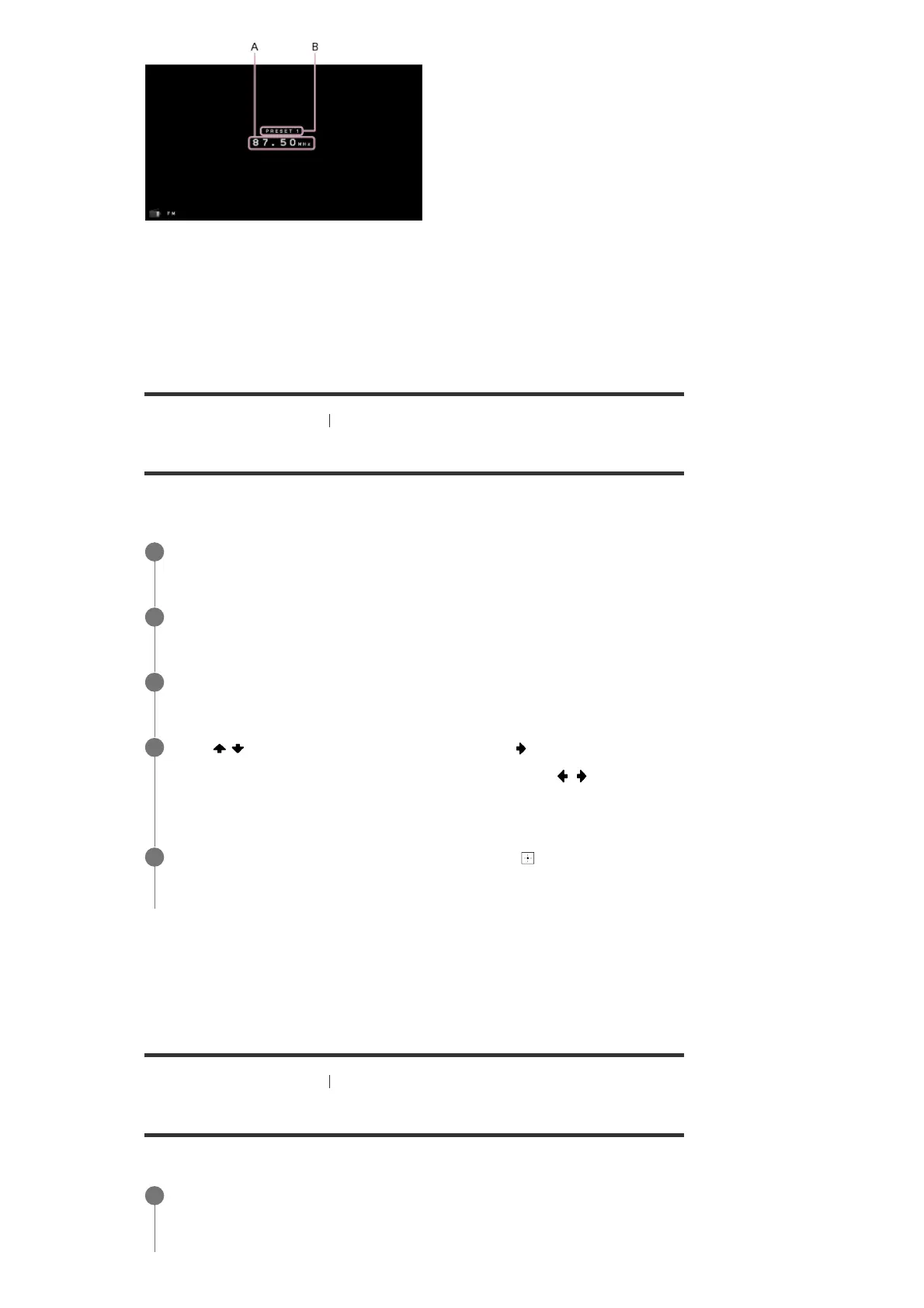
A: Frequency indication
Shows the frequency of the station which the tuner is receiving.
B: Preset station number
Shows the preset number which you are selecting.
[54] Enjoying Video and Sound
Listening to the radio
Naming preset stations (NAME IN)
You can enter a name up to 8 characters for a preset station.
This operation is only available using the display panel on the front of the receiver.
Canceling naming input
Press BACK.
[55] Enjoying Video and Sound
Listening to the radio
Tuning to a station directly
You can enter the frequency of a station directly.
Select the preset number to which you want to assign a name.
1
Press AMP MENU.
2
Select [<TUNER>] - [NAME IN] on the display panel.
3
Press
/ repeatedly to select a character, then press .
You can move the input position backward and forward by pressing
/ .
4
Repeat step 4 to input characters one by one, then press
.
The name you entered is registered.
5
Select [Listen] - [FM] from the home menu.
The FM screen appears.
1



 To Next Page