43
[D] System Configuration – SYSTEM CONFIGURATION Menu
Chapter 2 Menu
Structure of the SYSTEM
CONFIGURATION Menu
Setting Lists in the SYSTEM
CONFIGURATION Menu
This section explains the setting lists displayed in the
menu.
How to read the settin lists
• For purposes of explanation, each setting list is preceded
by a menu number. These numbers are not displayed on
the screen.
For more information on the menu number, see “About
menu numbers” on page 26.
• The arrow mark (k) refers you to another setting list
that appears after you make the setting, or to an operation
that is to be carried out as a result of the setting.
[D] SYSTEM CONFIGURATION Menu
NETWORK...: Set the remote control function of the
network. k[D1]
PARALLEL REMOTE...: Set the parallel remote
control function. k[D2]
POWER…: Set the condition of the monitor when the
main power is turned on or the power is turned on
by remote operation. k[D3]
BLANKING SETTINGS...: Adjust the data for the
blanking. k[D4]
ON SCREEN SET...: Set the data for the screen
display. k[D5]
PASSWORD...: Set the passwords for the menu.
k[D6]
MAINTENANCE...: Display the menu for
maintenance. k[D7]
[D1] NETWORK... menu
MONITOR ID: Enter a monitor ID No..
Set to 01 to 99 (default setting is 01).
GROUP ID: Enter a group ID No..
Set to 01 to 99 (default setting is 01).
NETWORK SETTINGS...: Set the IP address,
subnet mask and default gateway. k[D11]
NETWORK SW: Display the setting of the
NETWORK switch (LAN or PEER TO PEER).
SNMP SETTINGS...: Set CONTACT, NAME,
LOCATION and TRAP. k[D12]
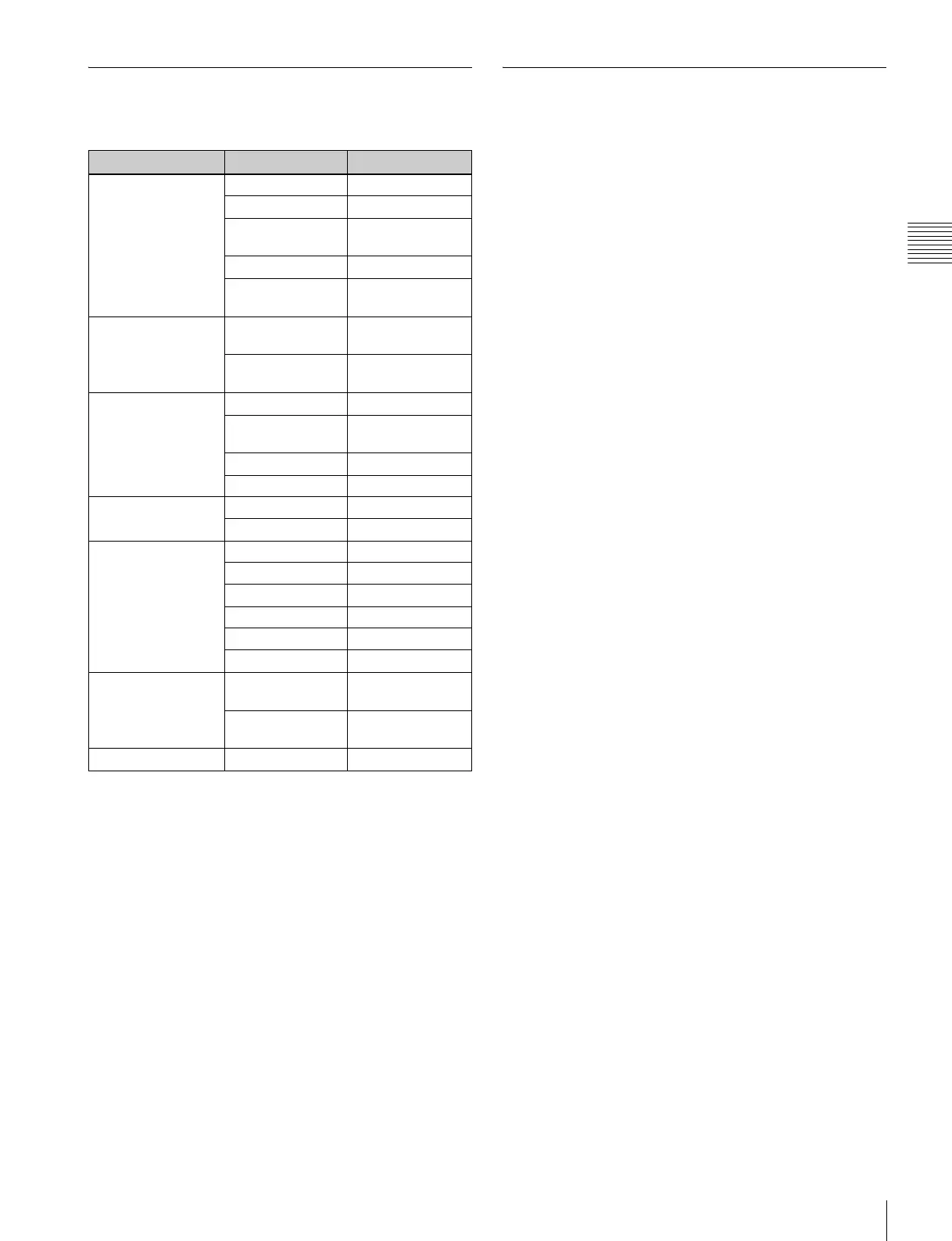
Level 1 Level 2 Level 3
NETWORK... [D1] MONITOR ID
GROUP ID
NETWORK
SETTINGS... [D11]
NETWORK SW
SNMP SETTINGS...
[D12]
PARALLEL
REMOTE... [D2]
PARALLEL
REMOTE
1 PIN... - 8 PIN...
[D21]
PARALLEL
REMOTE [D211]
POWER... [D3] STANDBY MODE
POWER ON
STATUS
DEFAULT CH
DEGAUSS DELAY
BLANKING
SETTINGS... [D4]
ANCILLARY DATA
VITS BLK
ON SCREEN SET...
[D5]
FORMAT DISPLAY
POSITION
CH NO
POSITION
CH NAME
POSITION
PASSWORD... [D6] CHANGE
PASSWORD... [D61]
CHANGE
PASSWORD [D611]
APPLY
PASSWORD... [D62]
APPLY PASSWORD
[D621]
MAINTENANCE... [D7]









 To Next Page