46
[E] Installation Settings – INSTALLATION SETTINGS Menu
Chapter 2 Menu
[E] Installation Settings
– INSTALLATION
SETTINGS Menu
Overview
Initial settings of geometry, convergence, etc. are adjusted
from this menu.
The following are adjusted.
• Correcting the shift of beam landing caused by the
earth’s magnetism (LANDING ADJUST... menu)
• Adjusting the position and size of the picture and
convergence (ALIGNMENT... menu )
• Adjusting the color unevenness of the CRT
(DIGITAL UNIFORMITY ADJ... menu)
Perform digital uniformity adjustment after beam landing
adjustment has been completed.
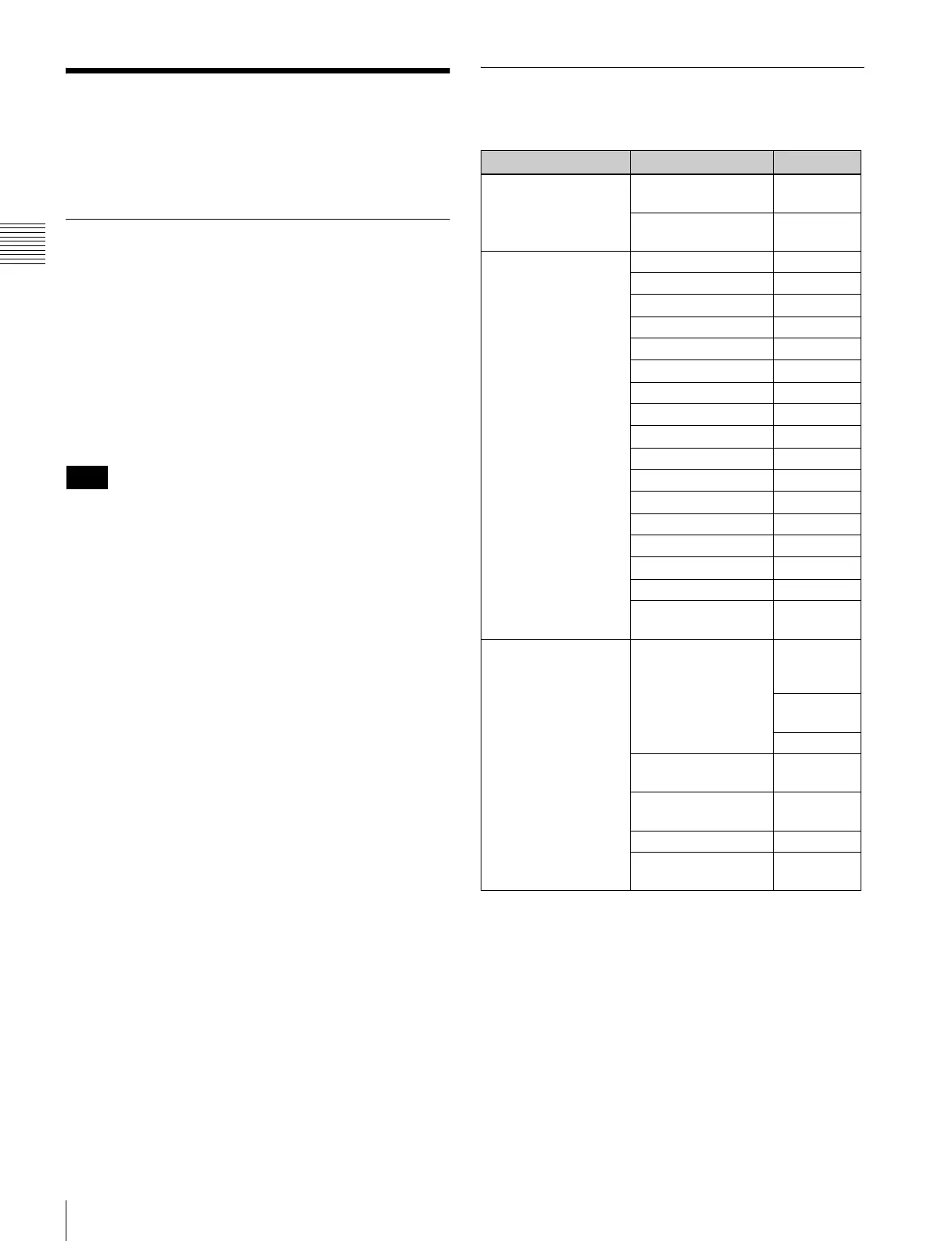
Structure of the INSTALLATION
SETTINGS Menu
Note
Level 1 Level 2 Level 3
LANDING ADJUST...
[E1]
NS
RESTORE FACTORY
DATA [E11]
ALIGNMENT... [E2] ROTATION
H PHASE
V CENTER
H SIZE
V SIZE
SUB CONTRAST
H PIN
H PIN BAL
H CORNER PIN
H CORNER S
H KEY
H KEY BAL
V STATIC CONV
V CONV TOP
V CONV BOT
H STATIC CONV
RESTORE FACTORY
DATA
DIGITAL UNIFORMITY
ADJ... [E3]
MANUAL... [E31] MANUAL
ADJUST
[E311]
CURSOR H
SIZE
V SIZE
AUTO FULL POINTS
ADJ [E32]
AUTO ONE POINT ADJ
[E33]
SIGNAL
RESTORE FACTORY
DATA









 To Next Page