EasyManua.ls Logo

Sony Trinitron KV-13VM20 - Viewing TV Programs During Tape Playback

Sony Trinitron KV-13VM20
97 pages
Print Icon
To Next Page IconTo Next Page
To Previous Page IconTo Previous Page
Loading...
To
advance
the
tape
rapidly
While
the
tape
is
being
played
back,
pressing
FAST
FORWARD
ep»
will
move
the
tape
forward
at
high
speed
so
you
can
see
the
picture
and
choose
where
to
stop.
When
you
do
this,
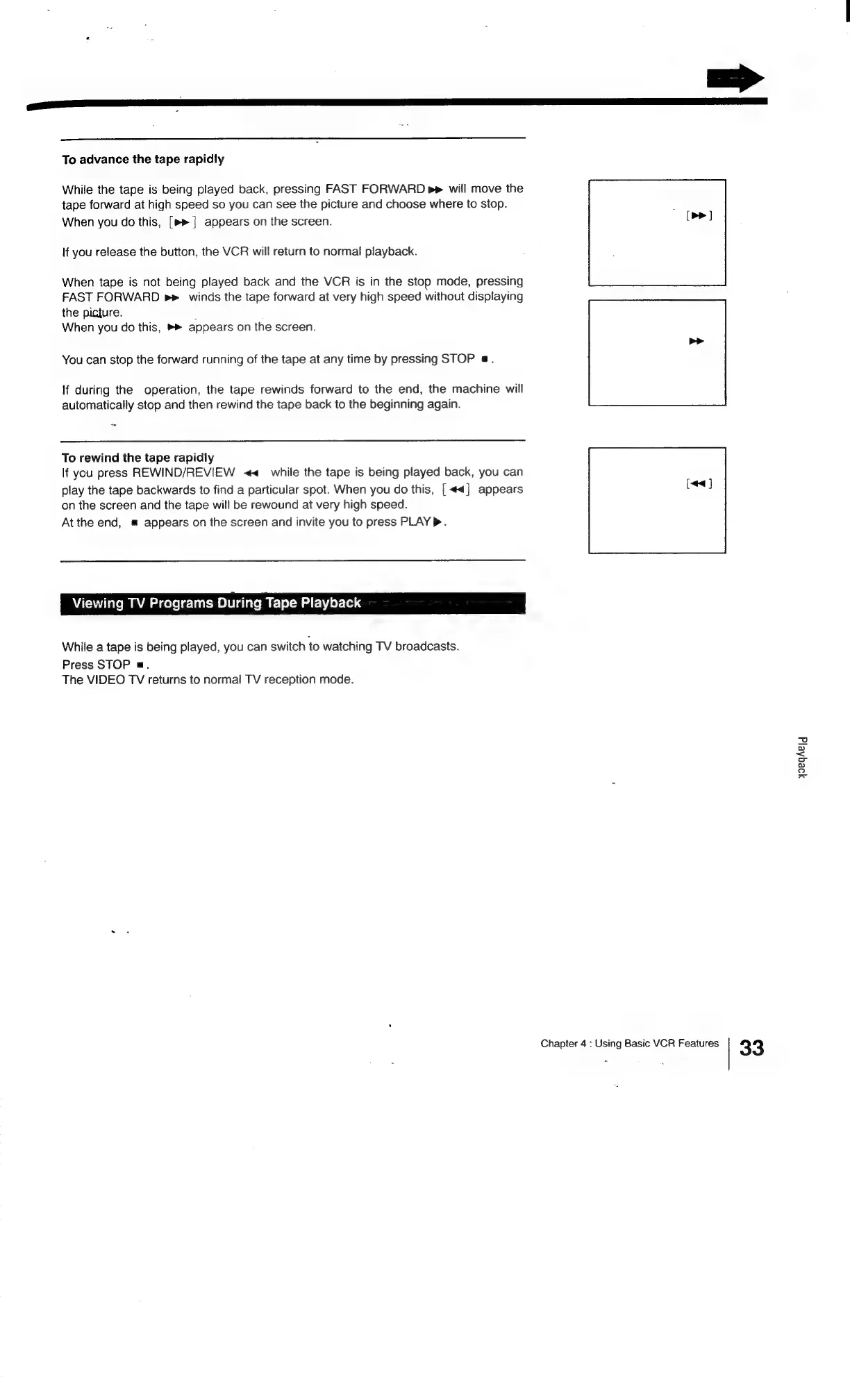
[»»]
appears
on
the
screen.
If
you
release
the
button,
the
VCR
will
return
to
normal
playback.
When
tape
is
not
being
played
back
and
the
VCR
is
in
the
stop
mode,
pressing
FAST
FORWARD
winds
the
tape
forward
at
very
high
speed
without
displaying
the
picture.
-
When
you
do
this,
»®
appears
on
the
screen.
You
can
stop
the
forward
running
of
the
tape
at
any
time
by
pressing
STOP
a.
If
during
the
operation,
the
tape
rewinds
forward
to
the
end,
the
machine
will
automatically
stop
and
then
rewind
the
tape
back
to
the
beginning
again.
To
rewind
the
tape
rapidly
If
you
press
REWIND/REVIEW
<<
while
the
tape
is
being
played
back,
you
can
play
the
tape
backwards
to
find
a
particular
spot.
When
you
do
this,
[<<]
appears
on
the
screen
and
the
tape
will
be
rewound
at
very
high
speed.
At
the
end,
#
appears
on
the
screen
and
invite
you
to
press
PLAY.
Viewing
TV
Programs
During
Tape
Playback
While
a
tape
is
being
played,
you
can
switch
to
watching
TV
broadcasts.
Press
STOP
a.
The
VIDEO
TV
returns
to
normal
TV
reception
mode.
[<4]
yoegheld
Chapter
4
:
Using
Basic
VCR
Features
33

Related product manuals