EasyManua.ls Logo

Sony Trinitron KV-13VM20 - Using Counter;Remain; Using Counter Memory Function

Sony Trinitron KV-13VM20
97 pages
Print Icon
To Next Page IconTo Next Page
To Previous Page IconTo Previous Page
Loading...
Using
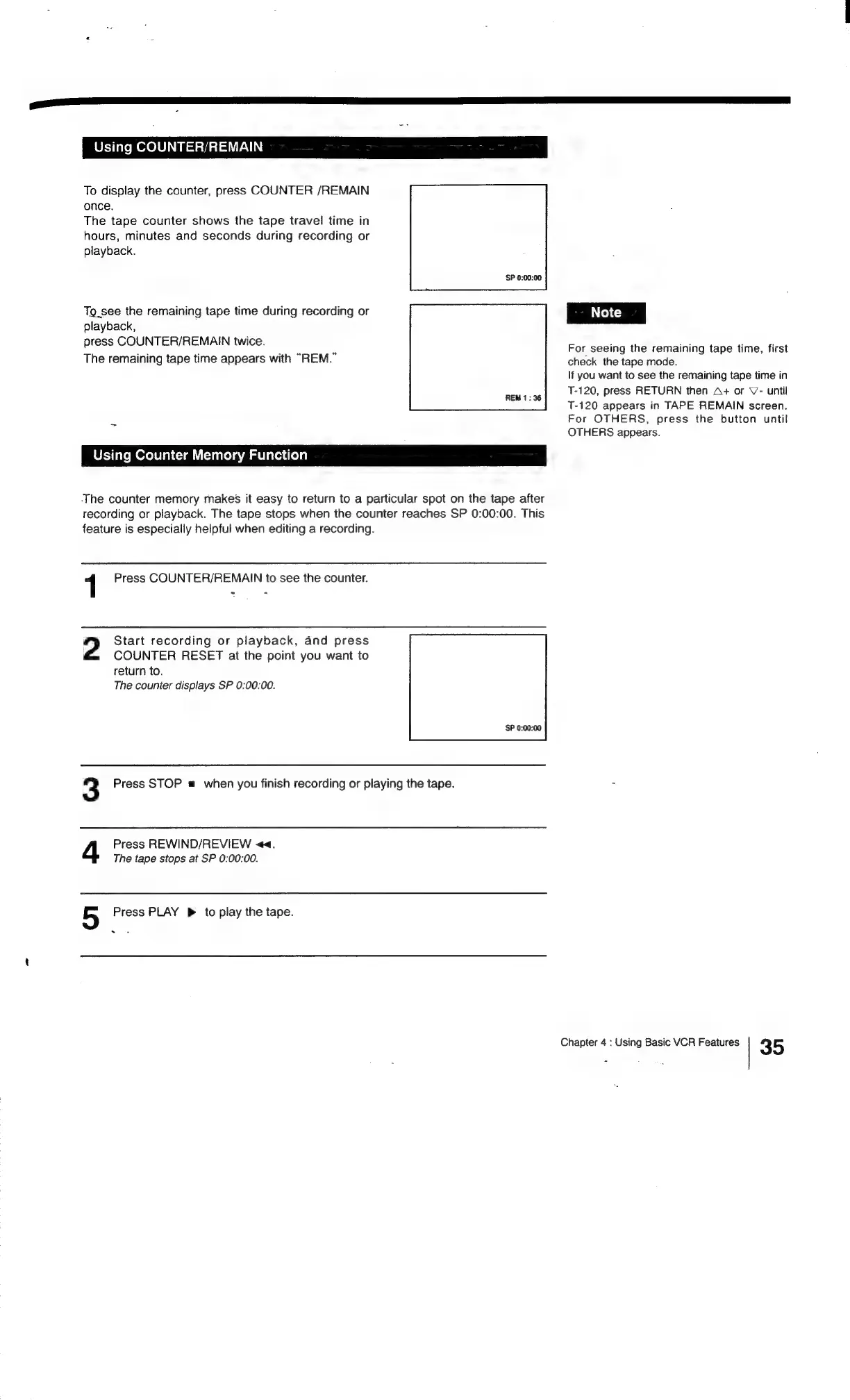
COUNTER/REMAIN
To
display
the
counter,
press
COUNTER
/REMAIN
once.
The
tape
counter
shows
the
tape
travel
time
in
hours,
minutes
and
seconds
during
recording
or
playback.
Tg_see
the
remaining
tape
time
during
recording
or
|
Note
|
playback,
press
COUNTER/REMAIN
twice.
;
eat
; .
oe
;
tee
,
For
seeing
the
remaining
tape
time,
first
The
remaining
tape
time
appears
with
“REM.
check
the
tape
mode.
lf
you
want
to
see
the
remaining
tape
time
in
T-120,
press
RETURN
then
A+
or
V-
until
T-120
appears
in
TAPE
REMAIN
screen.
For
OTHERS,
press
the
button
until
OTHERS
appears.
Using
Counter
Memory
Function
The
counter
memory
makes
it
easy
to
return
to
a
particular
spot
on
the
tape
after
recording
or
playback.
The
tape
stops
when
the
counter
reaches
SP
0:00:00.
This
feature
is
especially
helpful
when
editing
a
recording.
1
Press
COUNTER/REMAIN
to
see
the
counter.
-
2
Start
recording
or
playback,
and
press
COUNTER
RESET
at
the
point
you
want
to
return
to.
The
counter
displays
SP
0:00:00.
3
Press
STOP
#
when
you
finish
recording
or
playing
the
tape.
=
Press
REWIND/REVIEW
<<.
The
tape
stops
at
SP
0:00:00.
5
Press
PLAY
p
to
play
the
tape.
Chapter
4
:
Using
Basic
VCR
Features
35

Related product manuals