Operation
Making a Printout of Multiple Different Reduced Images
29
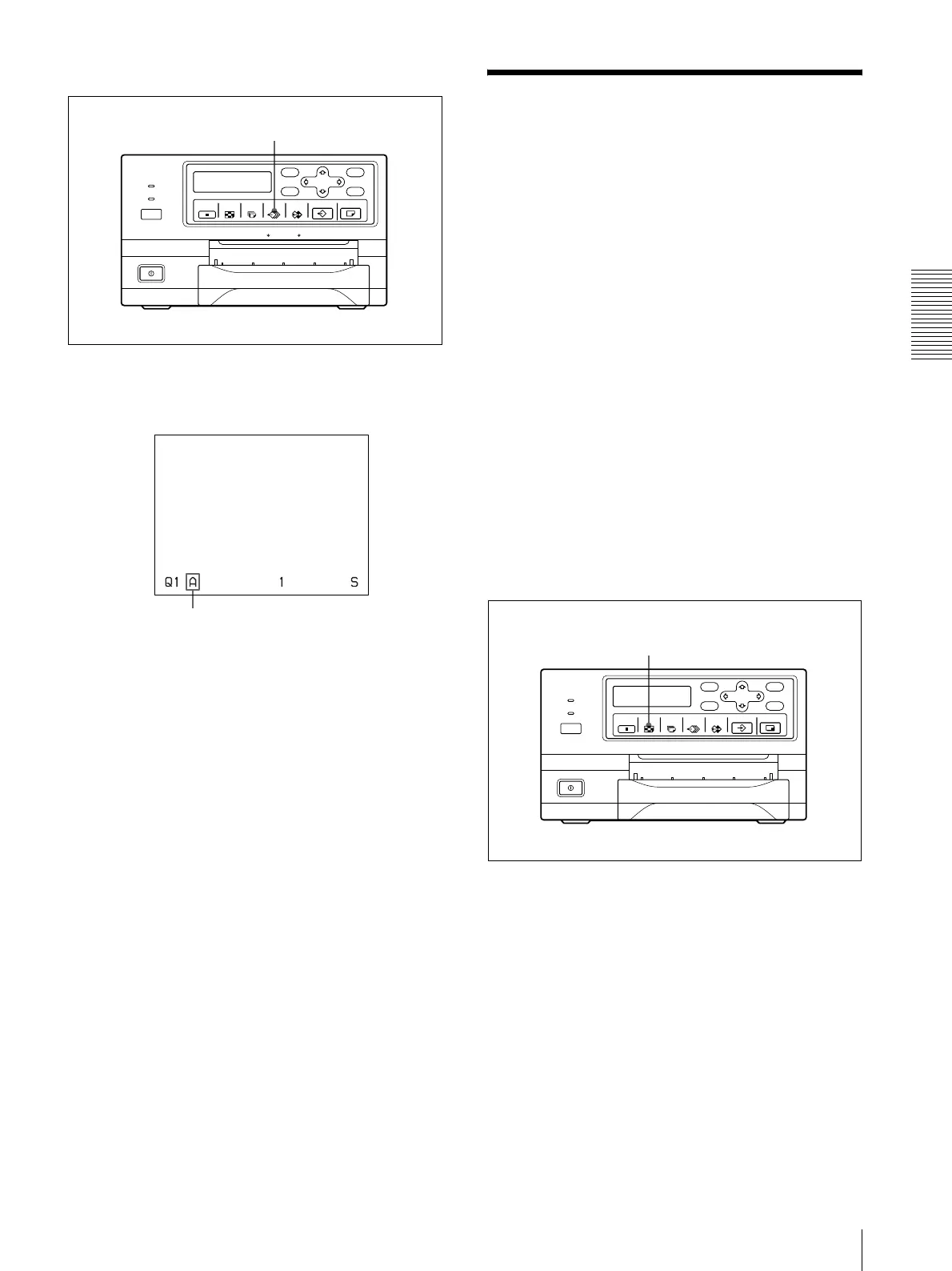
Selecting a memory page
Press the MEMORY PAGE button repeatedly until the
desired memory page appears.
Making a Printout of
Multiple Different
Reduced Images
You can capture multiple images in a memory page and
make a printout with those reduced images. This section
explains how to make a printout with multiple reduced
images.
A printout having multiple reduced images is made
using the procedure below.
• Determining the number of reduced images (See
below.)
• Selecting the memory page (See page 29.)
Selecting the number of reduced images
to be captured in memory
The following two methods are available to select the
memory mode:
• Using the MULTI PICTURE button
• Using the menu
To select the desired type of reduced images to
be captured in memory using the MULTI
PICTURE button
MEMORY PAGE button
Currently selected memory page
1, 2



 To Next Page